
Construction Purchase Order Software
Purchase orders are the foundation of healthy project finances. Billdr helps general contractors and home builders manage commitments to subcontractors and suppliers, track every purchase, control approvals, and keep accounts payable organized from the moment work is awarded until the final bill is paid.











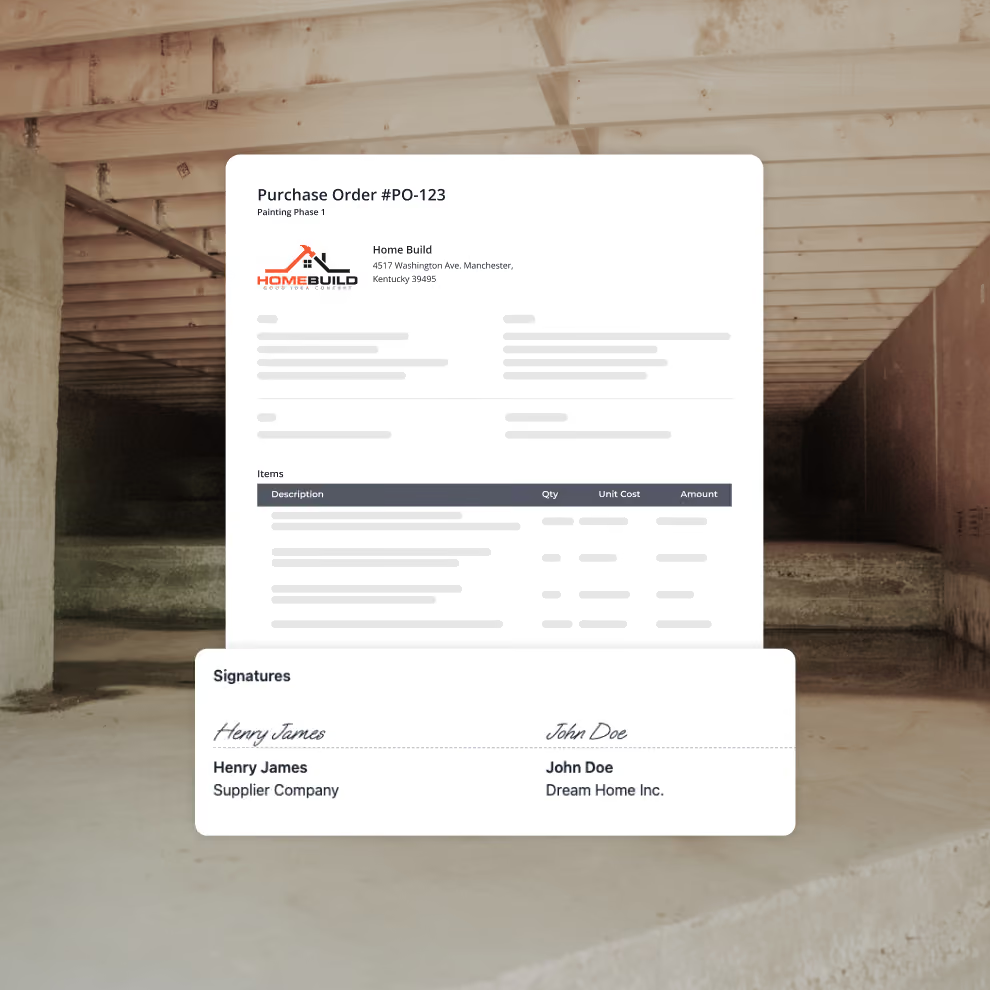
Create Purchase Orders to track contracts with your subs or suppliers
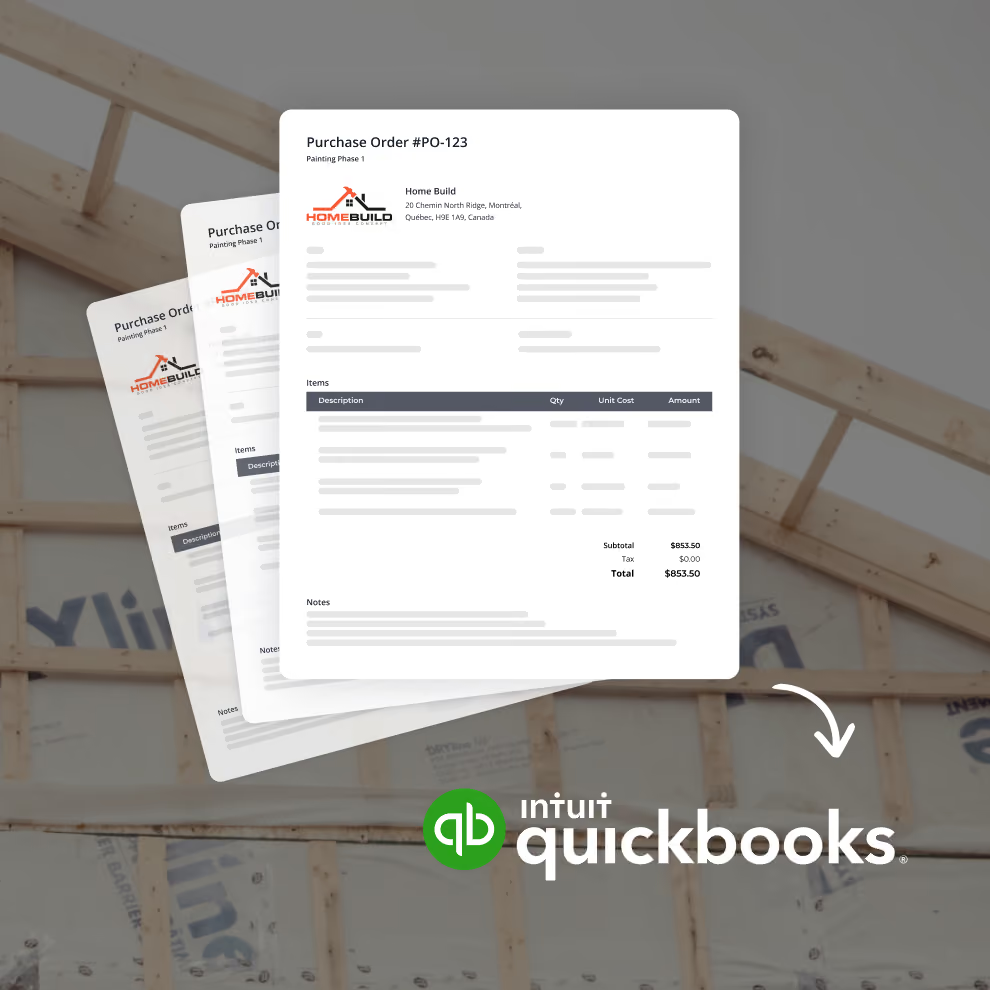
Whether you're ordering materials from suppliers or awarding work to subcontractors, Billdr lets you generate professional purchase orders in just a few clicks.
Each purchase order includes everything your vendors need:
• Supplier or subcontractor information
• Project association
• Cost codes
• Material or labor line items
• Quantities and pricing
• Taxes and payment terms
• Attachments and notes
Instead of managing commitments through emails and spreadsheets, every purchase order is stored alongside the project.
Control approvals before money is committed
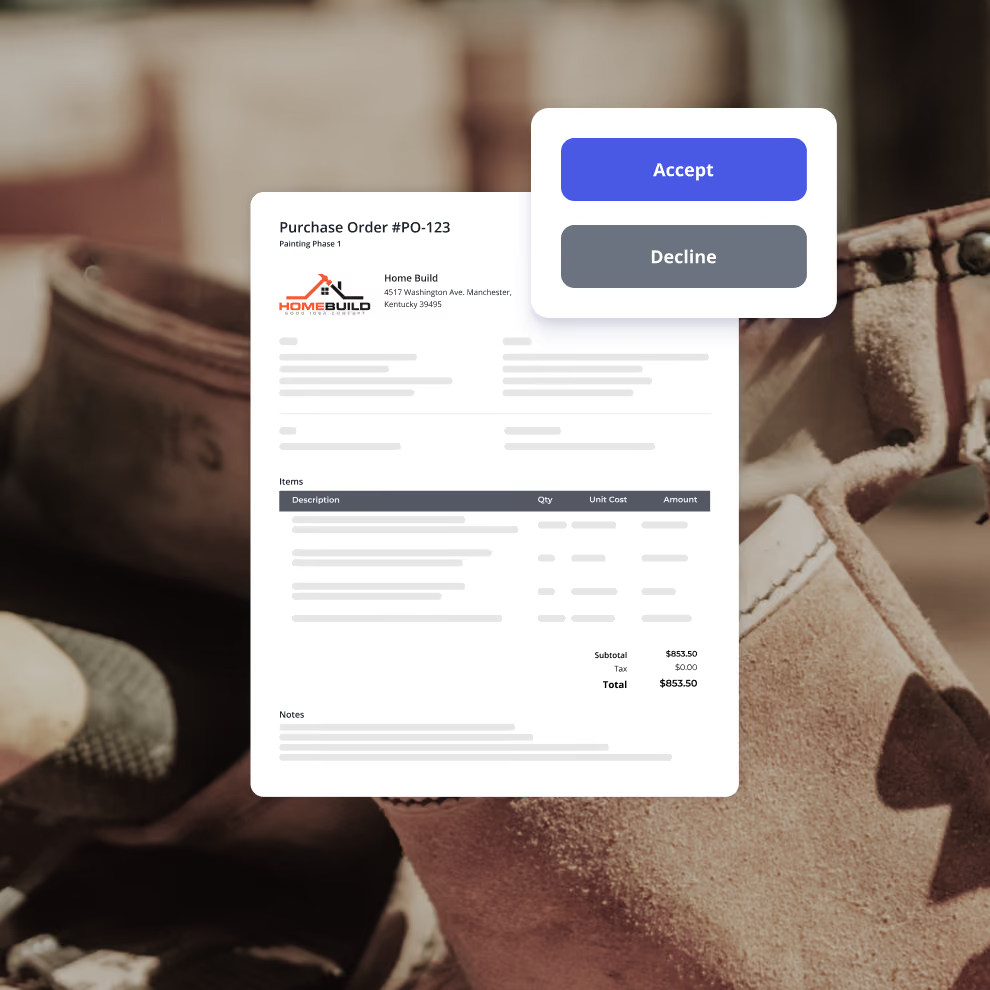
Billdr lets you build approval workflows so purchase orders can be reviewed internally before being sent. Once approved, you can send the PO directly to your supplier or subcontractor and request a signature when required.
Whether you're a small contractor or a growing company with project managers and office staff, everyone follows the same purchasing process.
Track your purchase orders status
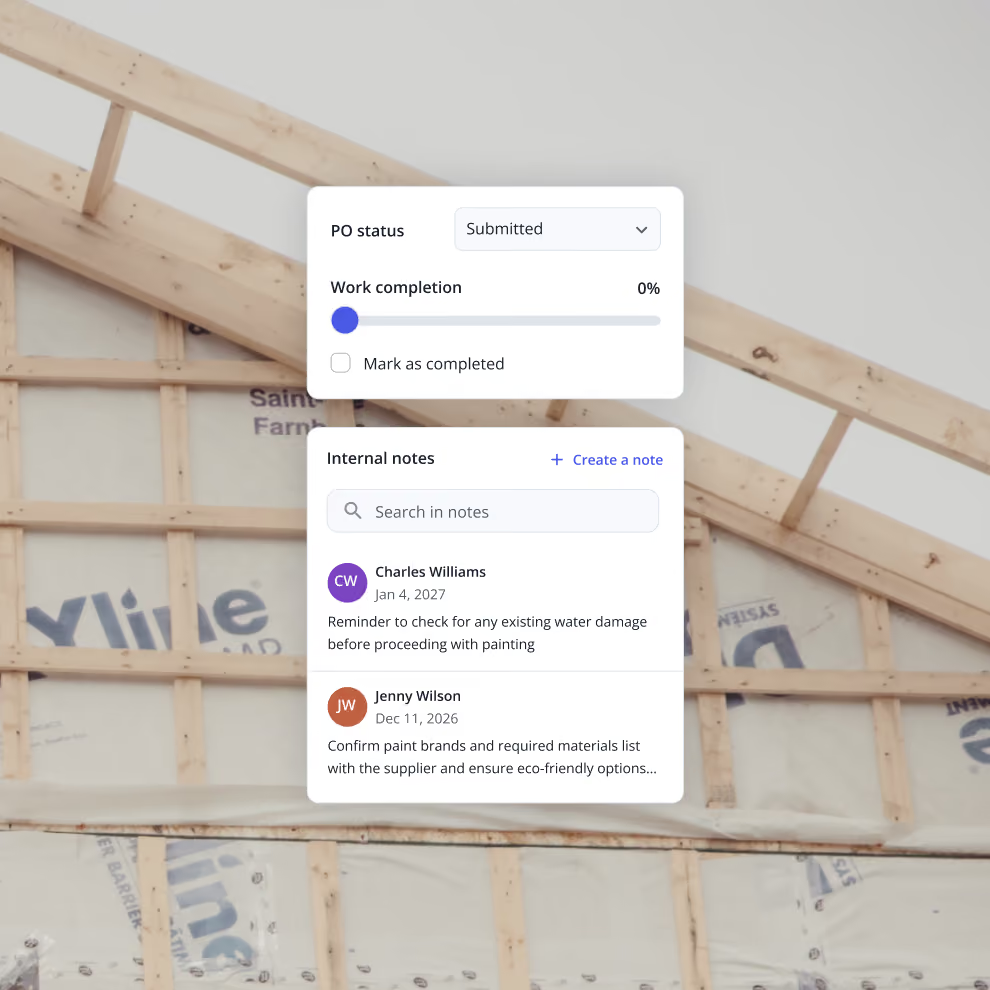
Monitor the status of every order throughout its lifecycle—from draft, approved, and sent to partially billed, completed, or closed. Internal notes and activity history keep your entire team aligned on every commitment.
At any time, you'll know:
• Which purchase orders are still outstanding
• Which vendors have billed
• What remains to be paid
• Outstanding commitments by project
Match purchase orders, bills, and payments
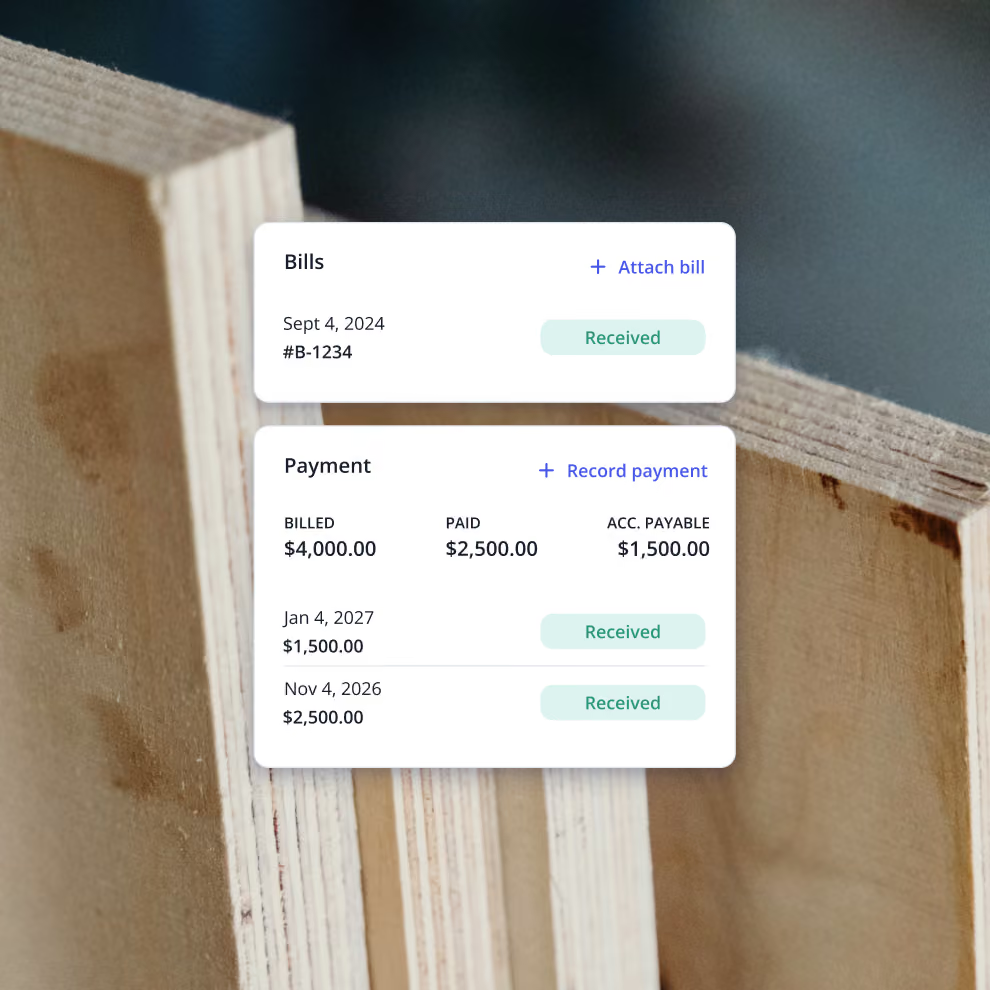
Keep your accounts payable organized by connecting every bill and payment back to its original purchase order.
As supplier invoices (i.e bills) arrive, simply associate the bills with the correct purchase order to maintain a complete financial history. This gives your accounting team a clear picture of committed costs, billed amounts, and remaining balances.
It's a much cleaner workflow than managing disconnected PDFs and spreadsheets.
Synchronize your purchase orders with Quickbooks
Purchase orders, supplier bills, and related financial information synchronize with QuickBooks, keeping your accounting records accurate while allowing your operations team to continue working inside Billdr.
Billdr becomes the operational system your field and office teams use every day, while QuickBooks remains your accounting system of record.
How we help GCs win


7x revenue growth with Billdr
“Billdr saved me so much time. In the evening, I have more time with my daughter. I also have more time to play my electric guitar...This is priceless.”


50 hours saved per week
“Billdr is helping us taking our business to the next level. We save so much time, it makes us so happy. I can spend more time with my wife and kids.”

2.5x revenue growth
“Before Billdr, doing a quote used to take me 3h or more. Now with Billdr, I can build one in 30 seconds.”
2-3h saved per evening
“We can see all our projects’ data in one place. We don’t need to use so many different tools anymore. Billdr is efficient and easy.”

10x more user friendly
“Billdr is way more user-friendly than our previous platform! Very complete program. It’s also pretty to look at!”
Discover our other features
Budget
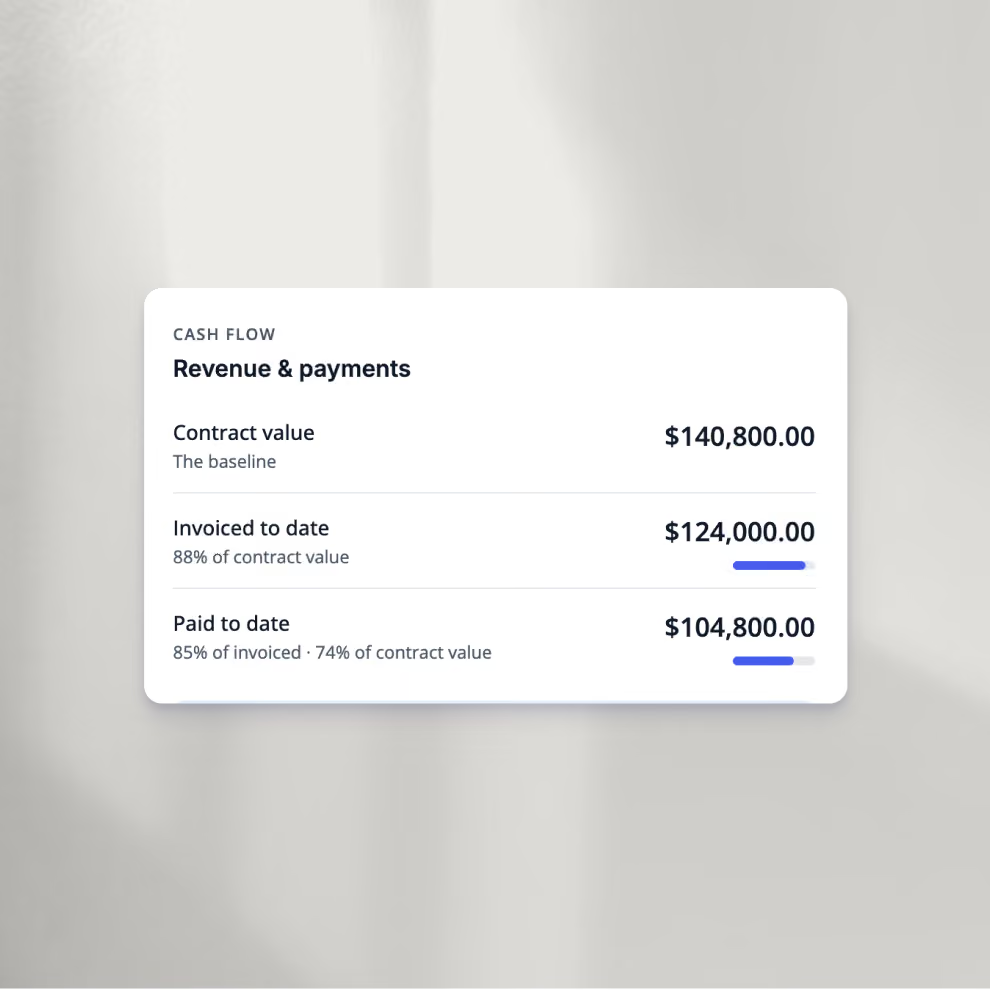
Construction project budget software
QuickBooks Integration
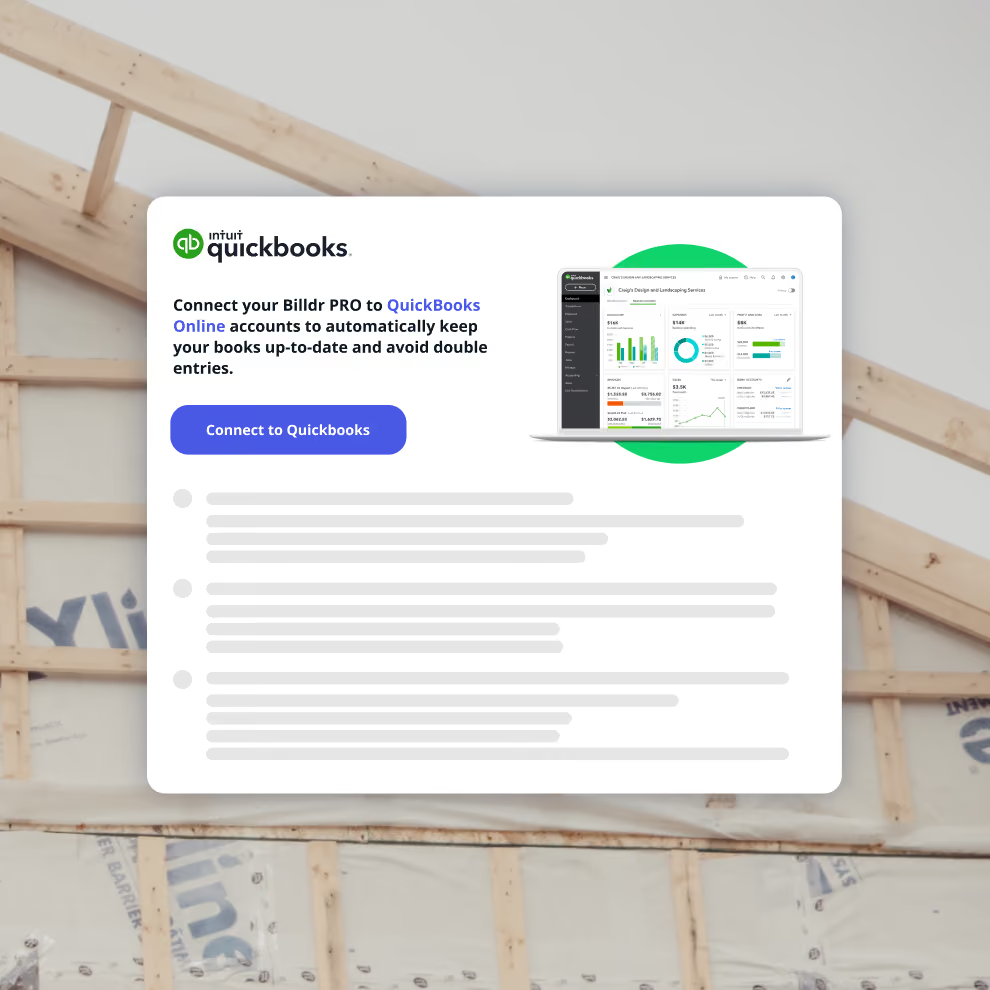
Construction management software integrated with QuickBooks
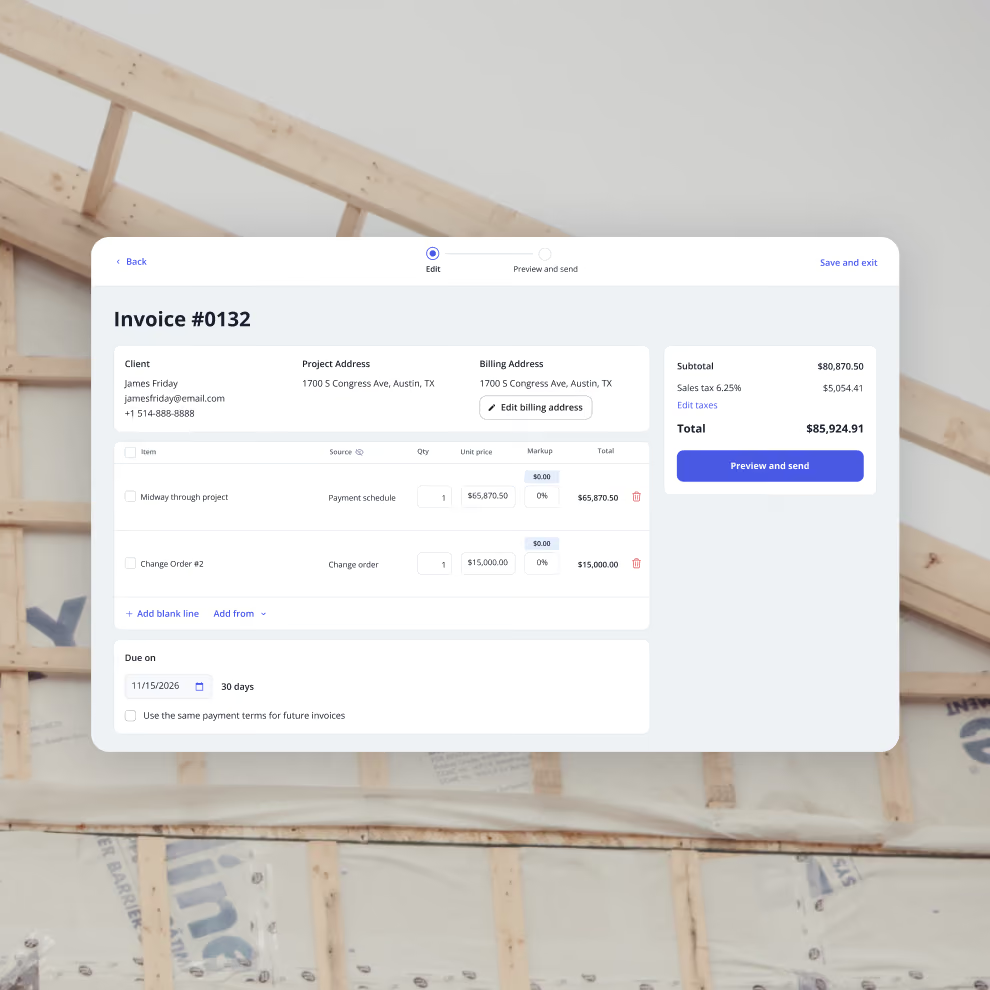
Invoices
Construction invoicing software that helps you get paid faster


Your construction business, in your pocket. Get the Billdr app today.
Your office goes wherever you build!


Still have questions?

Yes. Billdr is built for residential and commercial general contractors, home builders, and specialty contractors across North America. Whether you're a small & medium team (1-30 FTEs) or a growing business (30-100 employees), Billdr scales with the way you build.
Note: Billdr is not adapted for general contractors building high-rises, airports, industrial projects.
Absolutely. Billdr is designed for owners, project managers, estimators, office staff, field crews, subcontractors, and even your clients through dedicated portals. Everyone stays connected in one system.
Yes. Billdr syncs with QuickBooks Online, so invoices, expenses, purchase orders, bills, payments, and customers move across automatically and nothing gets entered twice. Your operations team works in Billdr while your accountant keeps working in QuickBooks
Yes. You can book a personalized demo with our team or start your subscription and schedule a free onboarding session. We'll help you get set up quickly so you can experience Billdr with your own projects.
Yes. Billdr includes import tools to help you migrate customers, contacts, projects, price lists, templates, and more. Our Customer Success team is available to guide you through the transition and ensure a smooth setup.