
Optimize your quoting
process with your cost catalog
Save time and improve accuracy with our cost catalog feature. Easily save tasks and prices from your quotes or import your own catalog to speed up your estimates.












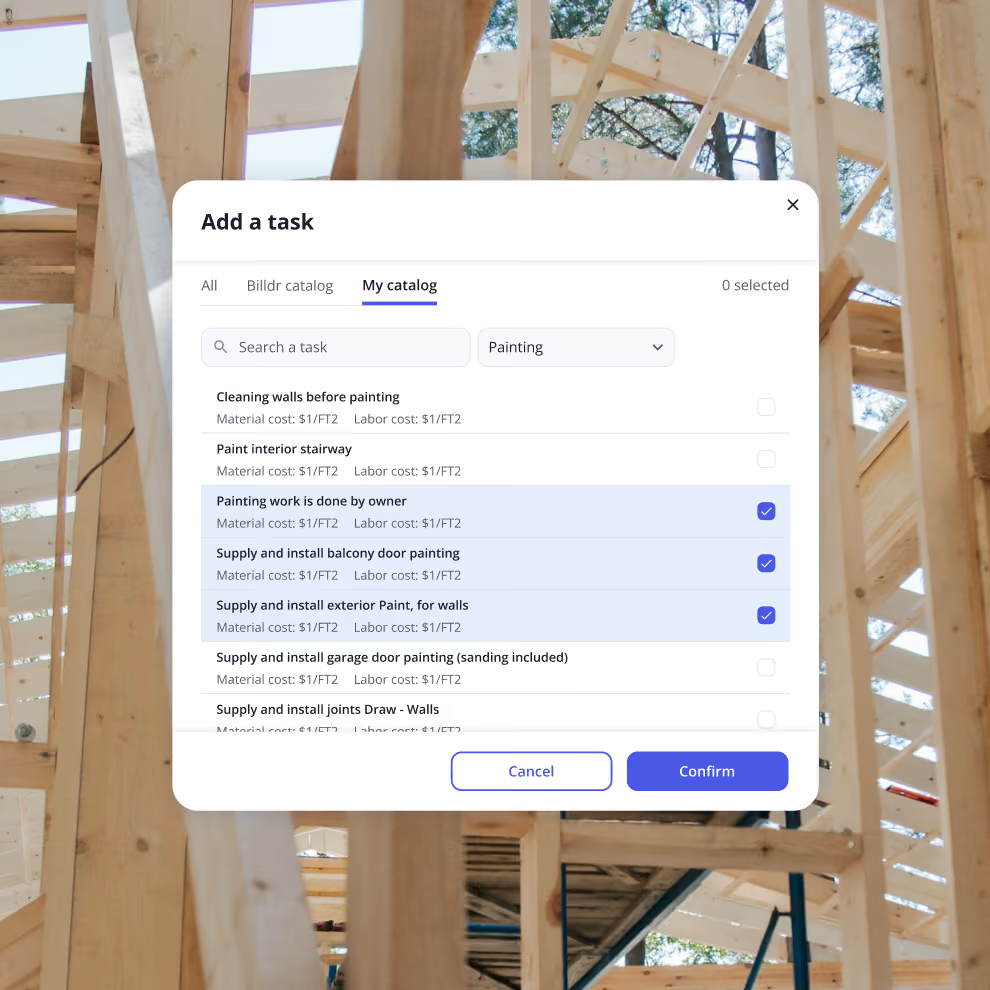
Organize your costs efficiently
Maintain all your important cost items and cost groups in one centralized location. An organized cost catalog allows you to manage your project finances with greater ease and precision, ensuring that all your cost data is readily accessible whenever needed.
This reduces the risk of errors and omissions, allowing you to quickly retrieve and update cost information as projects evolve. With a well-structured cost catalog, every financial detail is accounted for and easy to find.
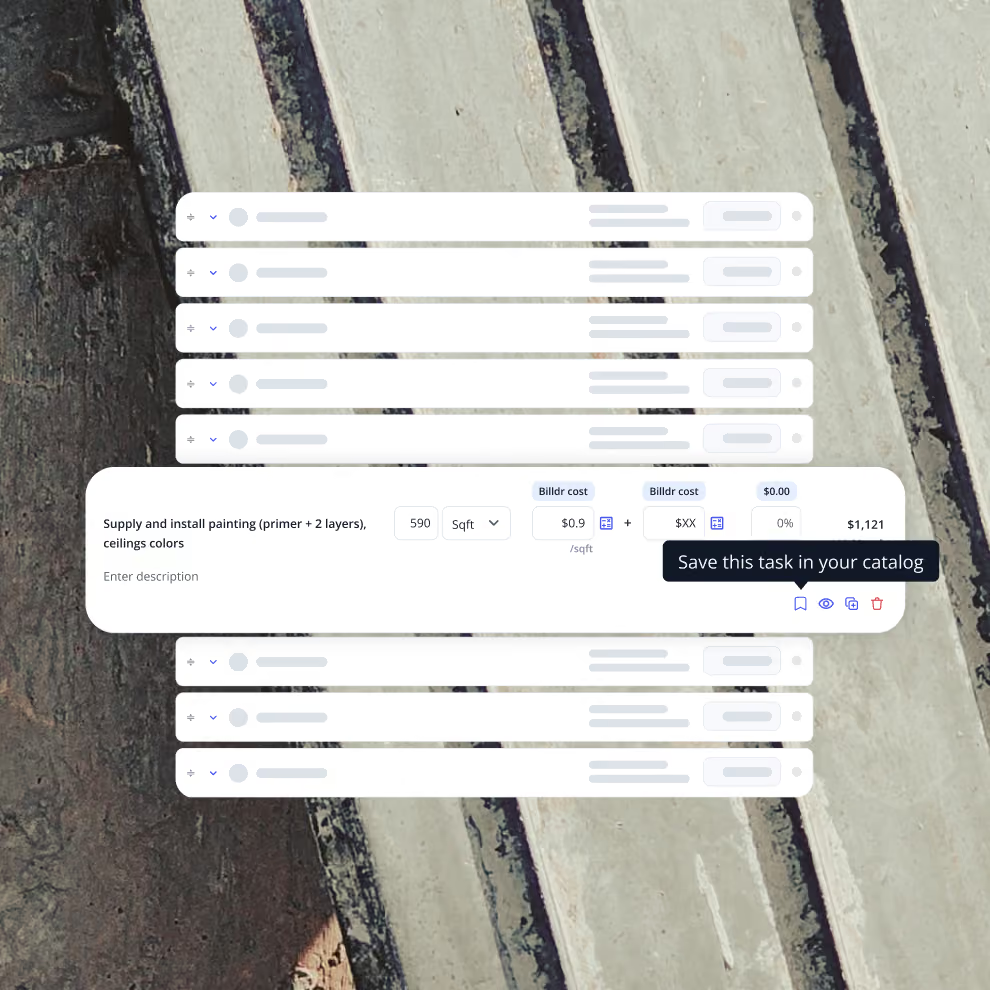
Speed up your estimates
Save tasks from your quotes to speed up your future estimates. Create detailed estimates quickly, without the need to start from scratch each time. This not only saves valuable time but also ensures consistency and accuracy across all your project proposals.
Standardizing your estimating process reduces errors and presents a professional image. Faster, reliable estimates help you respond to client inquiries promptly, increasing your chances of winning more projects.
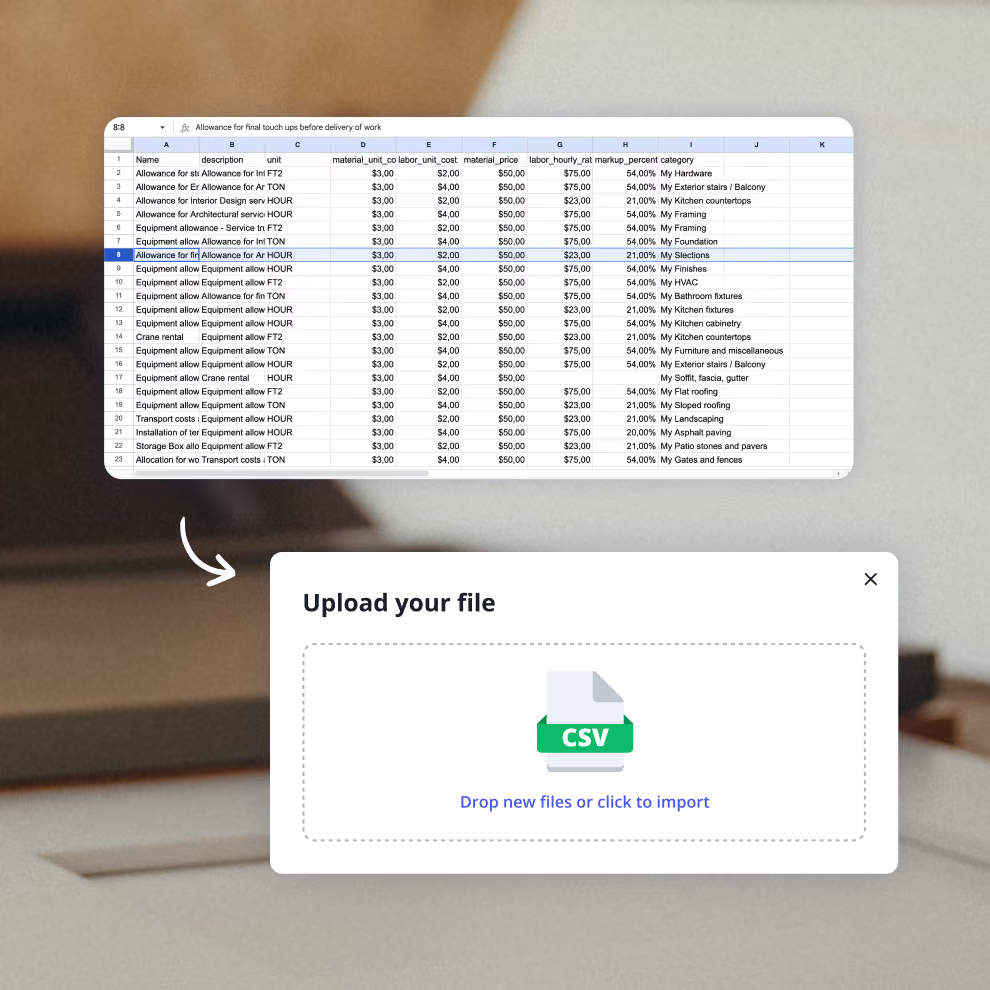
Price jobs with precision
Achieve a thorough understanding of your project costs by importing your own cost data and setting your target margins to automatically calculate prices. This feature allows you to price jobs with greater accuracy, ensuring that you remain profitable while meeting client expectations.
Importing your own costs ensures that you have the most accurate and relevant data for each project component, enabling you to set competitive prices and safeguard your profit margins, avoiding underestimation and overcharging.
How we help GCs win


7x revenue growth with Billdr
“Billdr saved me so much time. In the evening, I have more time with my daughter. I also have more time to play my electric guitar...This is priceless.”


50 hours saved per week
“Billdr is helping us taking our business to the next level. We save so much time, it makes us so happy. I can spend more time with my wife and kids.”

2.5x revenue growth
“Before Billdr, doing a quote used to take me 3h or more. Now with Billdr, I can build one in 30 seconds.”
2-3h saved per evening
“We can see all our projects’ data in one place. We don’t need to use so many different tools anymore. Billdr is efficient and easy.”
10x more user friendly
“Billdr is way more user-friendly than our previous platform! Very complete program. It’s also pretty to look at!”
Discover our other features
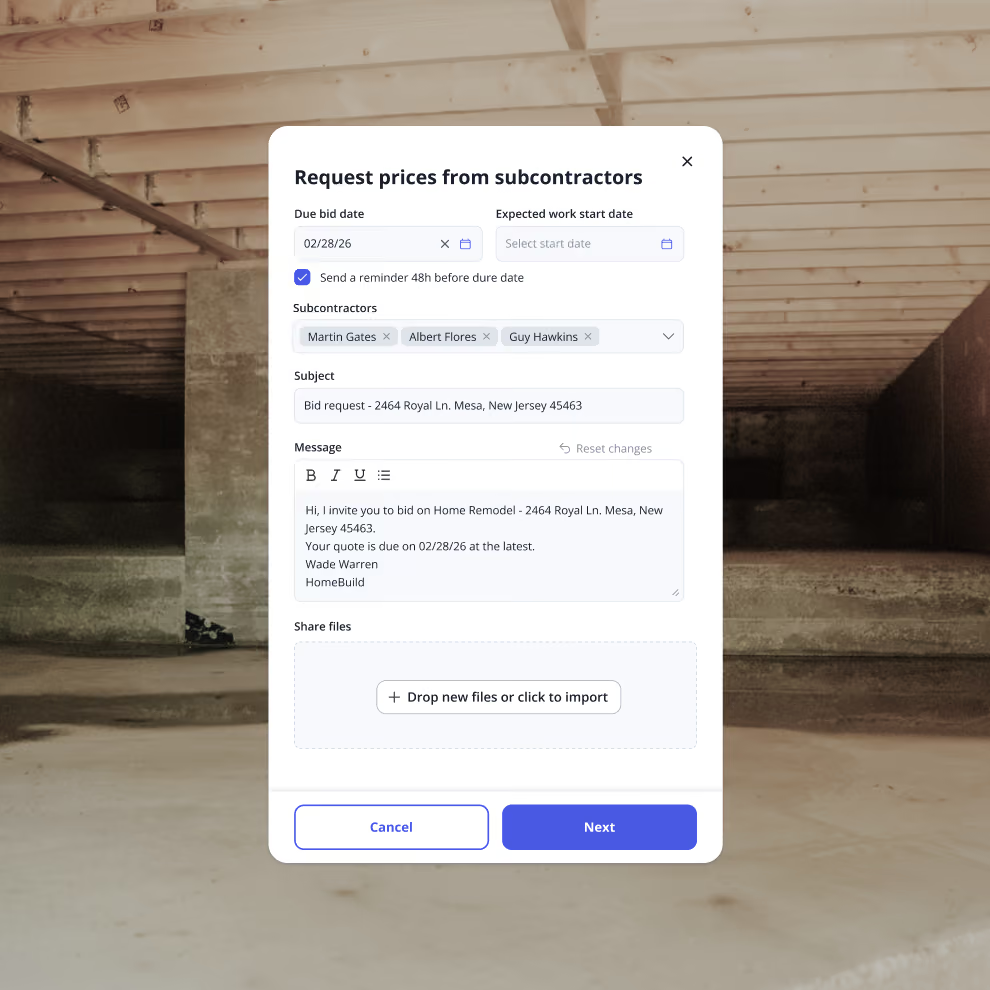
Bid Requests
Request and compare subcontractor bids all in one place
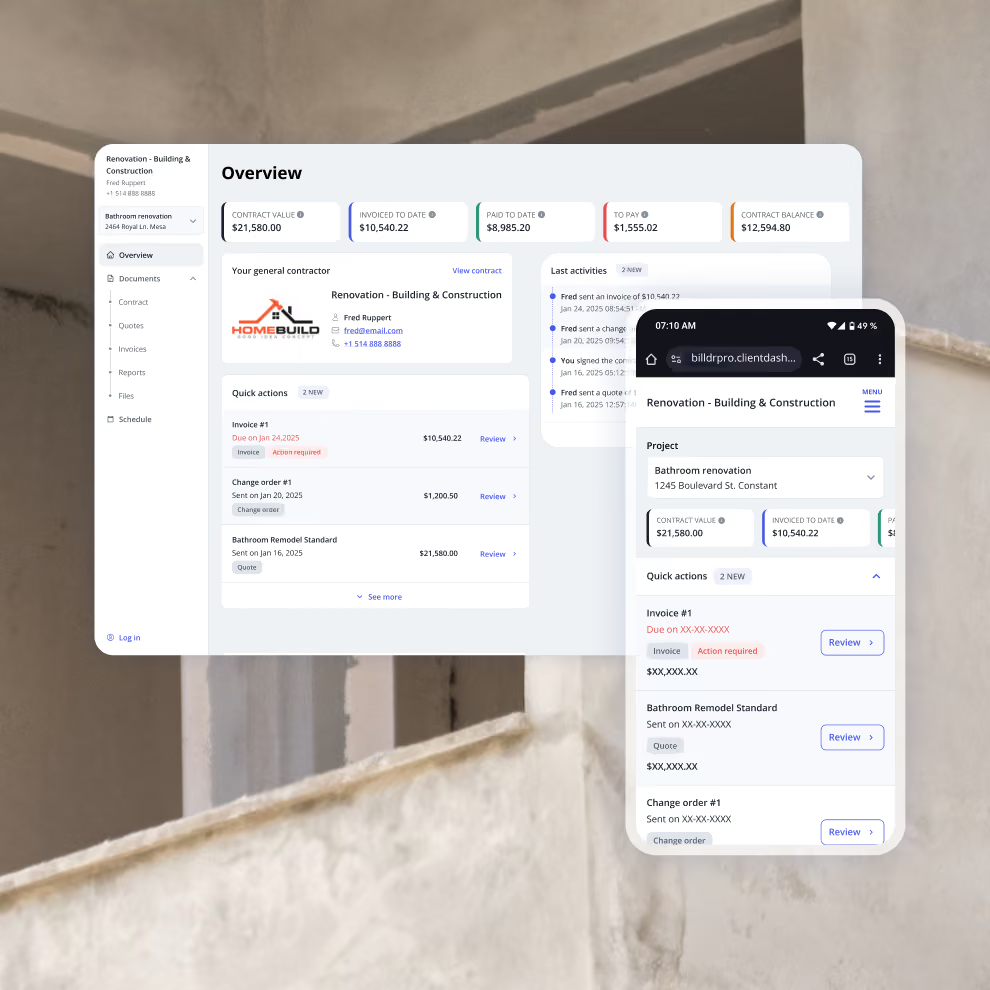
Client Dashboard
Client dashboard
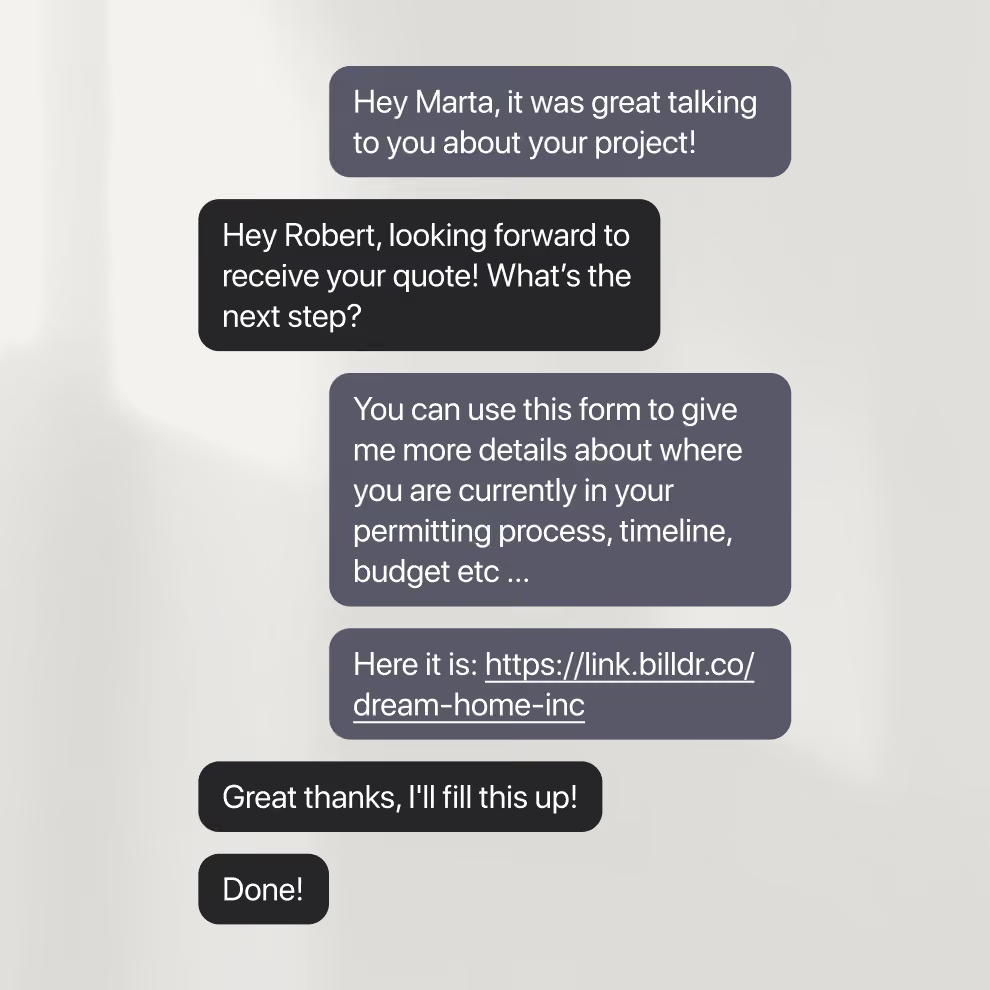
Magic Link
Simplify client onboarding with our Magic Link form


Your construction business, in your pocket. Get the Billdr app today.
Your office goes wherever you build!


Still have questions?

Yes. Billdr is built for residential and commercial general contractors, home builders, and specialty contractors across North America. Whether you're a small & medium team (1-30 FTEs) or a growing business (30-100 employees), Billdr scales with the way you build.
Note: Billdr is not adapted for general contractors building high-rises, airports, industrial projects.
Absolutely. Billdr is designed for owners, project managers, estimators, office staff, field crews, subcontractors, and even your clients through dedicated portals. Everyone stays connected in one system.
Yes. Billdr syncs with QuickBooks Online, so invoices, expenses, purchase orders, bills, payments, and customers move across automatically and nothing gets entered twice. Your operations team works in Billdr while your accountant keeps working in QuickBooks
Yes. You can book a personalized demo with our team or start your subscription and schedule a free onboarding session. We'll help you get set up quickly so you can experience Billdr with your own projects.
Yes. Billdr includes import tools to help you migrate customers, contacts, projects, price lists, templates, and more. Our Customer Success team is available to guide you through the transition and ensure a smooth setup.