
From first lead to signed contract all in one place
Capture every lead, build professional estimates in minutes, impress clients with a modern digital experience, and seamlessly turn won projects into active jobs, all from one platform.











Sales
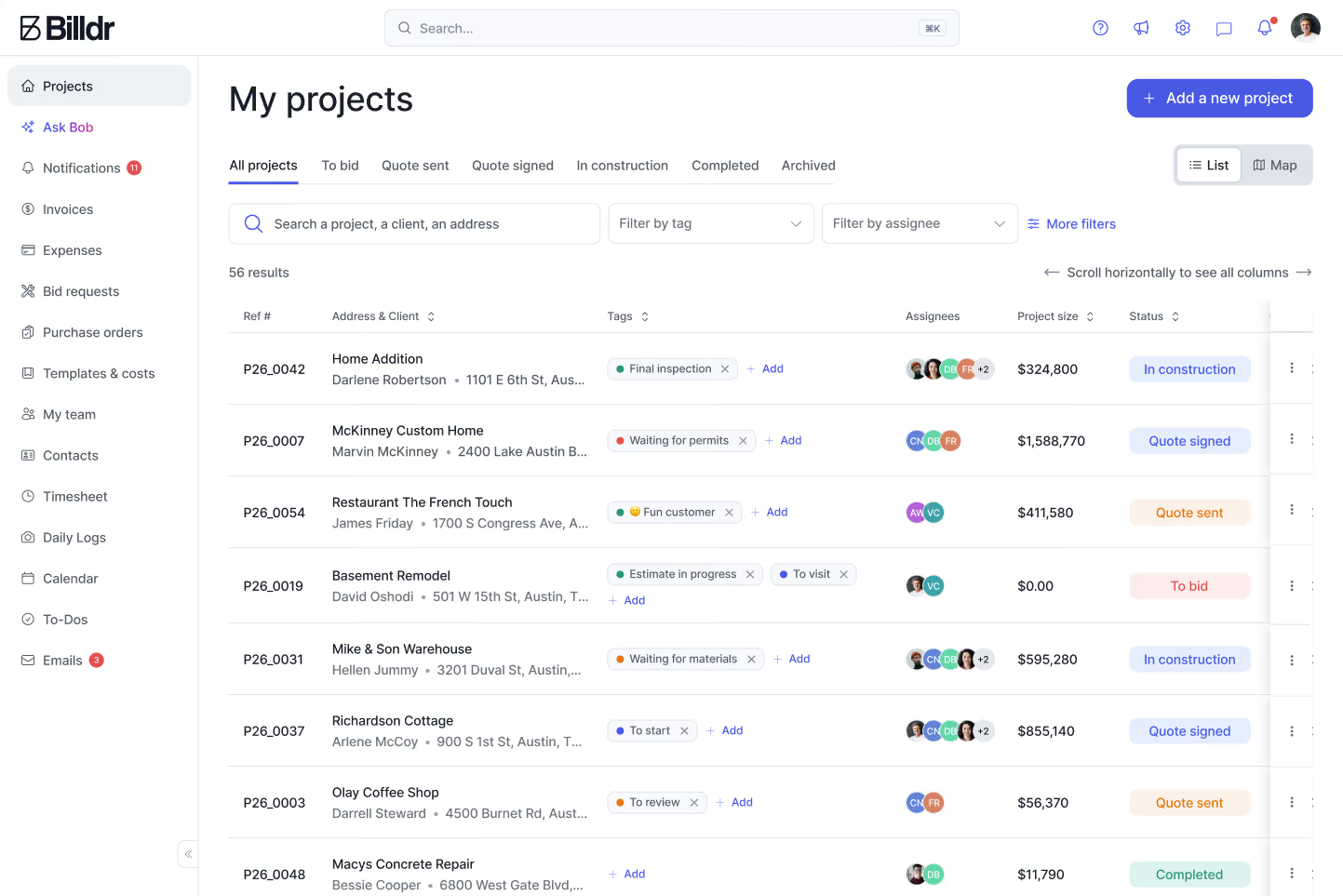
One place for every lead
Every inquiry, client, estimate, conversation and follow-up lives inside Billdr. Easily see where every opportunity stands, manage your sales pipeline, and stay on top of every prospective project.
Never lose track of a lead
Better visibility into your sales pipeline
Faster follow-ups and higher close rates
Everything connected from lead to project
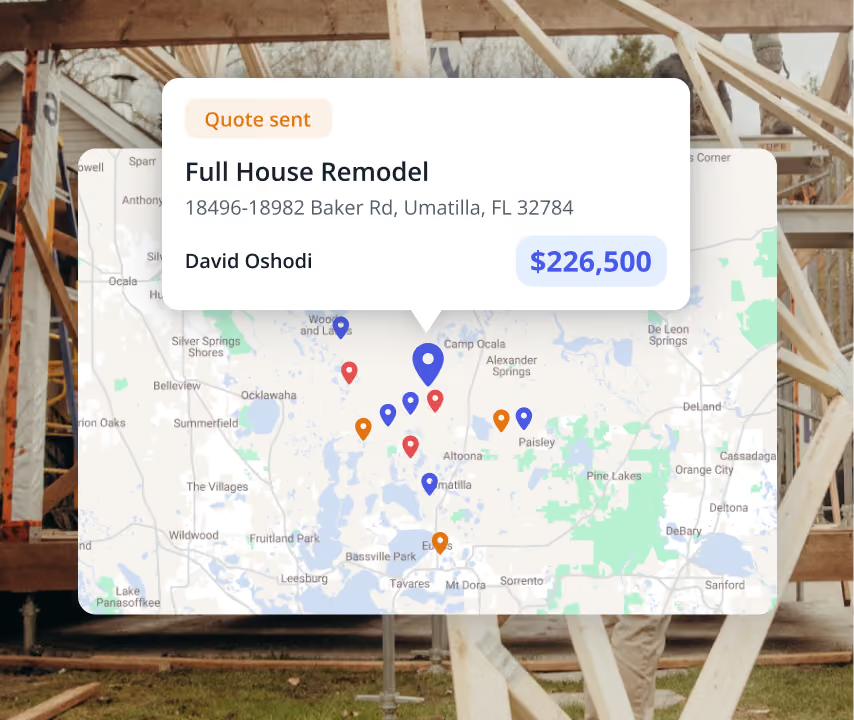
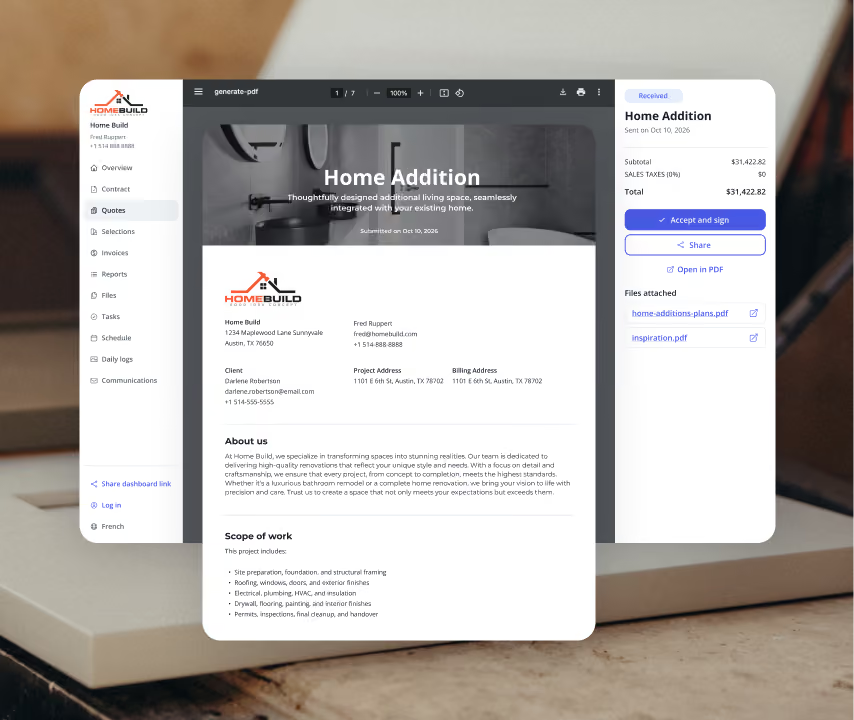
Build accurate estimates in minutes
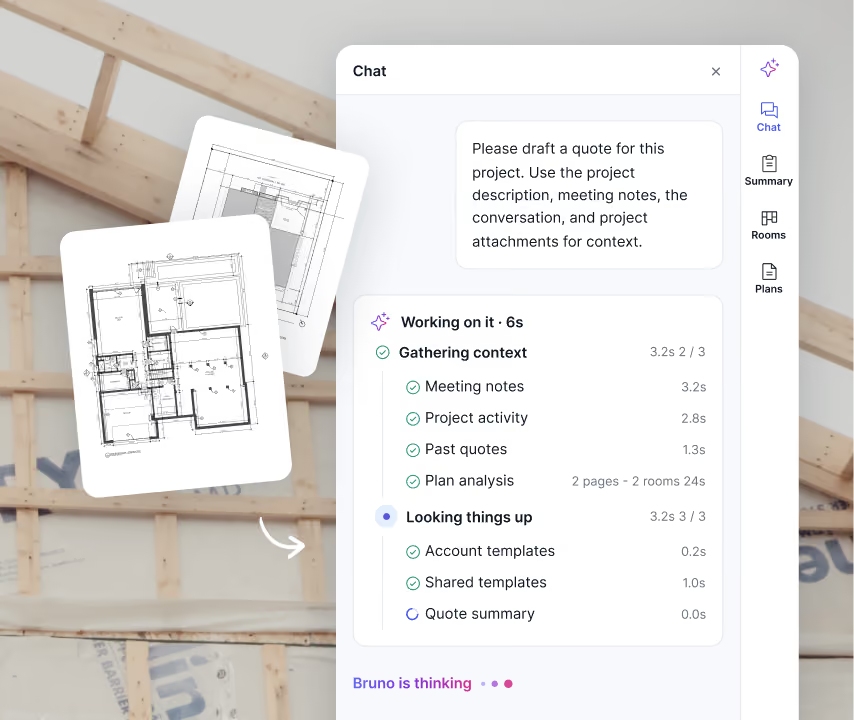
Billdr helps you build professional estimates faster using reusable templates, your own cost catalog, and AI-assisted estimating. Whether you're pricing a bathroom renovation or a custom home, your team can generate polished proposals in a fraction of the time.
Up to 80% less time creating estimates
More consistent and accurate pricing
Reusable templates and cost catalogs
Professional proposals that build client confidence
Bid Requests
Send bid requests, compare subcontractor pricing and keep every quote attached to the project. No more digging through inboxes or wondering which subcontractor submitted the latest price.
Whether you're requesting electrical, plumbing or framing quotes, everything stays organized from request to award.
Centralized subcontractor bids
Faster quote comparisons
Complete bid history
Better visibility across the team
Less manual follow-up
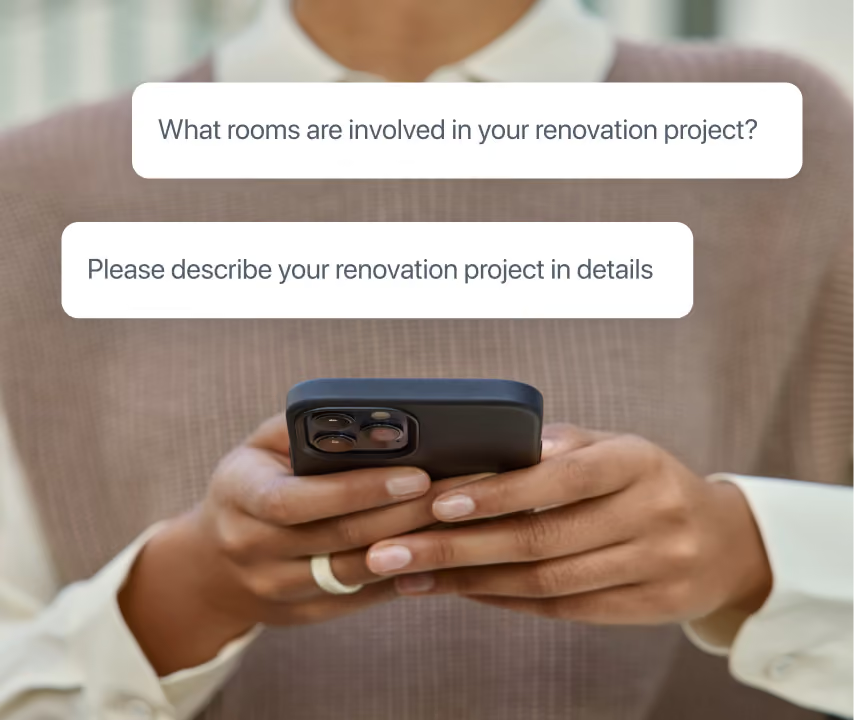
Easy project creation flow
Clients can submit project details, upload photos and provide the information you need without creating an account. Billdr automatically organizes everything so your team can start preparing an estimate immediately.
Faster project intake
Less manual data entry
Better project information from the start
Shorter sales cycle
How we help GCs win


7x revenue growth with Billdr
“Billdr saved me so much time. In the evening, I have more time with my daughter. I also have more time to play my electric guitar...This is priceless.”


50 hours saved per week
“Billdr is helping us taking our business to the next level. We save so much time, it makes us so happy. I can spend more time with my wife and kids.”

2.5x revenue growth
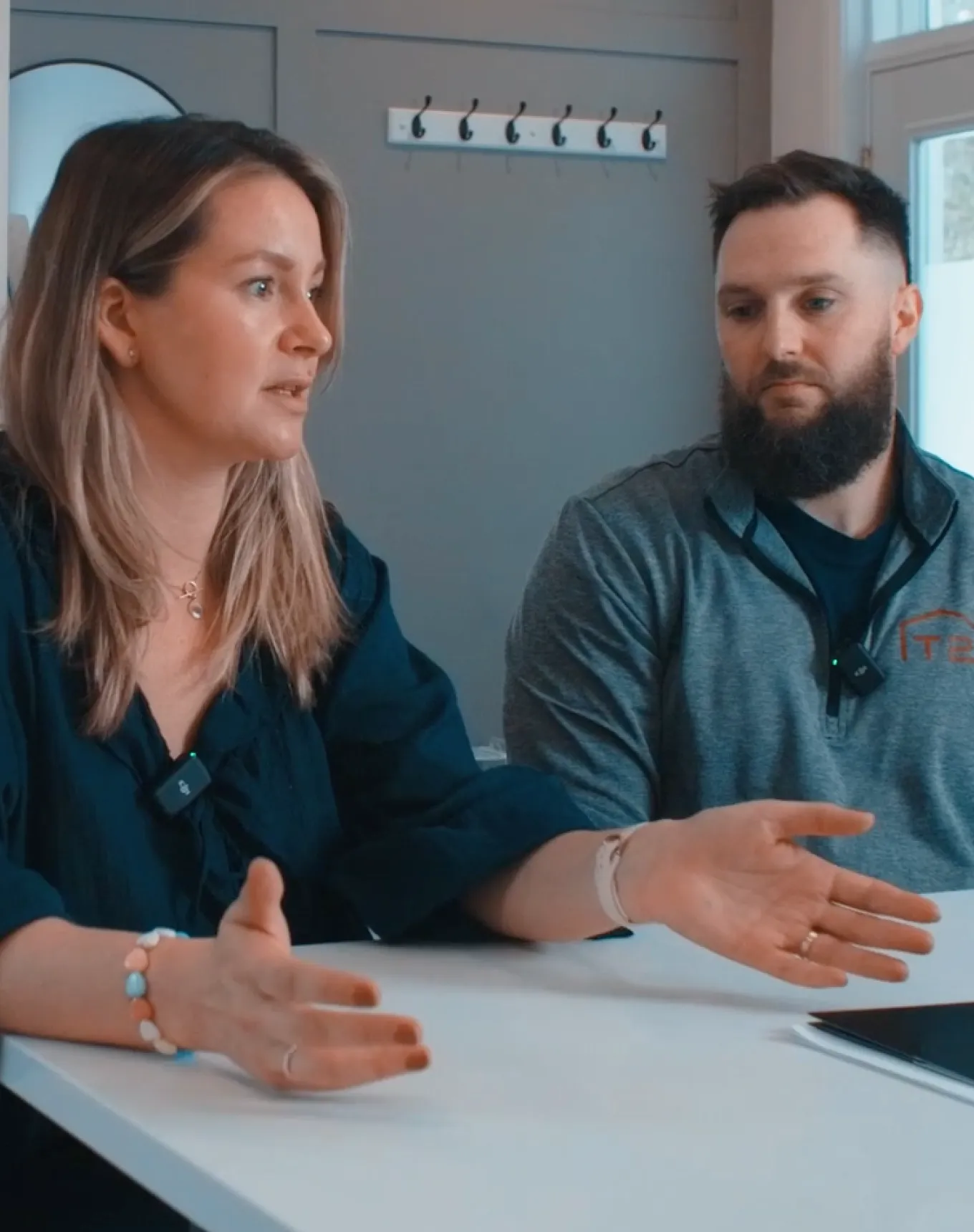
“Before Billdr, doing a quote used to take me 3h or more. Now with Billdr, I can build one in 30 seconds.”
2-3h saved per evening
“We can see all our projects’ data in one place. We don’t need to use so many different tools anymore. Billdr is efficient and easy.”
10x more user friendly
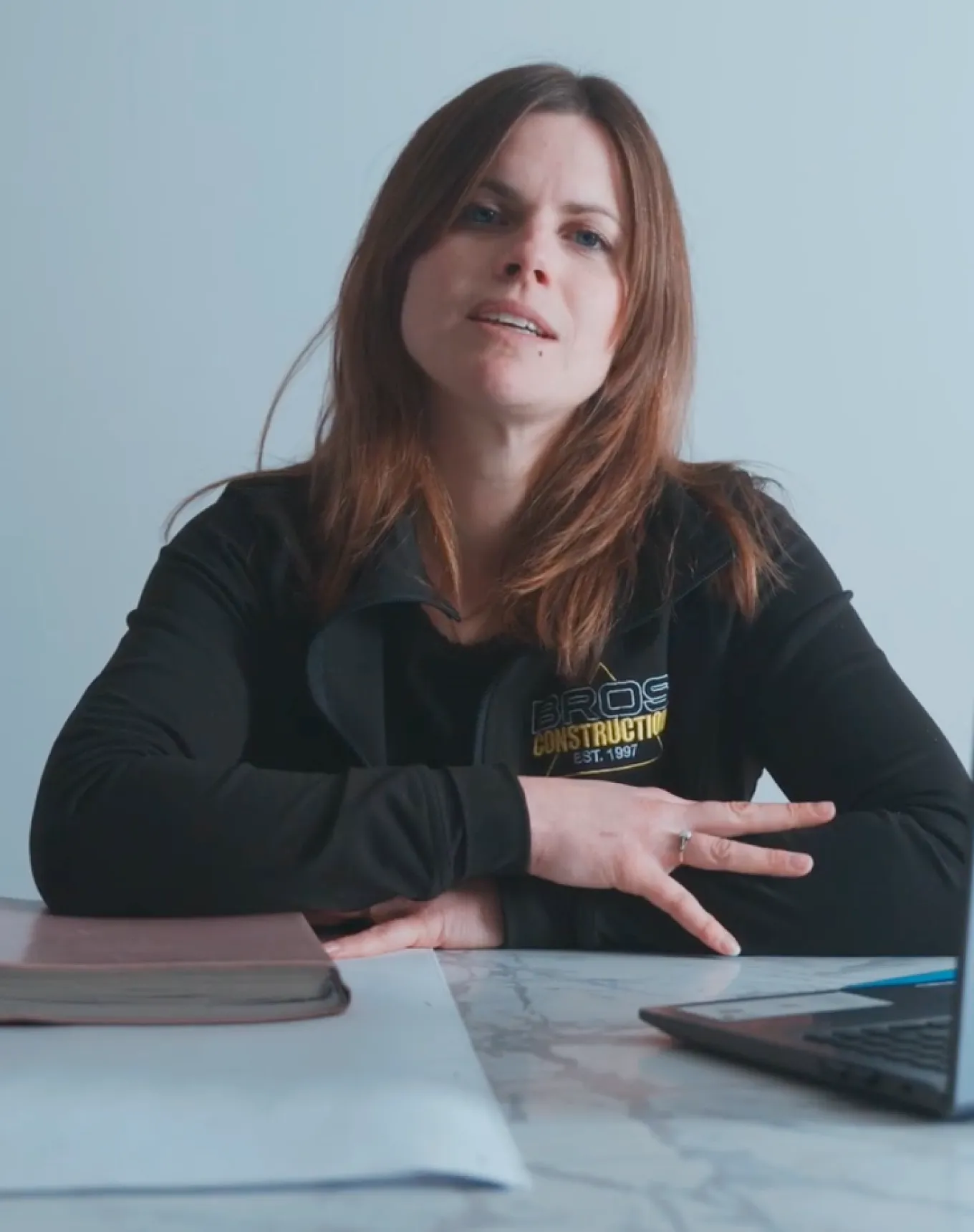
“Billdr is way more user-friendly than our previous platform! Very complete program. It’s also pretty to look at!”
Discover our other features
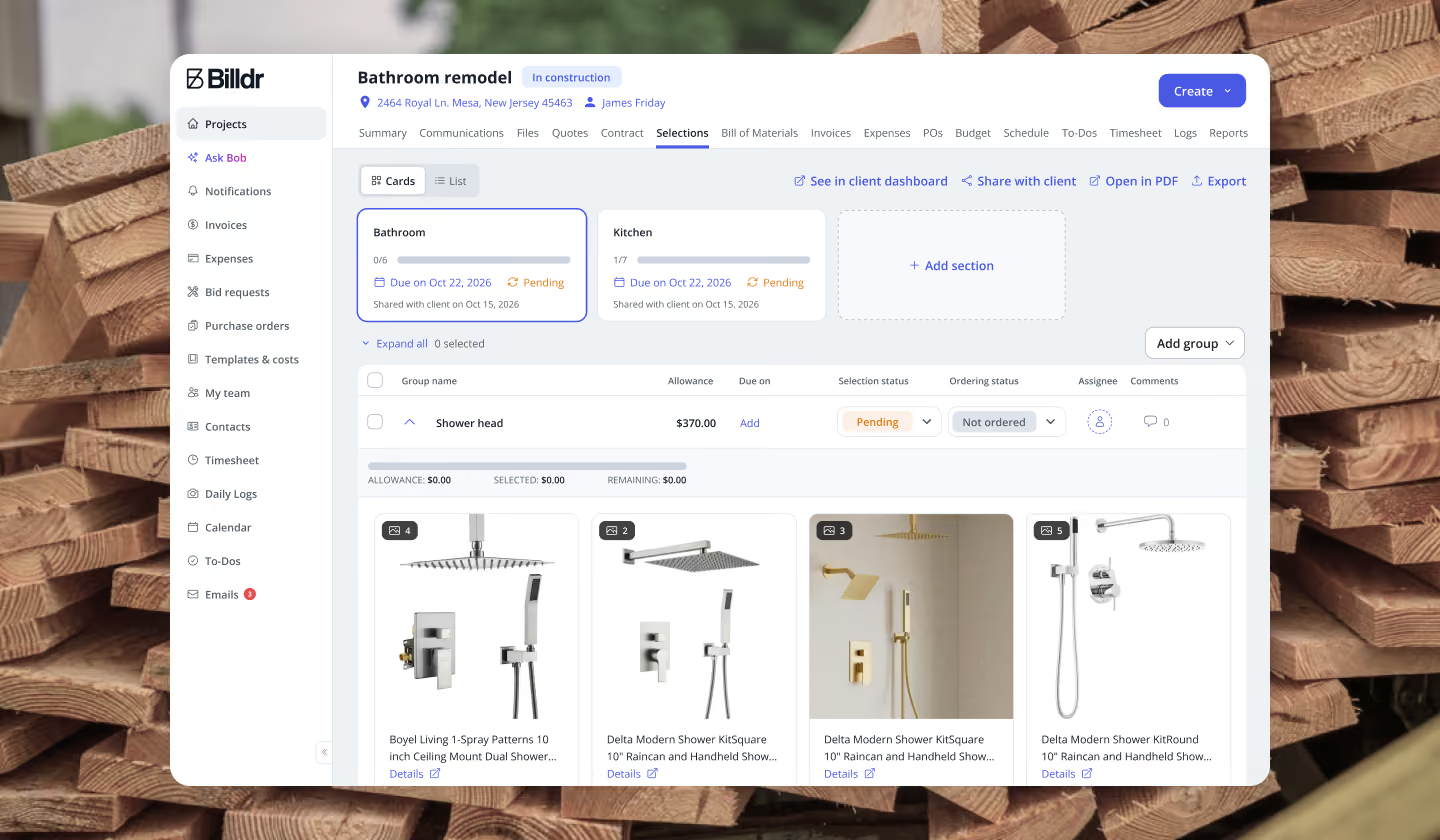
Projects
Keep every project decision clear and documented
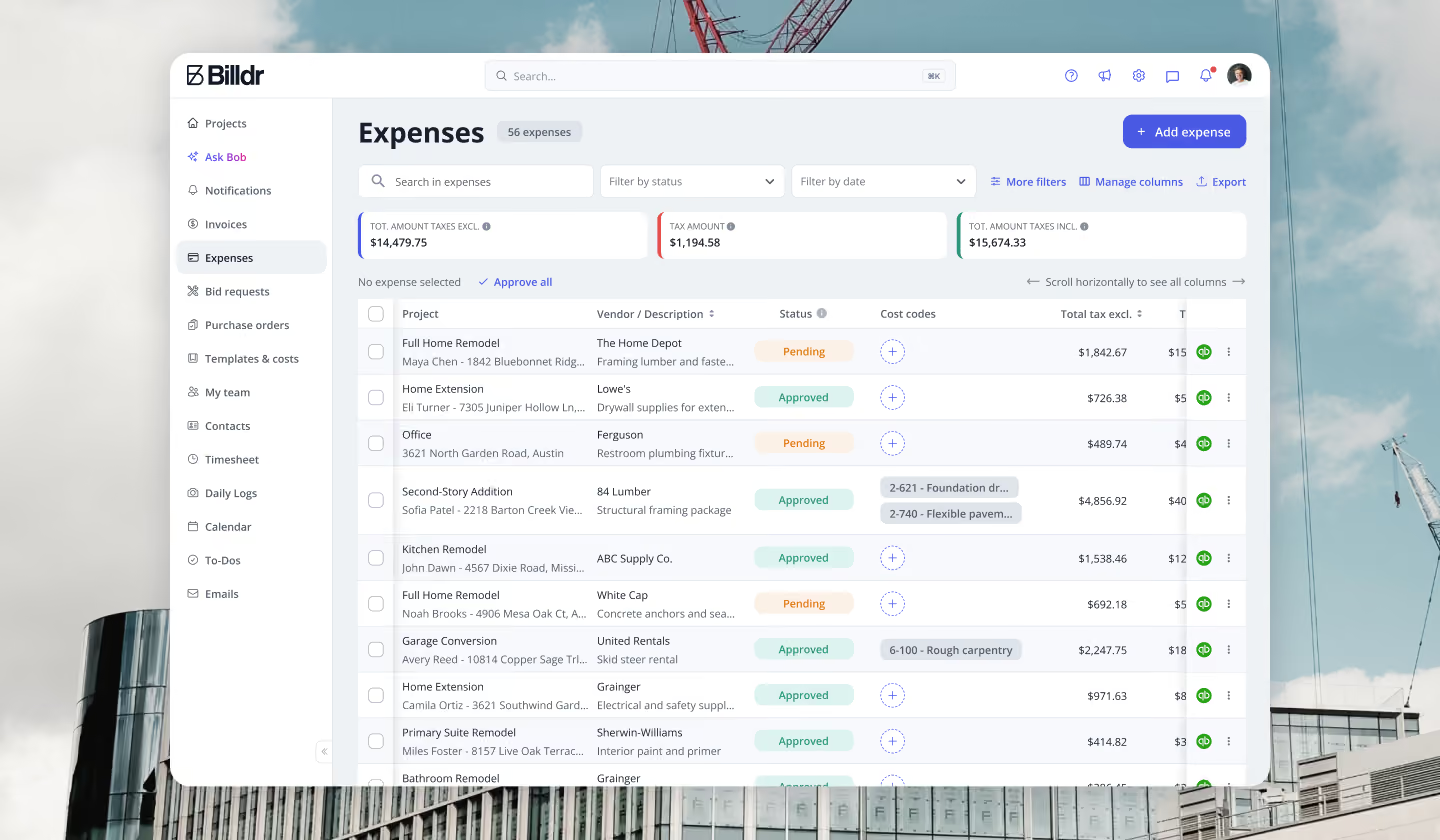
Finances
Know exactly where your money is going
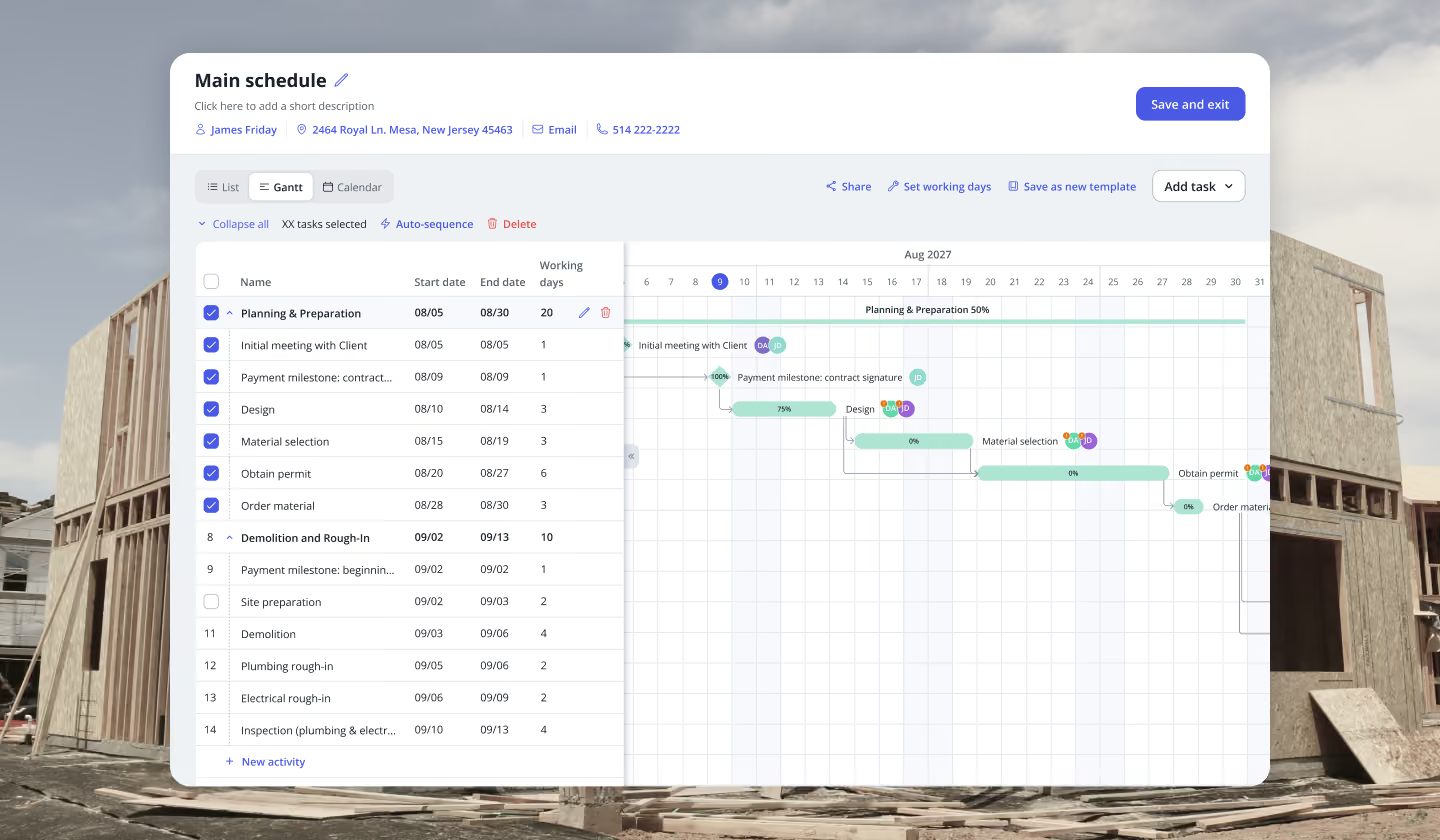
Crews
Keep every crew, project and schedule in sync.


Your construction business, in your pocket. Get the Billdr app today.
Your office goes wherever you build!


Still have questions?

Yes. Billdr is built for residential and commercial general contractors, home builders, and specialty contractors across North America. Whether you're a small & medium team (1-30 FTEs) or a growing business (30-100 employees), Billdr scales with the way you build.
Note: Billdr is not adapted for general contractors building high-rises, airports, industrial projects.
Absolutely. Billdr is designed for owners, project managers, estimators, office staff, field crews, subcontractors, and even your clients through dedicated portals. Everyone stays connected in one system.
Yes. Billdr syncs with QuickBooks Online, so invoices, expenses, purchase orders, bills, payments, and customers move across automatically and nothing gets entered twice. Your operations team works in Billdr while your accountant keeps working in QuickBooks
Yes. You can book a personalized demo with our team or start your subscription and schedule a free onboarding session. We'll help you get set up quickly so you can experience Billdr with your own projects.
Yes. Billdr includes import tools to help you migrate customers, contacts, projects, price lists, templates, and more. Our Customer Success team is available to guide you through the transition and ensure a smooth setup.