

Features
Take your construction business to the next level
Save time, increase profits with an easy-to-use construction management software











Simplified Sales & Client Management
Manage leads, track client interactions, generate proposals, and access a detailed cost catalog to create accurate estimates and close deals efficiently.
Use pre-built or personalized quote templates
Get up-to-date costing information for your quotes
Use our tasks library with up-to-date material & labor rates
Provide your clients with a user-friendly dashboard
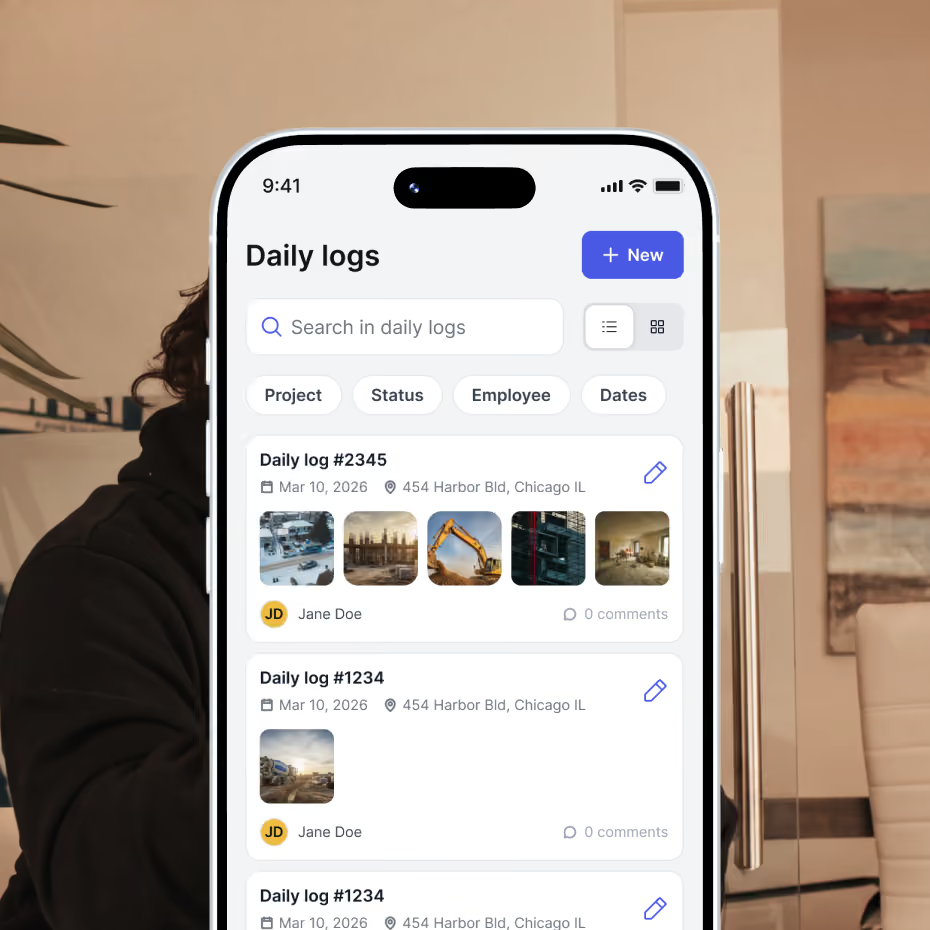
Efficient Contracts Management
Track construction progress to keep your team aligned, update clients in real time, and ensure your business stays on schedule and within budget, all while managing invoices and get change orders approved with ease.
Send digital invoices
Accept online payments
Create change orders and get them approved in one click
Share detailed construction reports
Share files easily
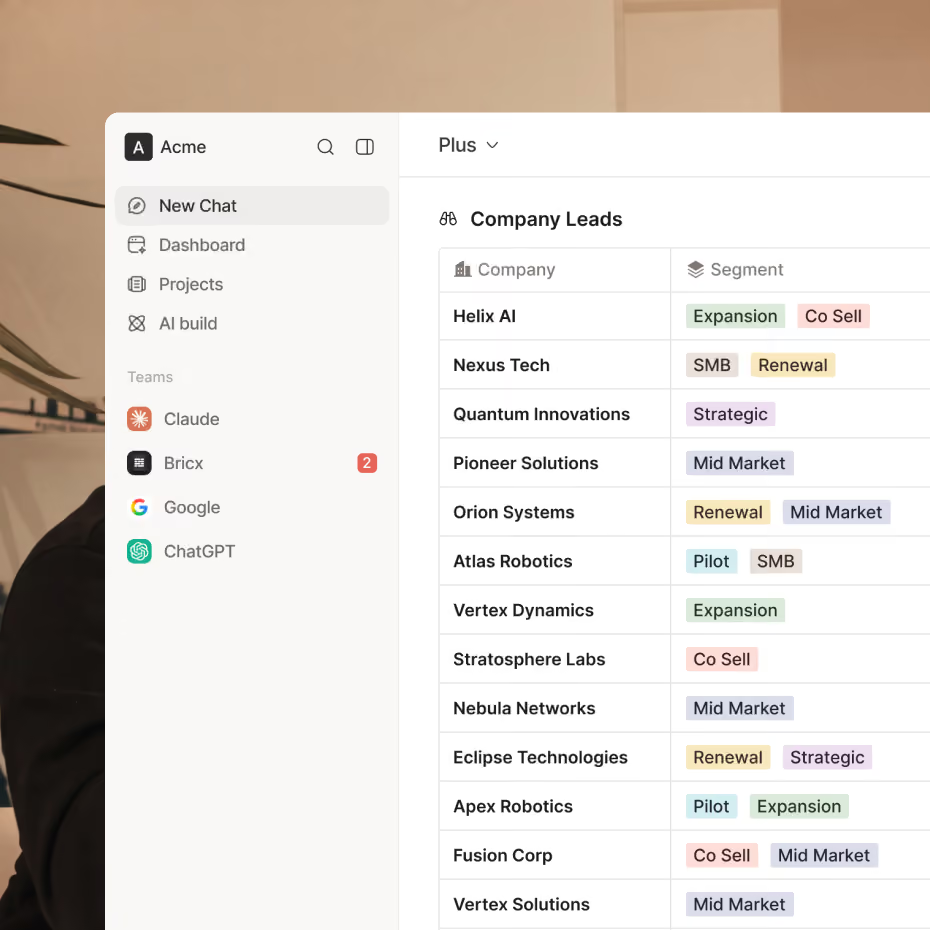
Financials and Accounting
Simplify your payment process with faster payments, secure transactions, and flexible options. Track project profitability with real-time insights into income and expenses, create purchase orders with ease, and manage financials more effectively with QuickBooks integration.
Empower your clients with convenient & secure payment choices
Send and manage purchase orders for better efficiency
Track your profit & loss in real time per project
Scan and organize your expenses per project and per trade
Sync your invoices and expenses with Quickbooks
Crew Management, Job Scheduling, On-site Manager
Effectively coordinate your team across multiple construction sites using Billdr’s powerful team management tools, facilitating project scheduling, task assignment, and daily to-do list tracking.
Create detailed timelines for your projects
Assign tasks to your team members
Monitor your budgeted hours with timesheets
View your schedule on a calendar view
Share everything with your client


Your construction business, in your pocket. Get the Billdr app today.
Your office goes wherever you build!


Still have questions?

Yes. Billdr is built for residential and commercial general contractors, home builders, and specialty contractors across North America. Whether you're a small & medium team (1-30 FTEs) or a growing business (30-100 employees), Billdr scales with the way you build.
Note: Billdr is not adapted for general contractors building high-rises, airports, industrial projects.
Absolutely. Billdr is designed for owners, project managers, estimators, office staff, field crews, subcontractors, and even your clients through dedicated portals. Everyone stays connected in one system.
Yes. Billdr syncs with QuickBooks Online, so invoices, expenses, purchase orders, bills, payments, and customers move across automatically and nothing gets entered twice. Your operations team works in Billdr while your accountant keeps working in QuickBooks
Yes. You can book a personalized demo with our team or start your subscription and schedule a free onboarding session. We'll help you get set up quickly so you can experience Billdr with your own projects.
Yes. Billdr includes import tools to help you migrate customers, contacts, projects, price lists, templates, and more. Our Customer Success team is available to guide you through the transition and ensure a smooth setup.