
Free To-Do List / Punch List Excel Template
Keeping track of all the details of a construction project can be overwhelming. That’s why we’ve created a free punch list Excel template that helps you keep track of everything in one place.
Download punch list










With this powerful tool, you’ll be able to stay on top of your projects and ensure that everything gets done on time and on budget.
Our punch list Excel template is perfect for general contractors, custom home builders, and anyone in the construction industry.
It includes all the features you need to stay organized, track progress, and complete projects with ease.
Advantages of our punch list template:

Task ownership tracker
Clearly identify owners for each tasks as well as the start date for a task and completed date
Detailed PDF to-do list
Easily print or download a PDF format for easy sharing with your team and clients
Focus on key tasks
Implement a built-in priority system to help you focus on the most important tasks
Easy task tracker
List items to be completed by room and category and track the status for each item on the list
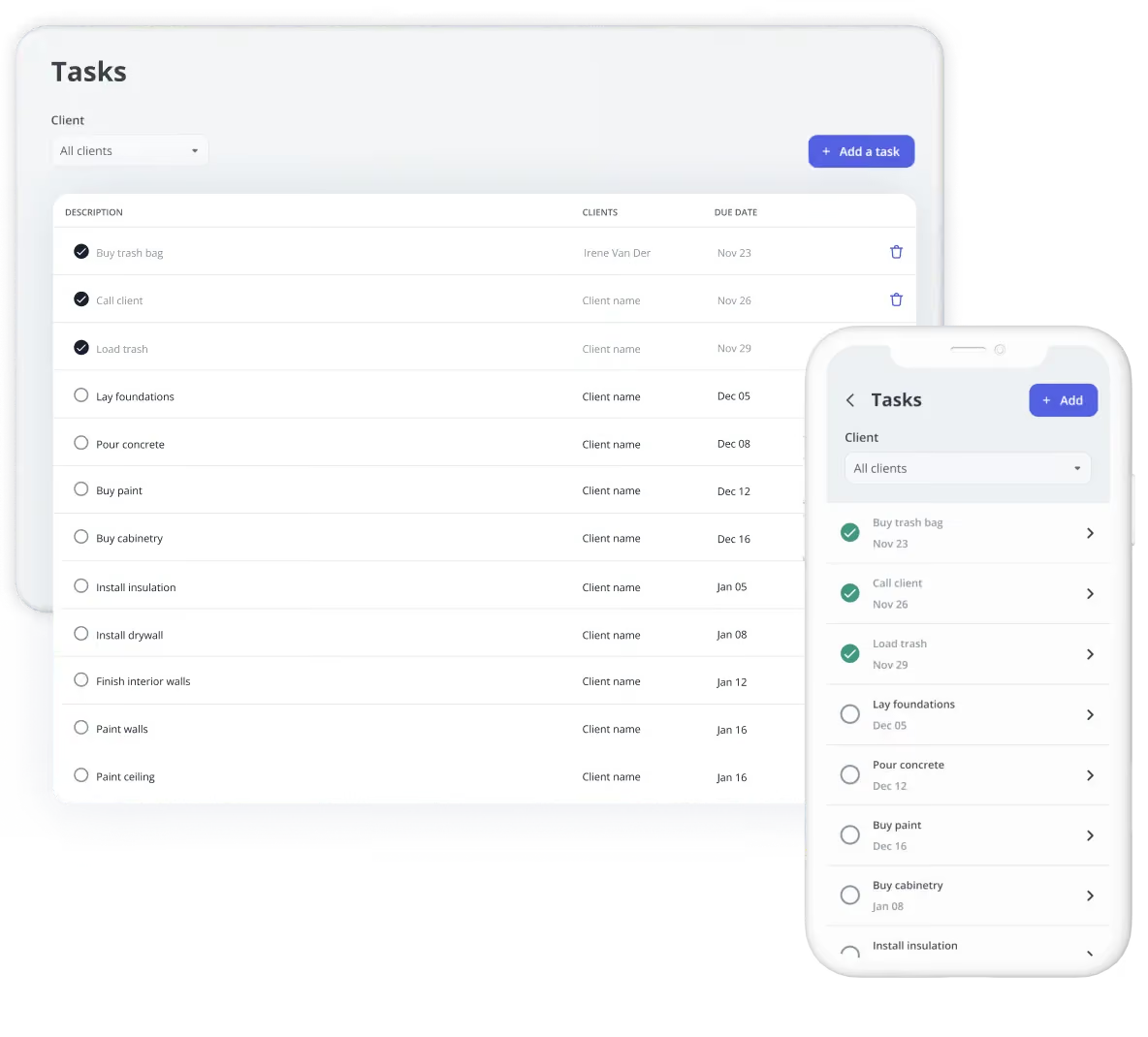
Our team at Billdr wants to offer general contractors and custom home builders a platform built to support their business.
We’re building an all-in-one modern software solution for modern general contractors. If you like this free Excel template, you’ll like our software even more!
Learn more



Your construction business, in your pocket. Get the Billdr app today.
Your office goes wherever you build!


Still have questions?

Yes. Billdr is built for residential and commercial general contractors, home builders, and specialty contractors across North America. Whether you're a small & medium team (1-30 FTEs) or a growing business (30-100 employees), Billdr scales with the way you build.
Note: Billdr is not adapted for general contractors building high-rises, airports, industrial projects.
Absolutely. Billdr is designed for owners, project managers, estimators, office staff, field crews, subcontractors, and even your clients through dedicated portals. Everyone stays connected in one system.
Yes. Billdr syncs with QuickBooks Online, so invoices, expenses, purchase orders, bills, payments, and customers move across automatically and nothing gets entered twice. Your operations team works in Billdr while your accountant keeps working in QuickBooks
Yes. You can book a personalized demo with our team or start your subscription and schedule a free onboarding session. We'll help you get set up quickly so you can experience Billdr with your own projects.
Yes. Billdr includes import tools to help you migrate customers, contacts, projects, price lists, templates, and more. Our Customer Success team is available to guide you through the transition and ensure a smooth setup.