
Keep every crew, project and schedule in sync.
Manage your entire field operation from one place. Build project schedules, assign work, track time, capture daily logs, and keep your office and field teams connected with the Billdr mobile app powered by Bob AI.











Crews
Construction Scheduling Software
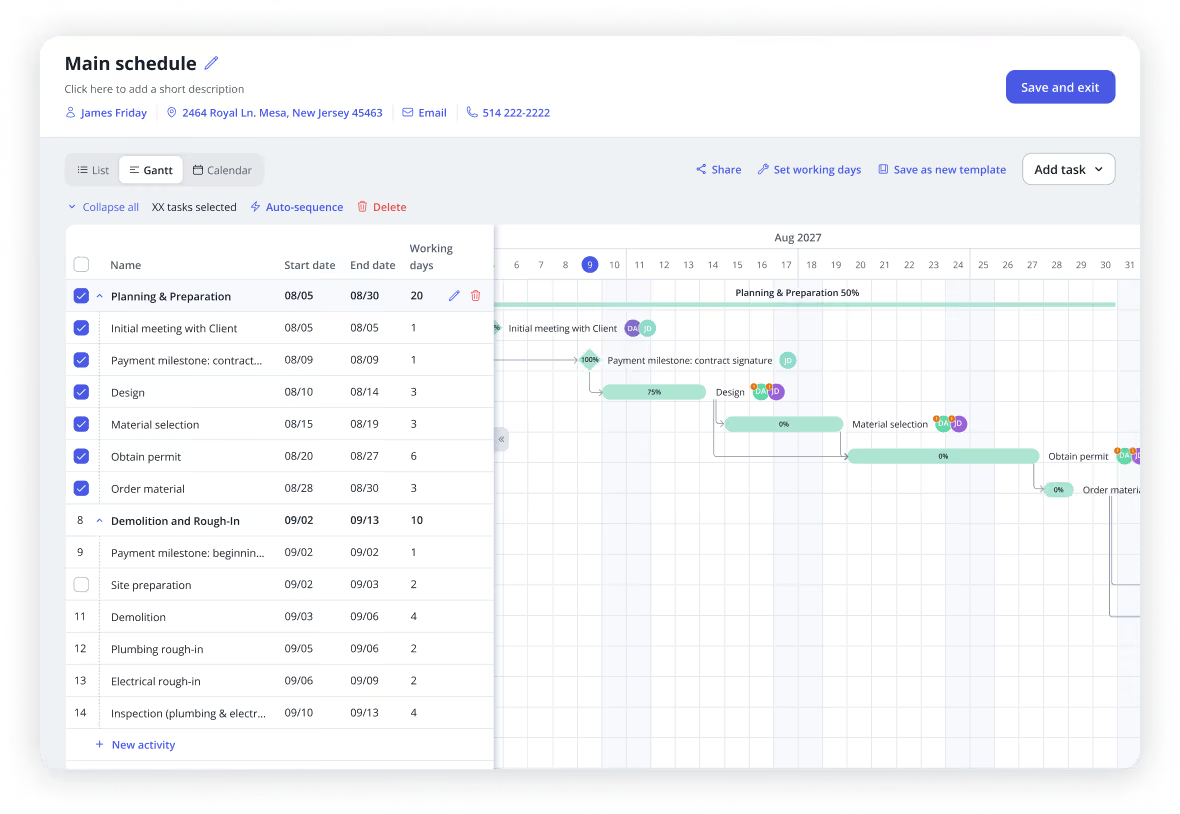
Plan every project with a powerful and modern scheduling software built specifically for general contractors and home builders. Create Gantt charts, assign tasks, reuse schedule templates, or directly create schedules from your quotes and automatically adjust timelines as projects evolve.You can also share your schedules with your clients to keep them updated on your timelines.
Interactive Gantt charts and multiple calendar views
Reusable schedule templates for faster planning
Automatically adjust schedules around working days
Keep clients informed with accurate project timelines
To-Dos
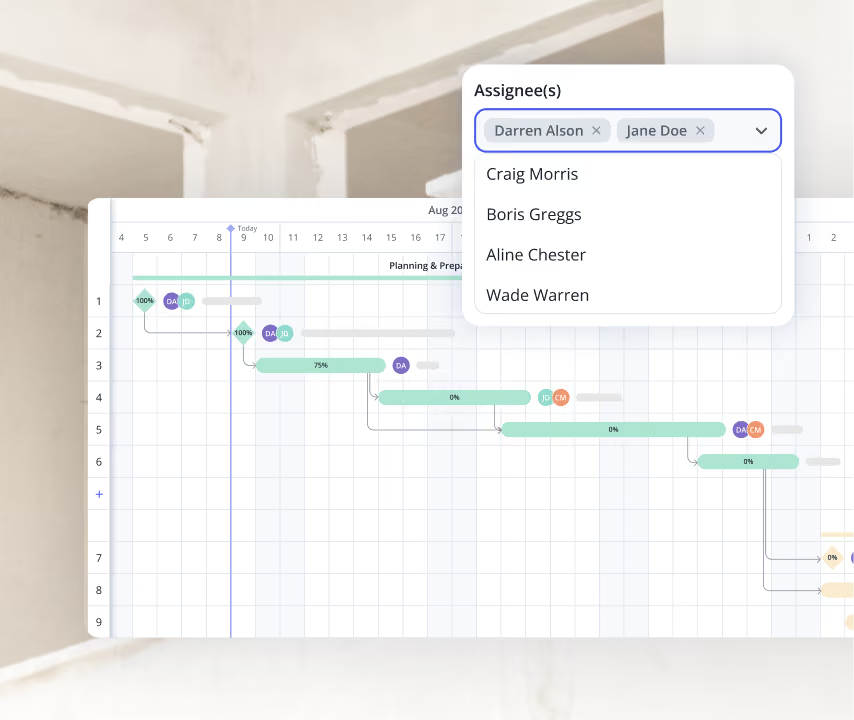
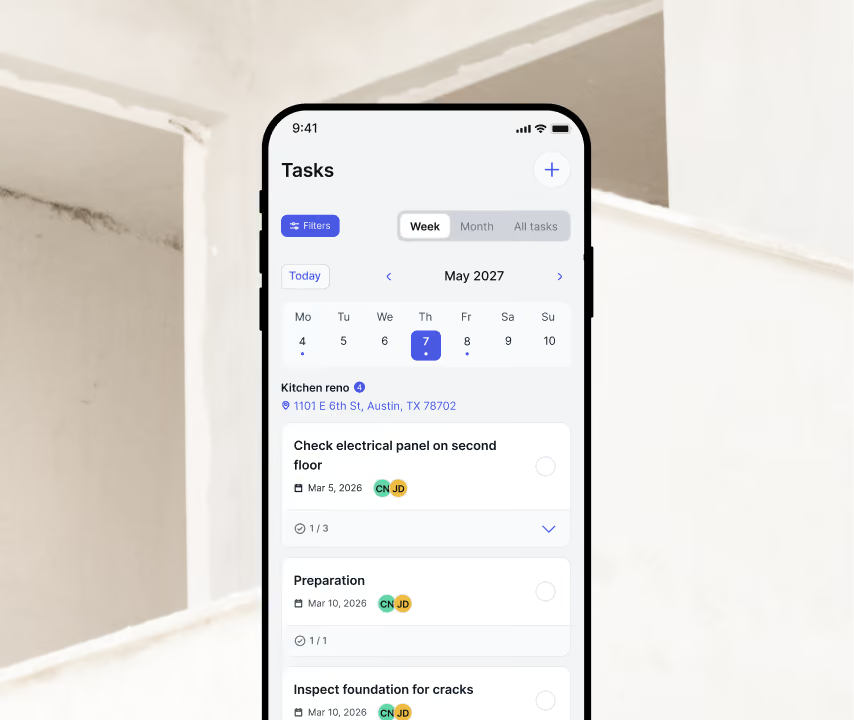
Assign tasks to employees and/or subcontractors and/or clients, track progress in real time, and make sure everyone knows exactly what needs to get done each day.
Assign work in seconds
Track completion across every project
Reduce forgotten tasks and communication gaps
Keep employees aligned with project priorities
Timesheets
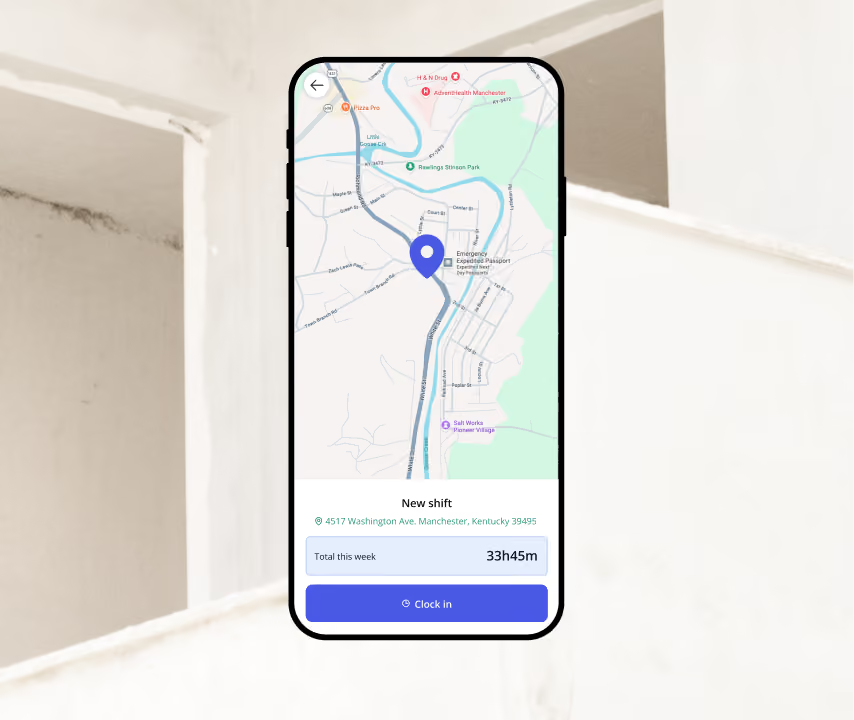
Effortlessly record and manage each employee's hours and location per project, per cost code. No more chasing after timesheets. Gain precise data on project timelines and workforce distribution.
Accurate digital timesheets
Track labor by project and by cost code
Simplify payroll preparation
Better visibility into your crew utilization
Construction Daily logs
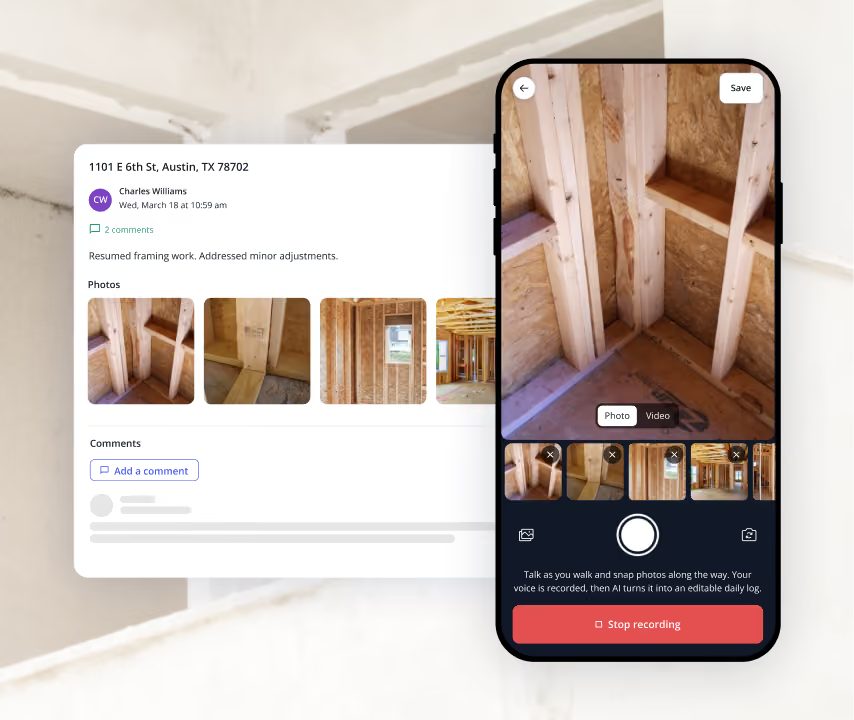
Capture everything that happened on the jobsite in minutes. Record weather, manpower, completed work, delays, site notes and progress photos directly from your phone. Every log becomes part of your permanent project history and can be shared with clients when needed.
Complete daily reports in minutes
Add unlimited photos and jobsite notes
Create a searchable project history
Protect your business with accurate documentation
Permissions & Roles
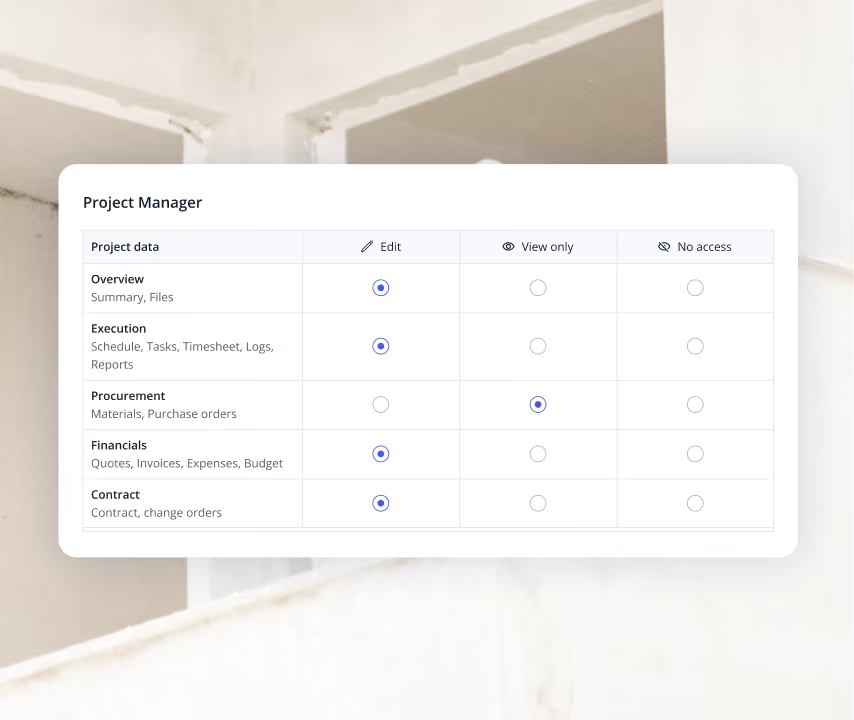
Control exactly what each employee can see and do in Billdr. Create custom roles and permissions so your office staff, project managers, site supervisors, estimators and subcontractors only have access to the information they need.
Protect sensitive financial and client information
Customize access by role or employee
Reduce mistakes caused by unauthorized changes
Scale your team with confidence
How we help GCs win


7x revenue growth with Billdr
“Billdr saved me so much time. In the evening, I have more time with my daughter. I also have more time to play my electric guitar...This is priceless.”


50 hours saved per week
“Billdr is helping us taking our business to the next level. We save so much time, it makes us so happy. I can spend more time with my wife and kids.”

2.5x revenue growth
“Before Billdr, doing a quote used to take me 3h or more. Now with Billdr, I can build one in 30 seconds.”
2-3h saved per evening
“We can see all our projects’ data in one place. We don’t need to use so many different tools anymore. Billdr is efficient and easy.”
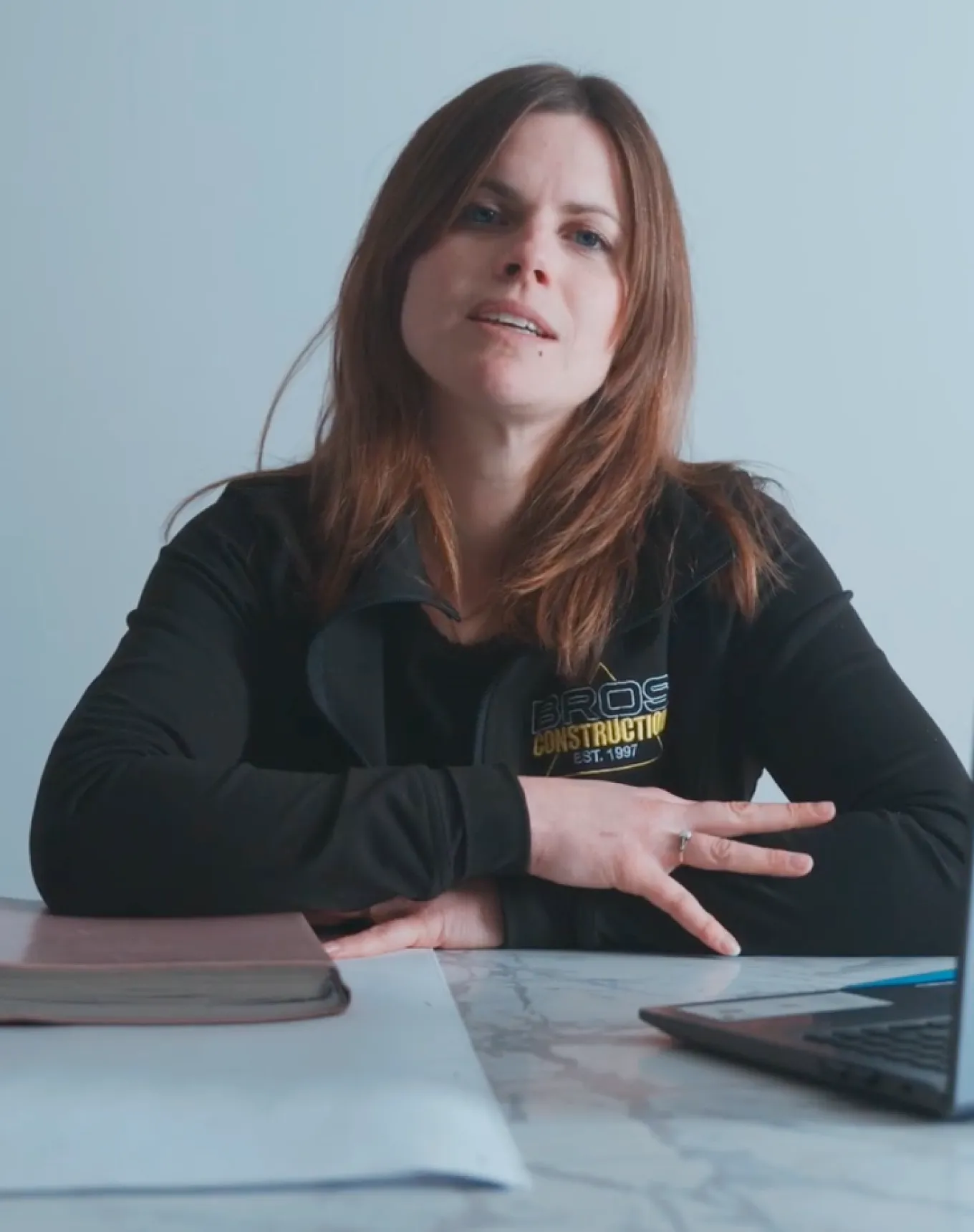
10x more user friendly
“Billdr is way more user-friendly than our previous platform! Very complete program. It’s also pretty to look at!”
Discover our other features
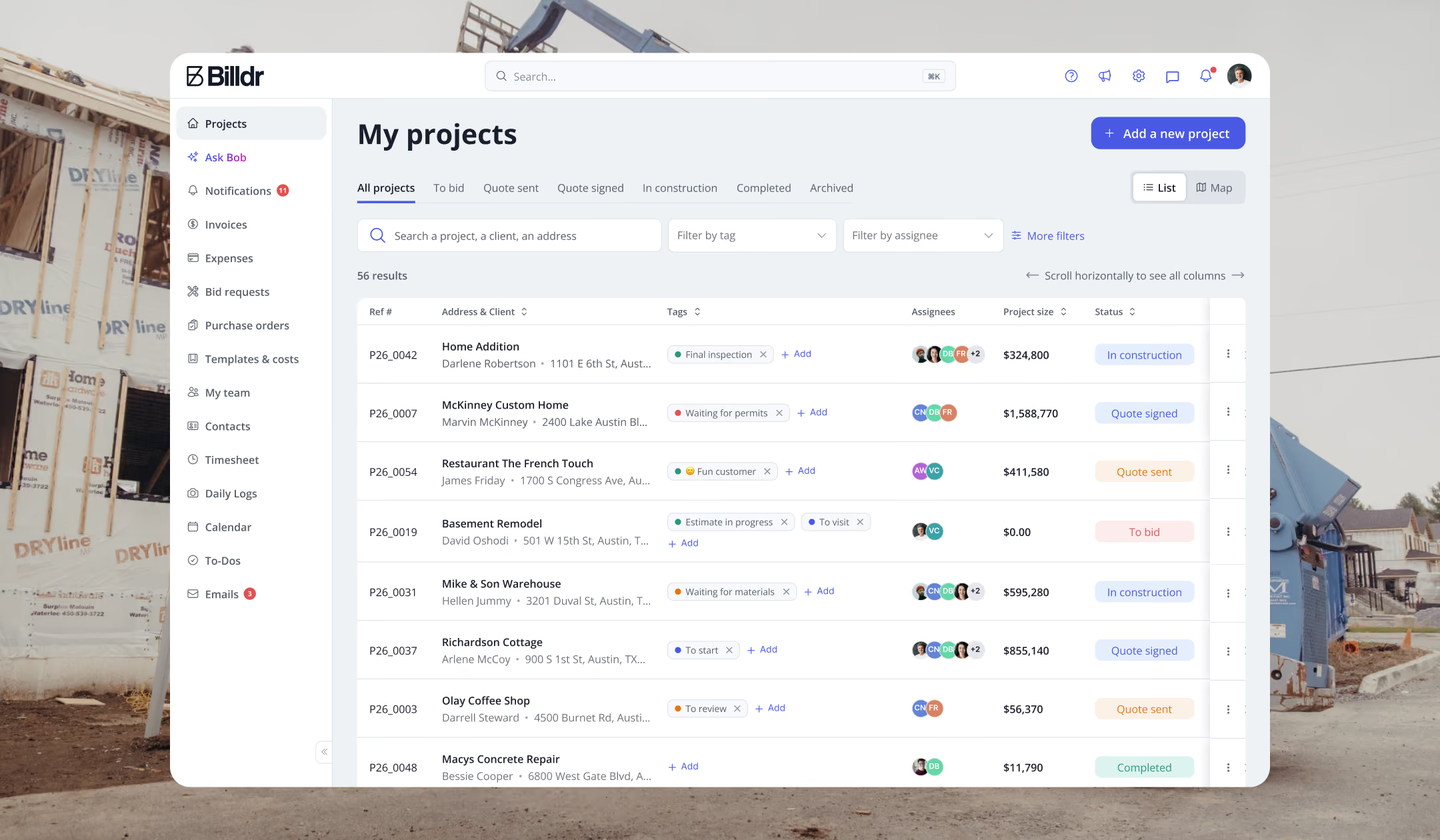
Sales
From first lead to signed contract all in one place
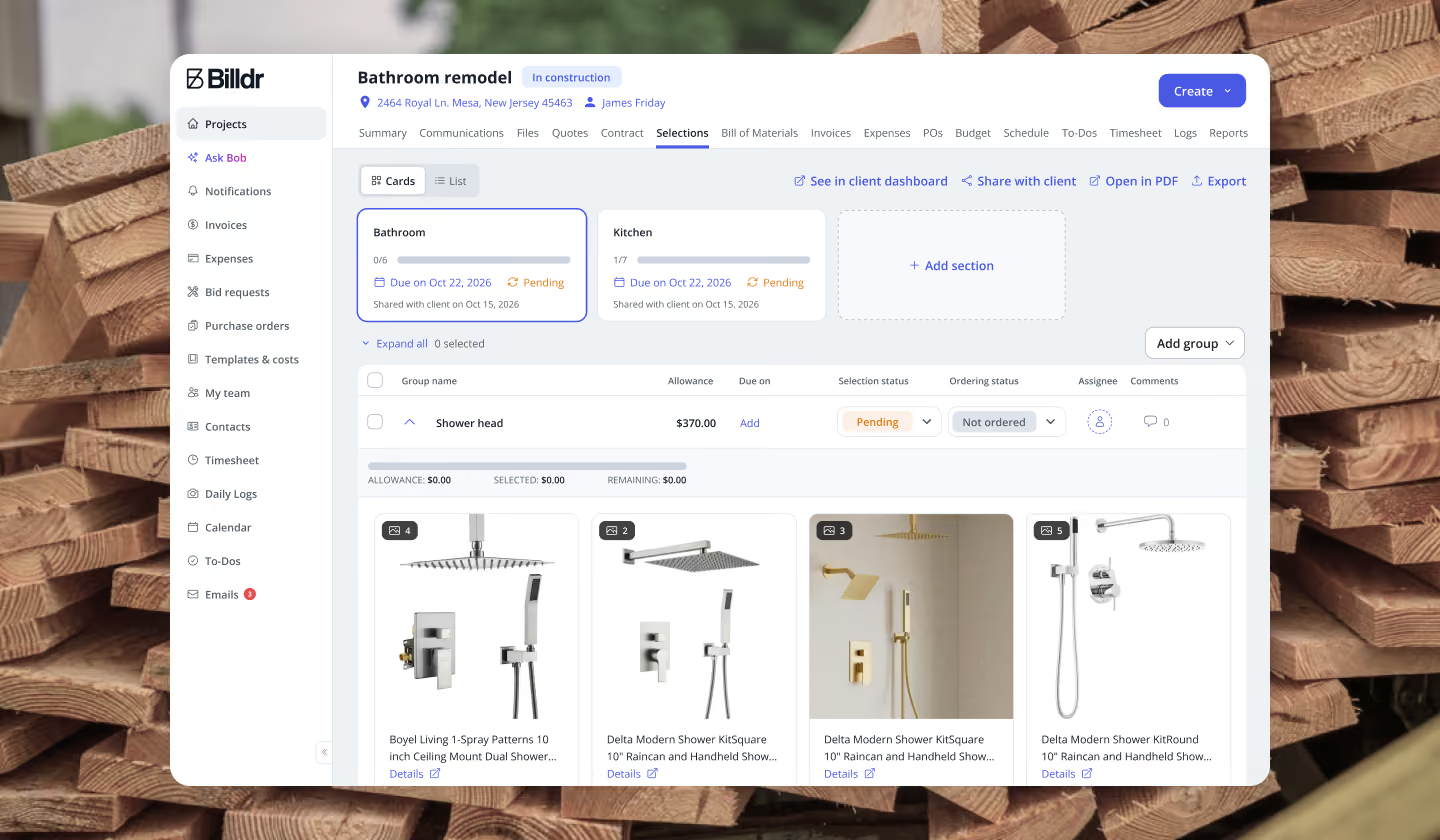
Projects
Keep every project decision clear and documented
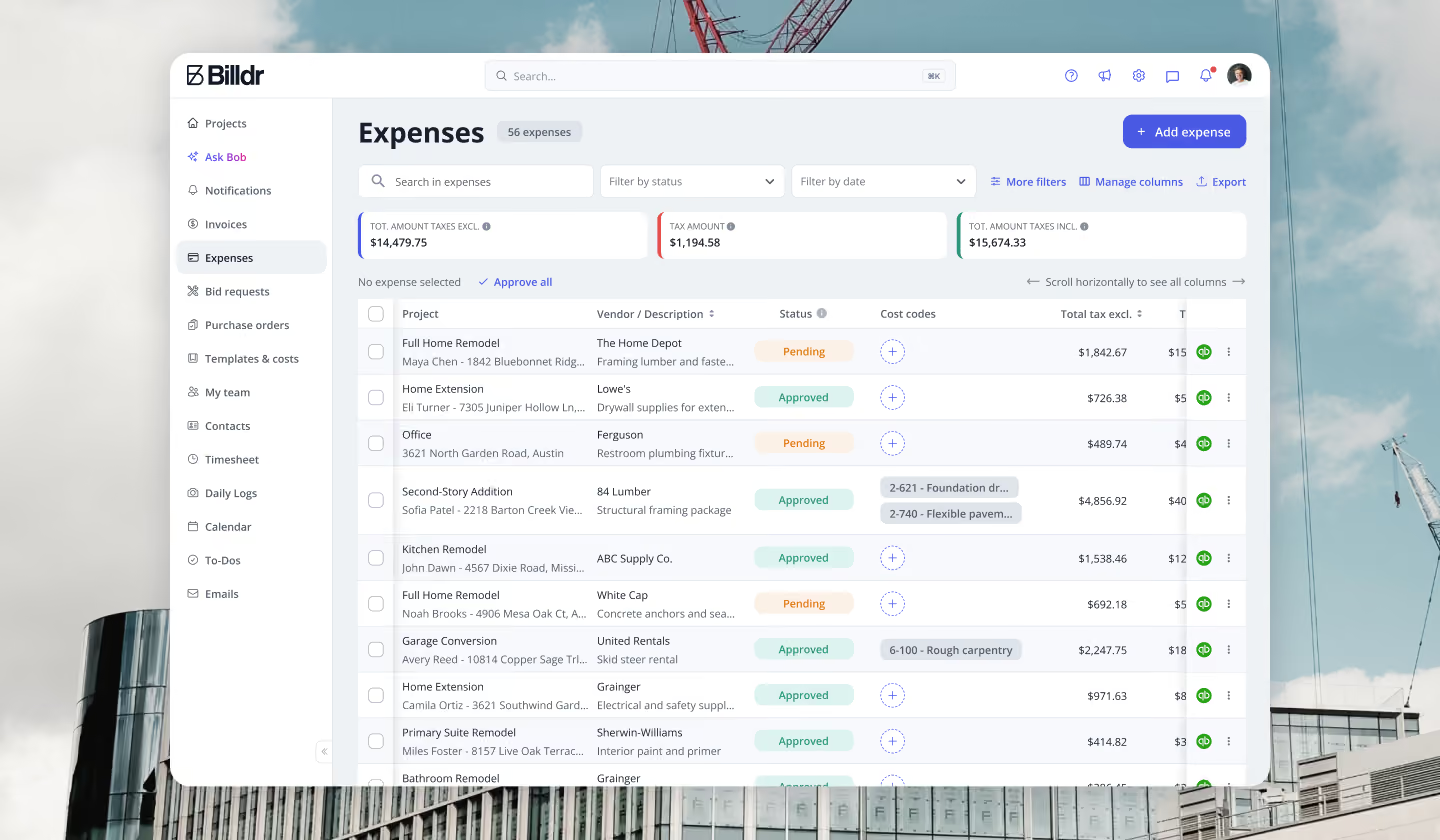
Finances
Know exactly where your money is going


Your construction business, in your pocket. Get the Billdr app today.
Your office goes wherever you build!


Still have questions?

Yes. Billdr is built for residential and commercial general contractors, home builders, and specialty contractors across North America. Whether you're a small & medium team (1-30 FTEs) or a growing business (30-100 employees), Billdr scales with the way you build.
Note: Billdr is not adapted for general contractors building high-rises, airports, industrial projects.
Absolutely. Billdr is designed for owners, project managers, estimators, office staff, field crews, subcontractors, and even your clients through dedicated portals. Everyone stays connected in one system.
Yes. Billdr syncs with QuickBooks Online, so invoices, expenses, purchase orders, bills, payments, and customers move across automatically and nothing gets entered twice. Your operations team works in Billdr while your accountant keeps working in QuickBooks
Yes. You can book a personalized demo with our team or start your subscription and schedule a free onboarding session. We'll help you get set up quickly so you can experience Billdr with your own projects.
Yes. Billdr includes import tools to help you migrate customers, contacts, projects, price lists, templates, and more. Our Customer Success team is available to guide you through the transition and ensure a smooth setup.