
Give everyone the right access, nothing more.
Control exactly what each employee can see and do in Billdr. Assign ready-made roles so your office staff, project managers, site supervisors, estimators and subcontractors only have access to the information they need.











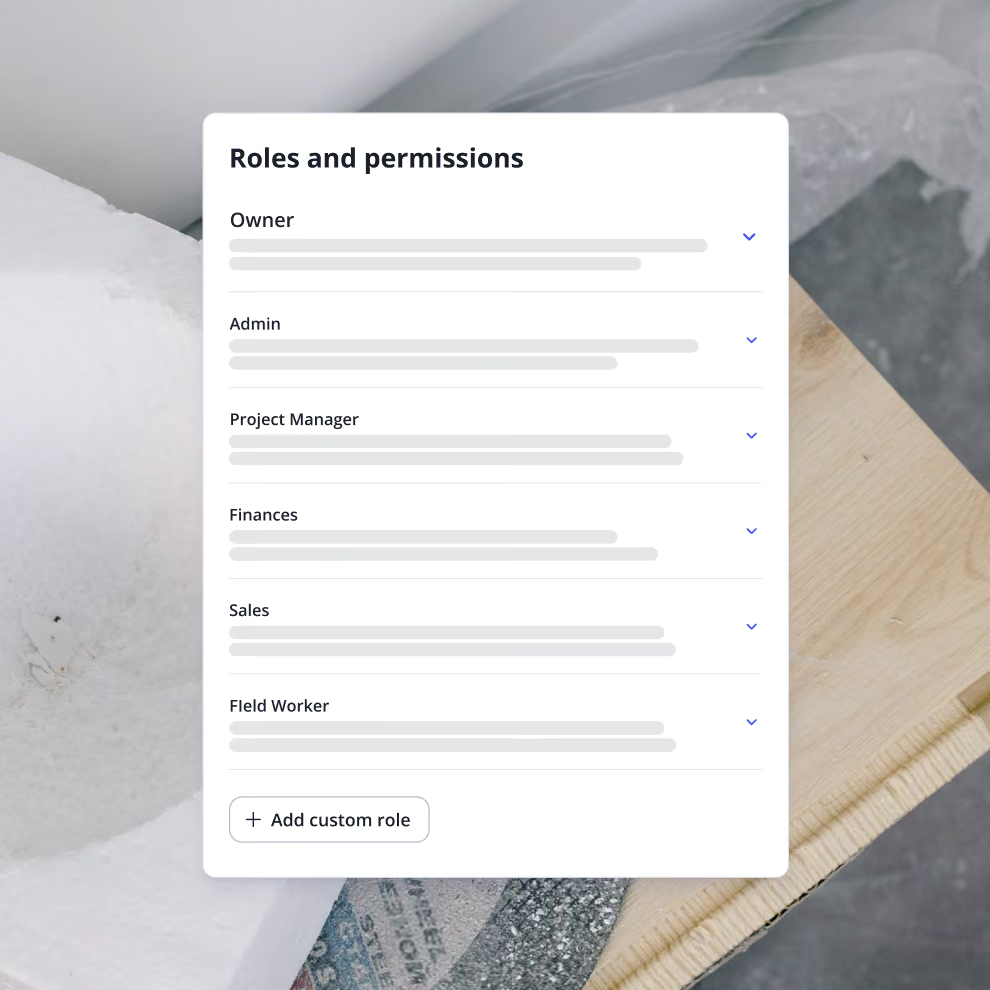
Create custom roles for every team member
Every construction business operates differently. That's why Billdr lets you create custom roles that match how your company works.
Create roles for: Owners, Project Managers, Estimators, Office Administrators, Superintendents, Field Employees, Accounting, Sales Representatives, Subcontractors or more.
Each role can have its own set of permissions, making onboarding new employees simple and consistent.
Control access to every module
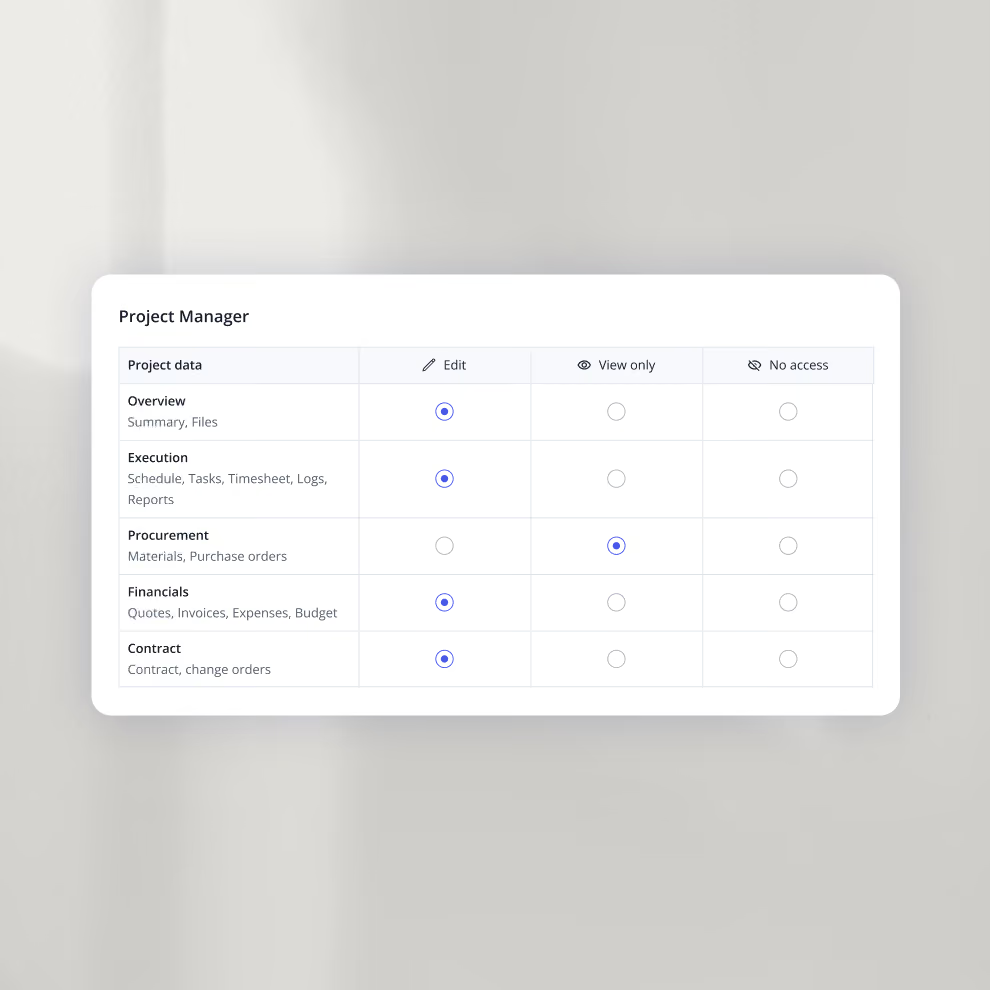
Open any role to set access line by line. For every area you choose Edit, View only, or No access, so each person sees exactly what their job requires and nothing more. You can also limit a role to specific projects or project statuses.
How we help GCs win

1 hub for every build
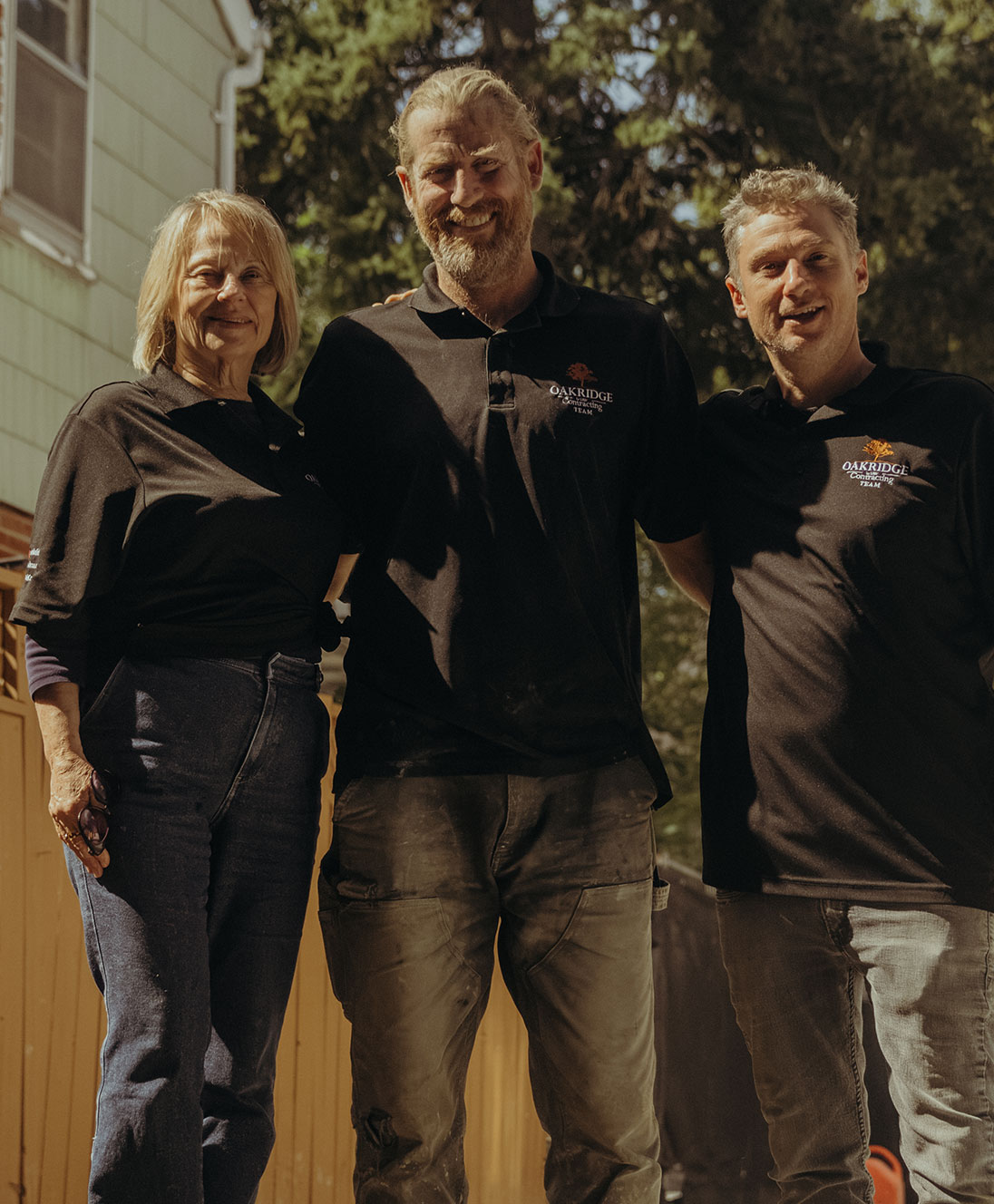
“Billdr allowed us to amalgamate everything into one simple app and one simple program where we can easily access everything."

4× business growth in about 2.5 years
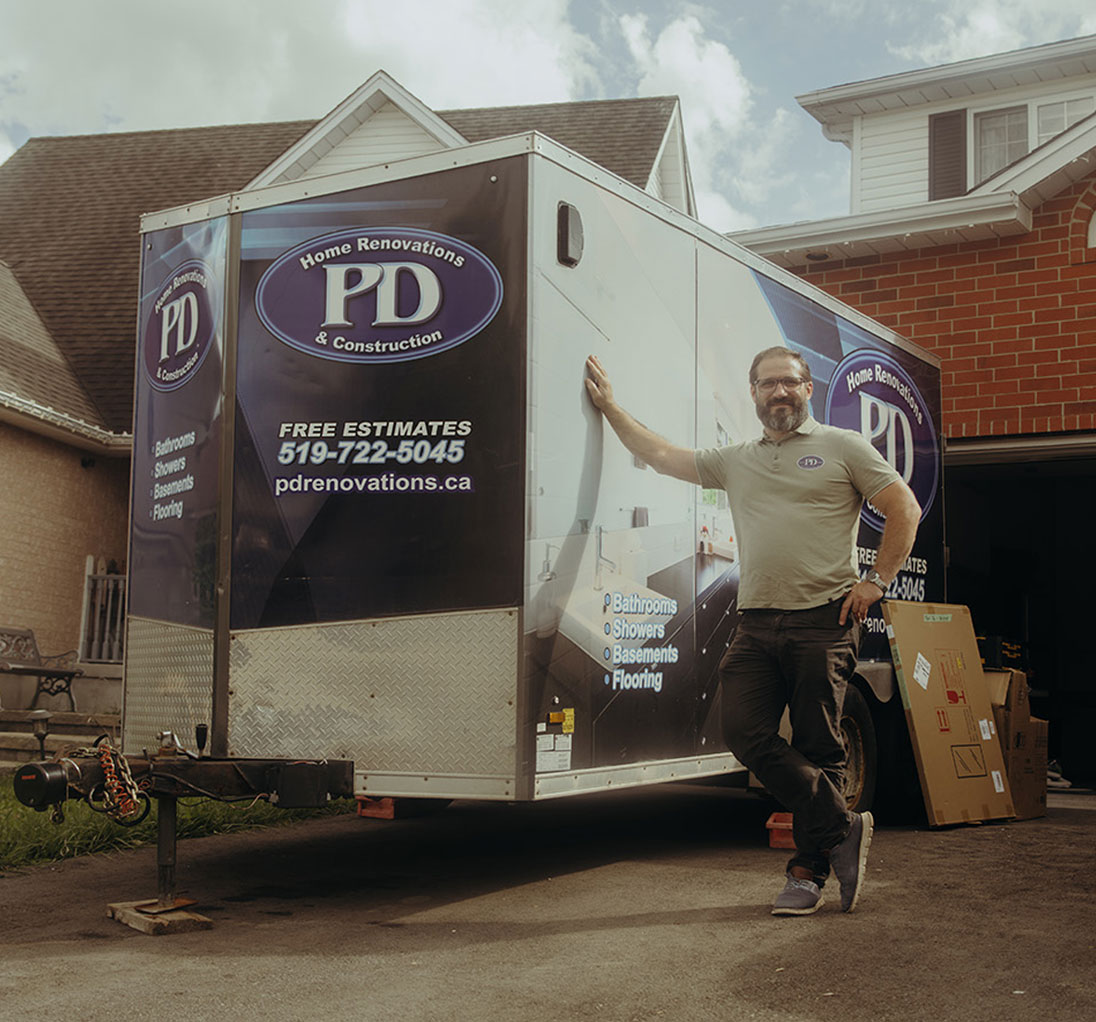
“I can spend more time with my family, which is the ultimate goal at the end of everything as a self-employed person.”


3 platforms down to 1
“Easy to learn, super convenient, and everything’s all in one place. It’s a no-brainer for us.”

Kitchen quotes in 30 minutes
“The last six months of working with Billdr beats the last seven years that we worked with our CRM by far.”

Weekends back for the family
“You don’t need to have five different apps … You can just use Billdr, and it’ll take care of everything.”


2× project capacity with Billdr
“They’re not just a software company … truly they want to see their clients succeed.”

4 → 3 office seats, same workload
“So, three people are now able to do the work that four people were doing beforehand.””

2+ hours saved every day
“I’m the one who picks up my daughter from daycare every day. I can take time for lunch with clients and suppliers, and take personal days just to rest and live my life outside of work.”

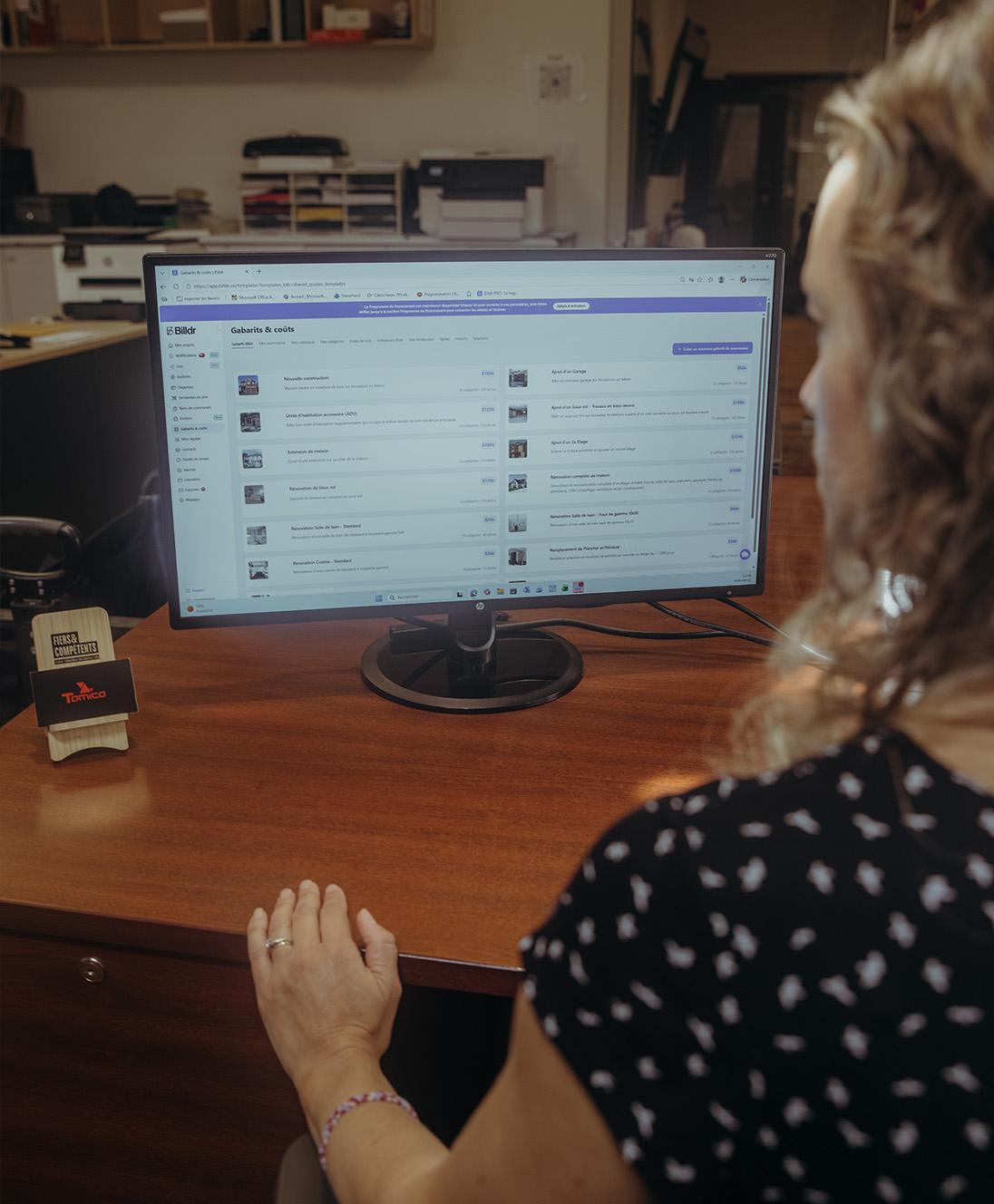
2× faster client billing
“It’s very satisfying, and it has great potential because it’s constantly evolving. It adapts to our needs, so we feel it growing alongside us.”


7x revenue growth with Billdr
“Billdr saved me so much time. In the evening, I have more time with my daughter. I also have more time to play my electric guitar...This is priceless.”


50 hours saved per week
“Billdr is helping us taking our business to the next level. We save so much time, it makes us so happy. I can spend more time with my wife and kids.”


2.5x revenue growth
“Before Billdr, doing a quote used to take me 3h or more. Now with Billdr, I can build one in 30 seconds.”

2-3h saved per evening
“We can see all our projects’ data in one place. We don’t need to use so many different tools anymore. Billdr is efficient and easy.”

10x more user friendly
“Billdr is way more user-friendly than our previous platform! Very complete program. It’s also pretty to look at!”
Discover our other features
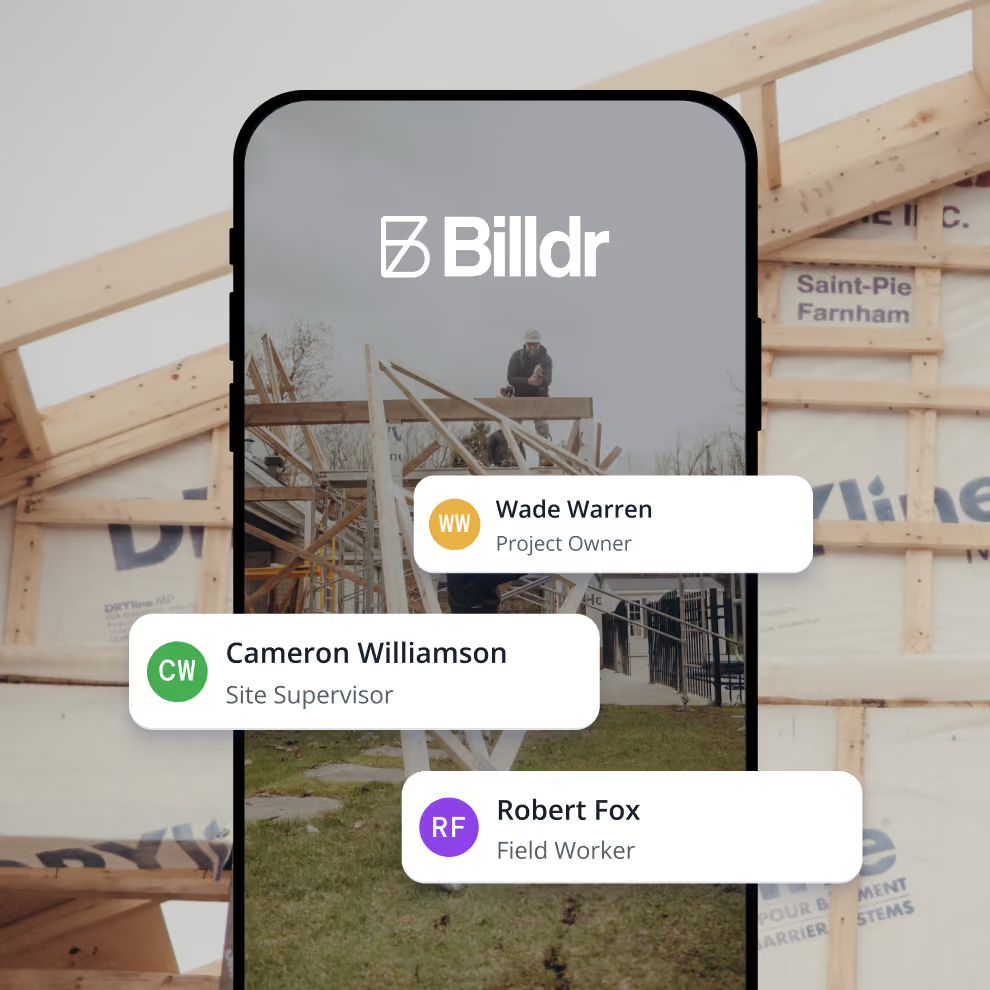
Billdr Mobile App
Run your construction business from anywhere
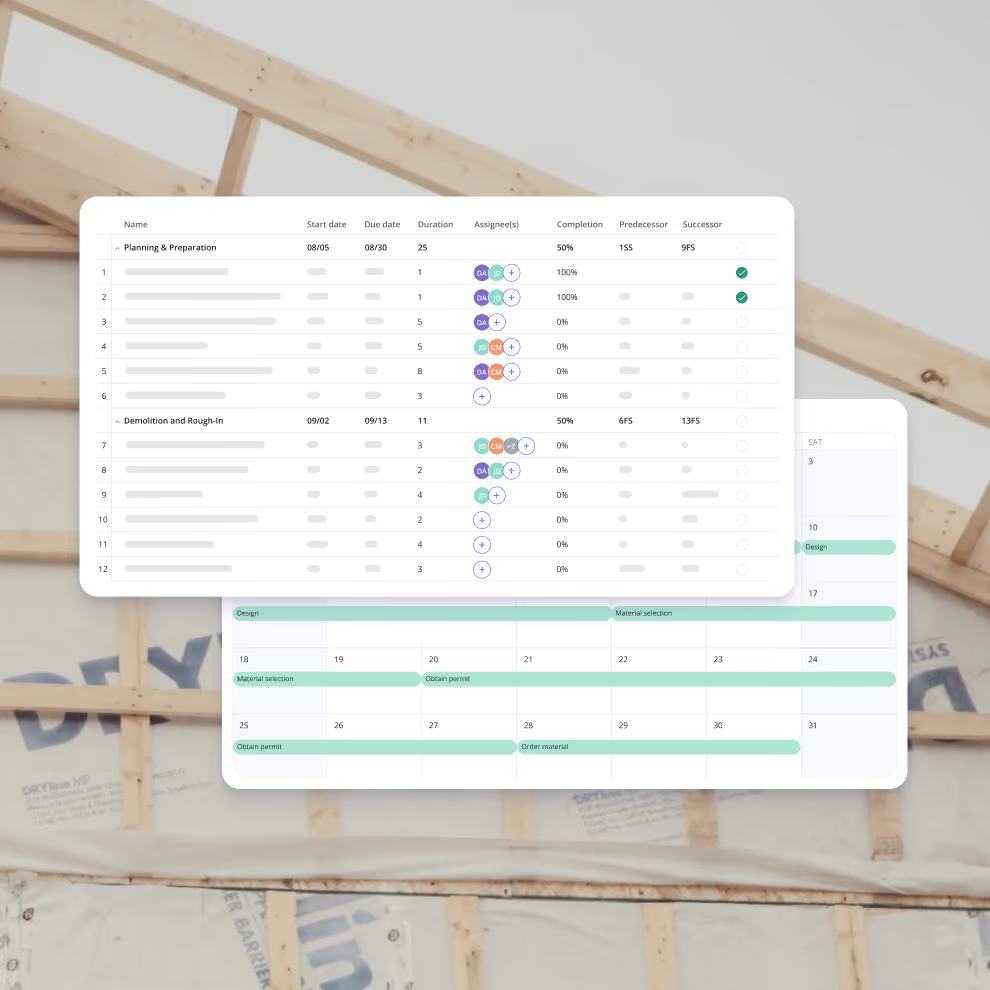
Scheduling
Construction scheduling made simple
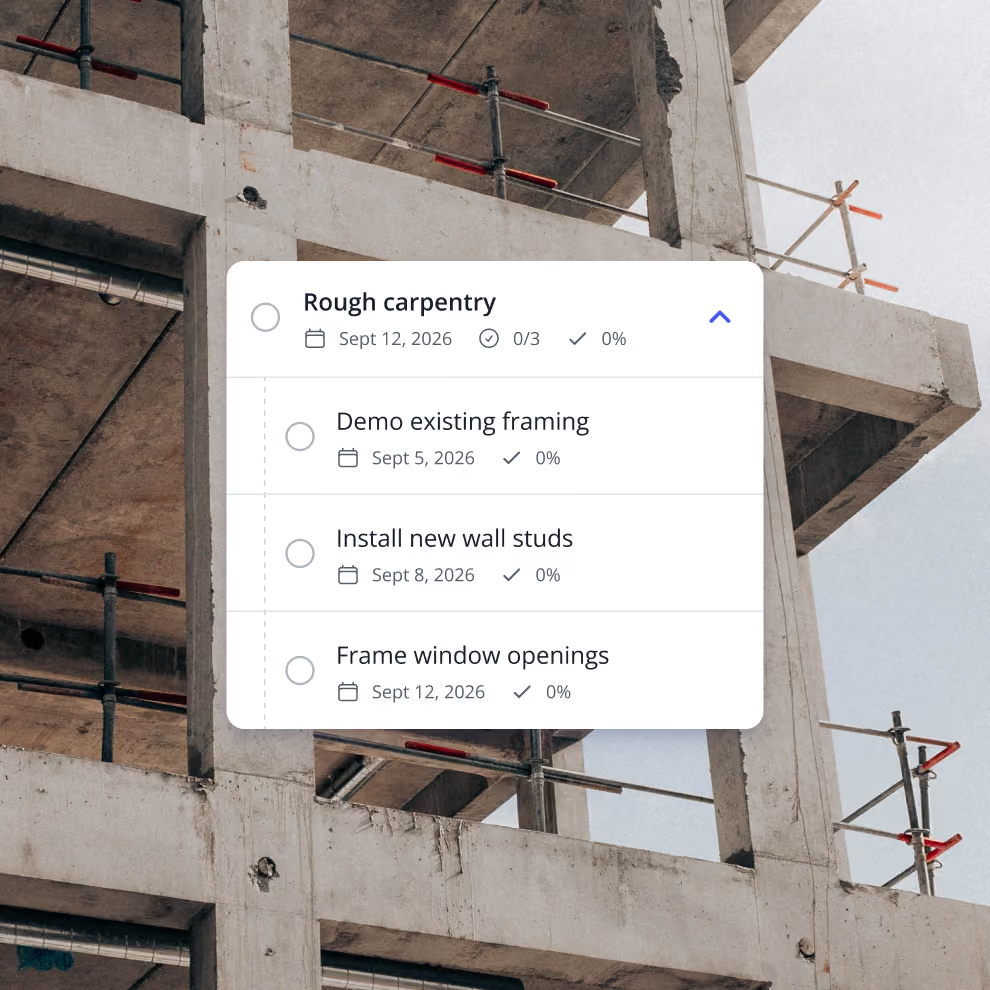
To-Dos
Construction task management software for general contractors


Your construction business, in your pocket. Get the Billdr app today.
Your office goes wherever you build!


Still have questions?

Yes. Billdr is built for residential and commercial general contractors, home builders, and specialty contractors across North America. Whether you're a small & medium team (1-30 FTEs) or a growing business (30-100 employees), Billdr scales with the way you build.
Note: Billdr is not adapted for general contractors building high-rises, airports, industrial projects.
Absolutely. Billdr is designed for owners, project managers, estimators, office staff, field crews, subcontractors, and even your clients through dedicated portals. Everyone stays connected in one system.
Yes. Billdr syncs with QuickBooks Online, so invoices, expenses, purchase orders, bills, payments, and customers move across automatically and nothing gets entered twice. Your operations team works in Billdr while your accountant keeps working in QuickBooks
Yes. You can book a personalized demo with our team or start your subscription and schedule a free onboarding session. We'll help you get set up quickly so you can experience Billdr with your own projects.
Yes. Billdr includes import tools to help you migrate customers, contacts, projects, price lists, templates, and more. Our Customer Success team is available to guide you through the transition and ensure a smooth setup.