
Construction
CRM
Whether you're managing prospective clients, active customers, subcontractors, suppliers, or your own employees, Billdr keeps every contact organized and connected to the projects that matter.
No spreadsheets. No scattered contacts. No searching through emails.












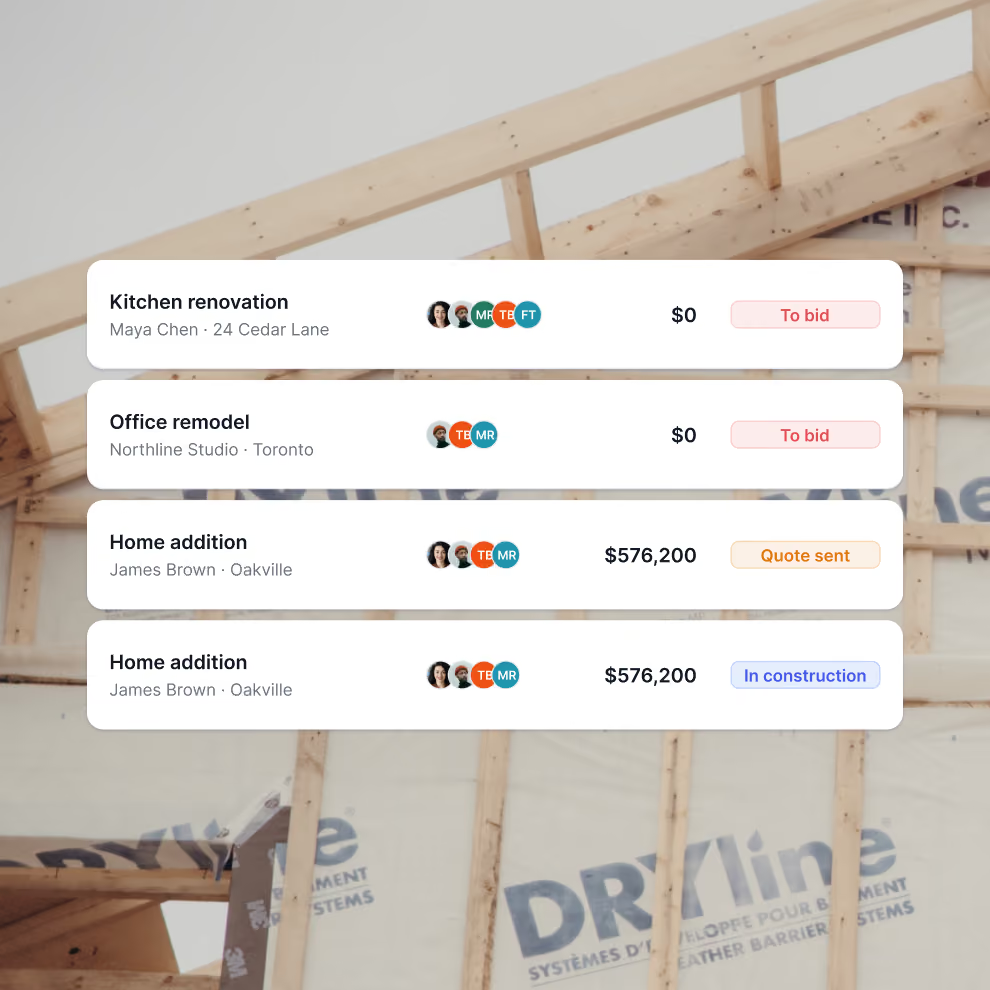
Never lose track of a lead
Our tool allows you to add new clients to your dashboard, keep track of all your leads with their status, and have a view of all your projects in construction.
Our CRM feature gives you a 360-degree view of your clients and leads, so you can see their contact information, project details, and communication history in one place.
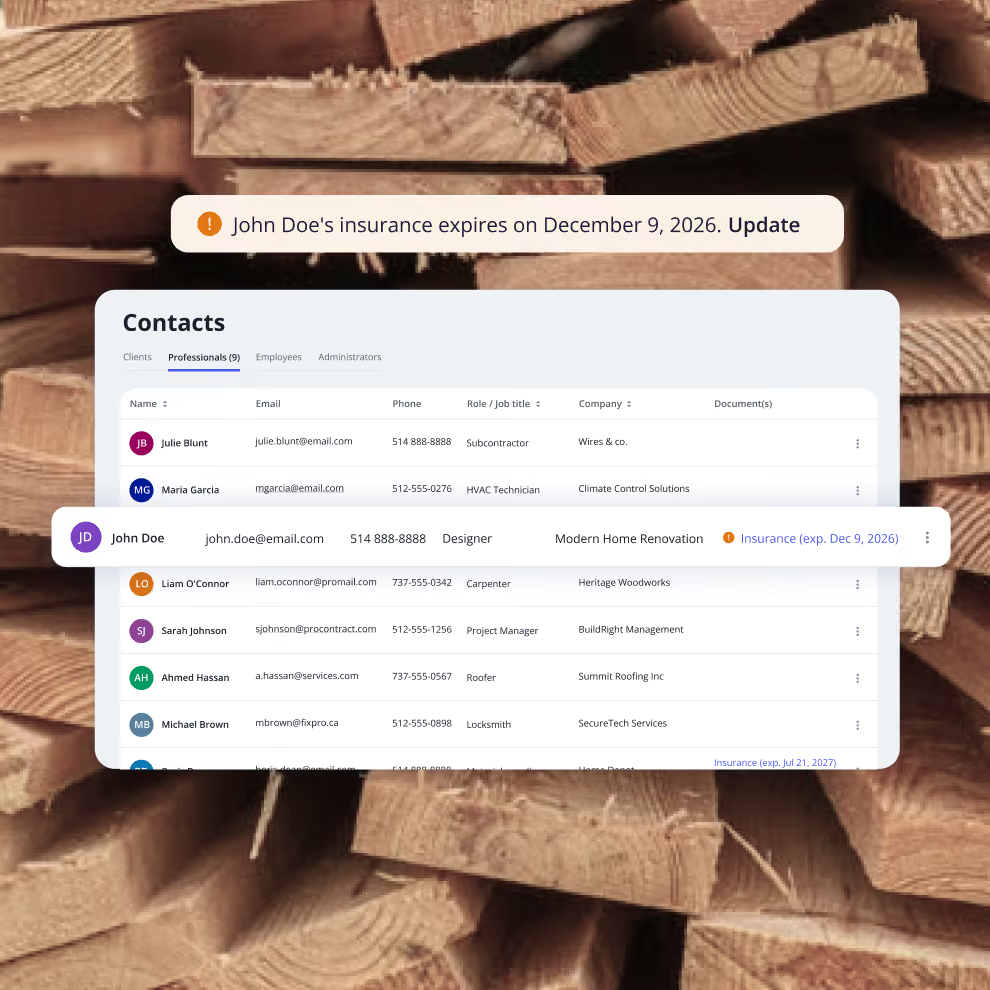
Organize your network of subcontractors and suppliers
Keep all your subcontractors, suppliers, and vendors organized in one place. Store trade specialties, insurance certificates, and license numbers so you can quickly find the right professional for each job.
Visual warnings alert you before documents expire, keeping your projects compliant and protected.
No more digging through emails and business cards!
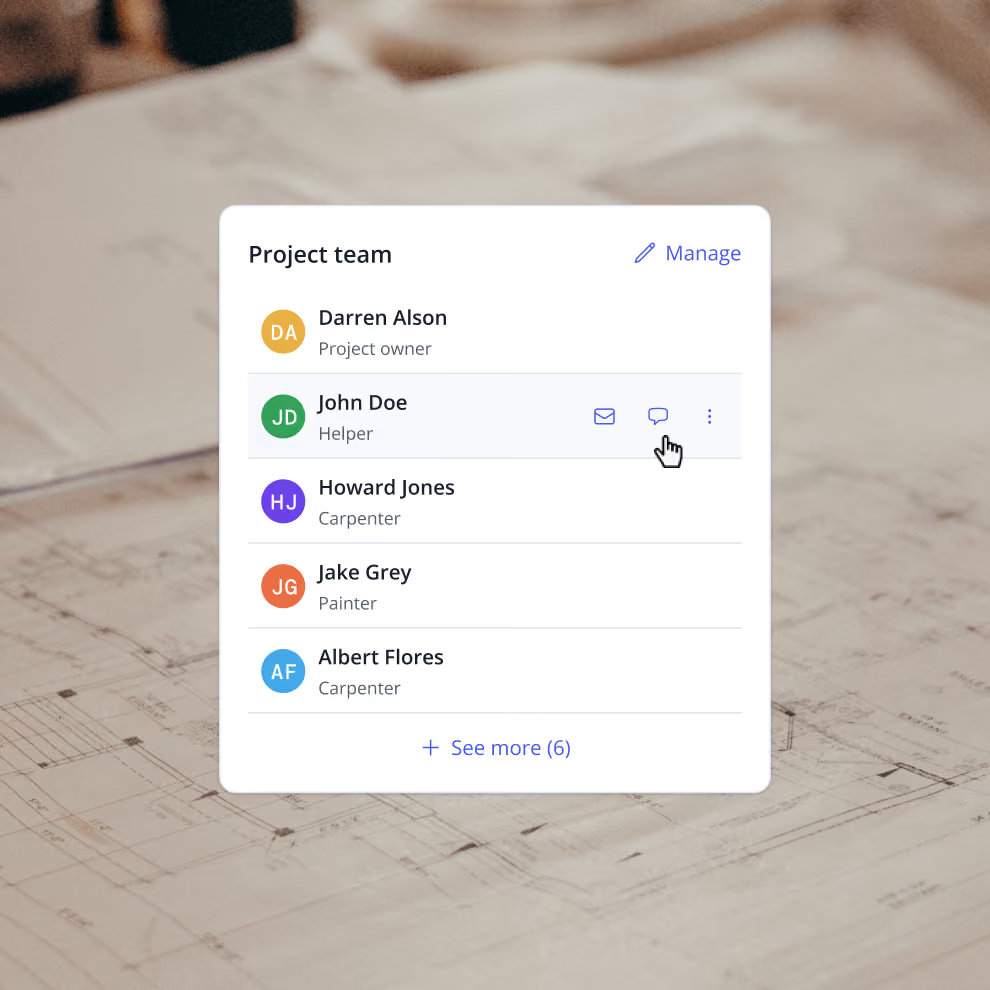
Manage your team
Keep your entire crew's information at your fingertips, from project managers and superintendents to field workers and office staff. Store contact details, roles, and rates in one centralized location.
With a comprehensive team management, assign members to specific projects through to-dos and schedules, track who's responsible for what, and give each employee access to their own portal where they can view their assignments and project information.
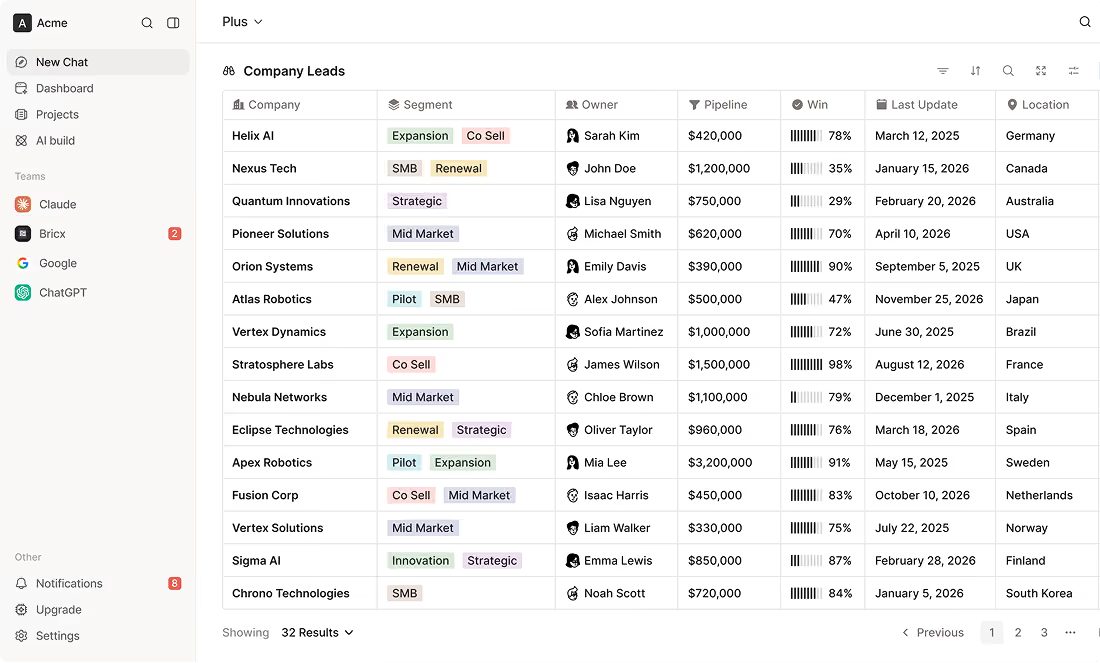
See where your business is growing
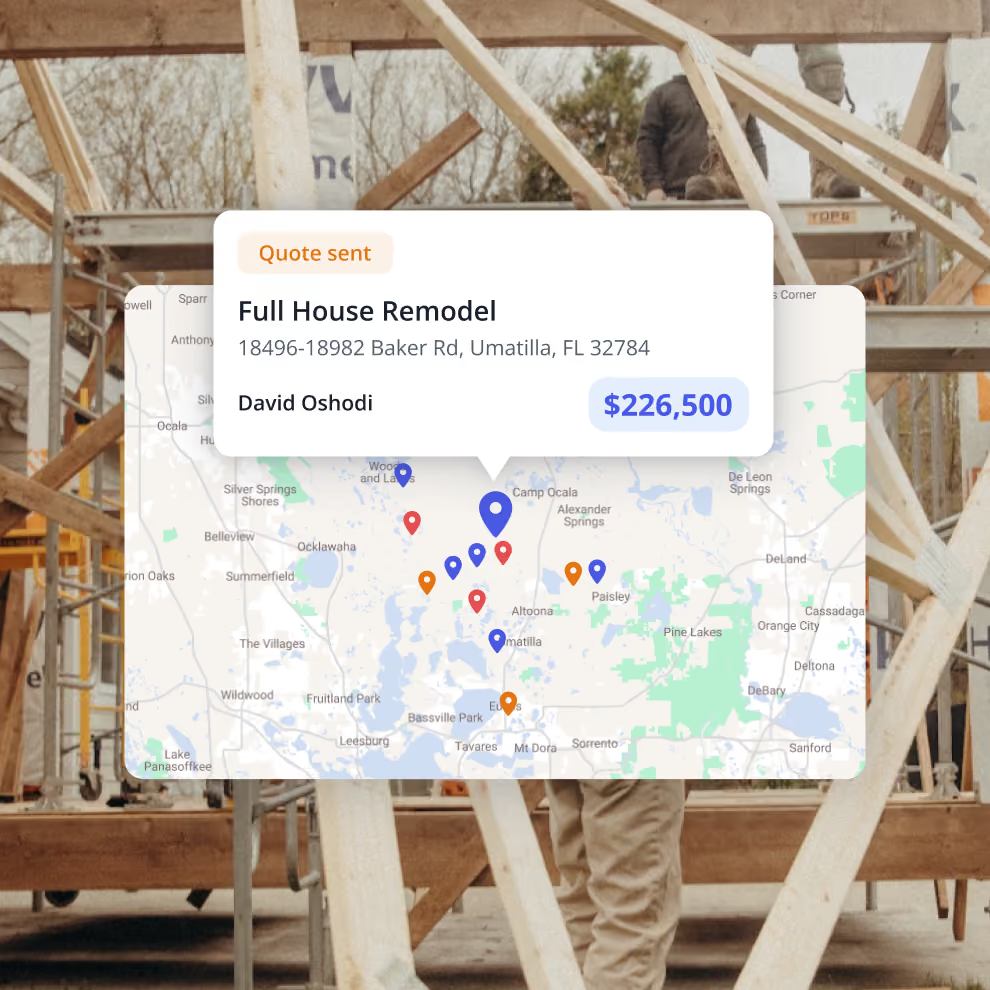
Understand where your opportunities are coming from. The interactive map lets you view every lead, active project, and completed job geographically, making it easier to identify your strongest markets, plan site visits, and manage crews across multiple locations. Whether you're serving one city or several regions, you'll always know where your business is happening.
How we help GCs win


7x revenue growth with Billdr
“Billdr saved me so much time. In the evening, I have more time with my daughter. I also have more time to play my electric guitar...This is priceless.”


50 hours saved per week
“Billdr is helping us taking our business to the next level. We save so much time, it makes us so happy. I can spend more time with my wife and kids.”

2.5x revenue growth
“Before Billdr, doing a quote used to take me 3h or more. Now with Billdr, I can build one in 30 seconds.”
2-3h saved per evening
“We can see all our projects’ data in one place. We don’t need to use so many different tools anymore. Billdr is efficient and easy.”

10x more user friendly
“Billdr is way more user-friendly than our previous platform! Very complete program. It’s also pretty to look at!”
Discover our other features
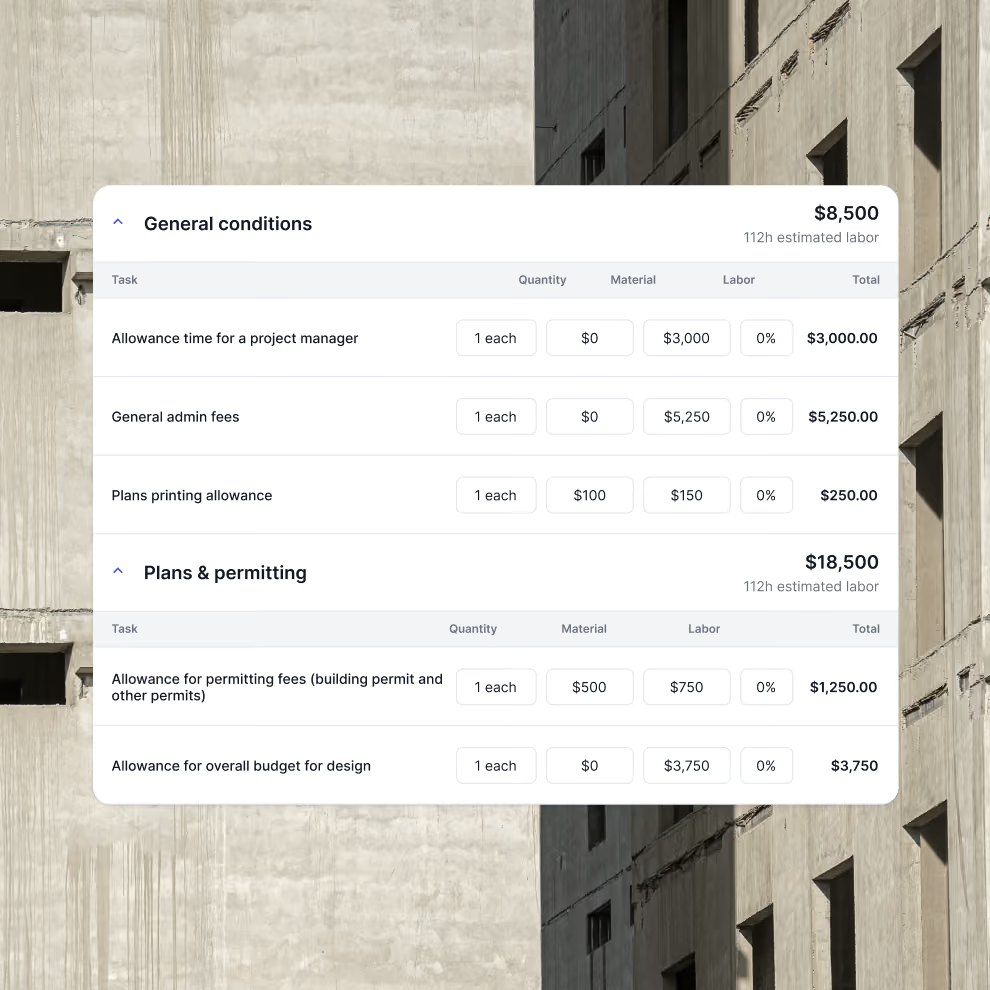
Estimating Software
AI powered construction estimating software
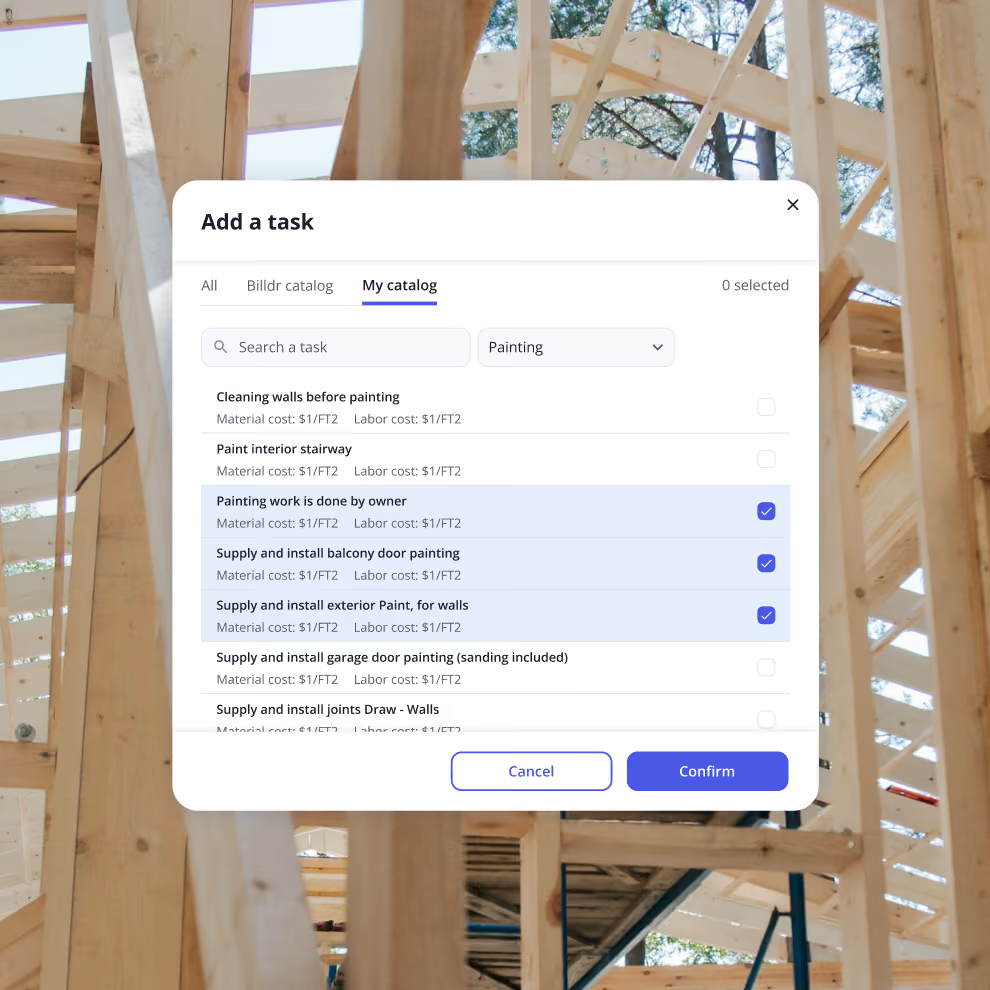
Cost Catalog & Templates
Optimize your quoting process with your cost catalog
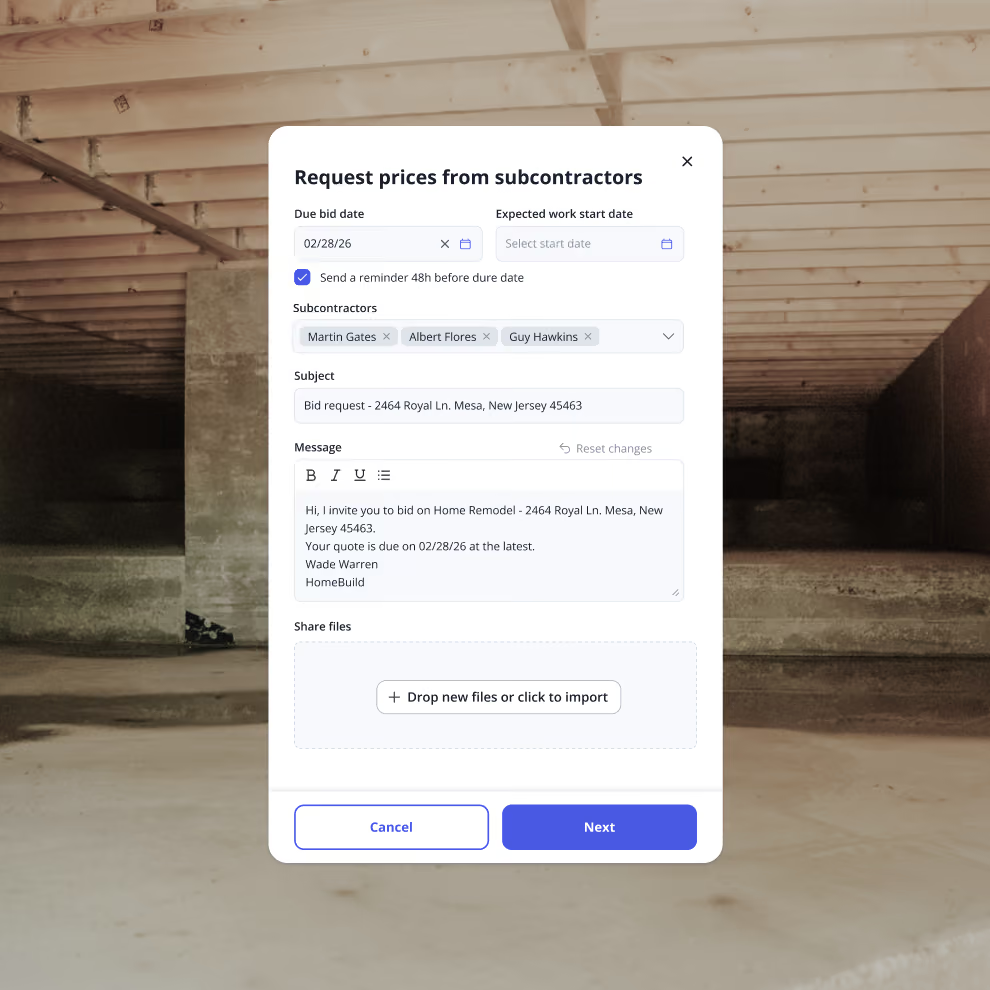
Bid Requests
Request and compare subcontractor bids all in one place


Your construction business, in your pocket. Get the Billdr app today.
Your office goes wherever you build!


Still have questions?

Yes. Billdr is built for residential and commercial general contractors, home builders, and specialty contractors across North America. Whether you're a small & medium team (1-30 FTEs) or a growing business (30-100 employees), Billdr scales with the way you build.
Note: Billdr is not adapted for general contractors building high-rises, airports, industrial projects.
Absolutely. Billdr is designed for owners, project managers, estimators, office staff, field crews, subcontractors, and even your clients through dedicated portals. Everyone stays connected in one system.
Yes. Billdr syncs with QuickBooks Online, so invoices, expenses, purchase orders, bills, payments, and customers move across automatically and nothing gets entered twice. Your operations team works in Billdr while your accountant keeps working in QuickBooks
Yes. You can book a personalized demo with our team or start your subscription and schedule a free onboarding session. We'll help you get set up quickly so you can experience Billdr with your own projects.
Yes. Billdr includes import tools to help you migrate customers, contacts, projects, price lists, templates, and more. Our Customer Success team is available to guide you through the transition and ensure a smooth setup.