
Home building software built to run your entire business
One operating system for every home you build











Modern OS to build better homes
Estimate
Build accurate estimates for every home
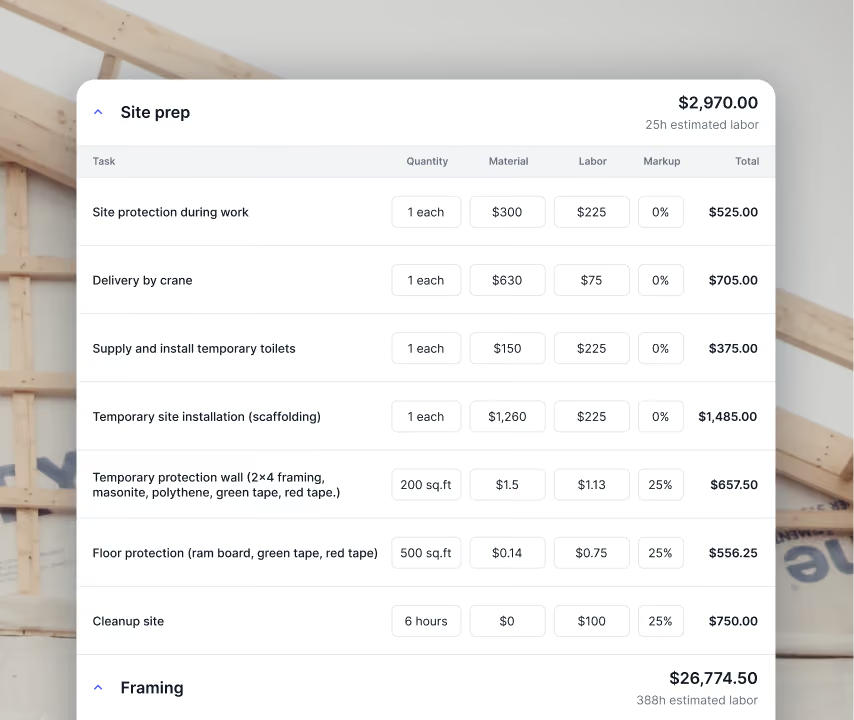
Create detailed estimates using your cost codes, historical pricing, labor, materials, subcontractor costs, and markups. Start from an existing model or build a completely custom home estimate.
Bruno, your AI estimator
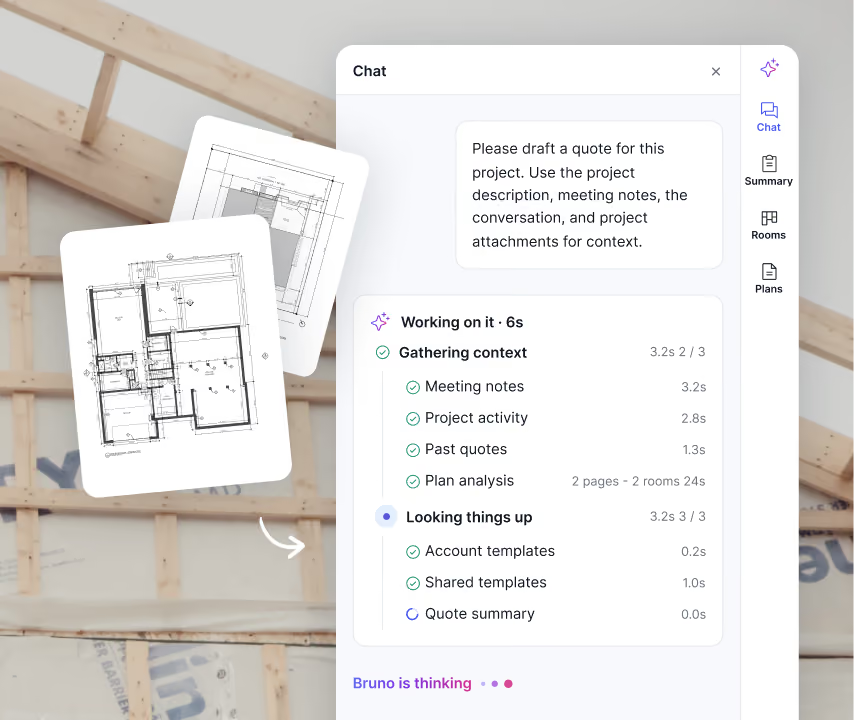
Give Bruno your plans, specifications, scope, or previous estimates and let AI help build the estimate, identify quantities, and accelerate takeoffs and pricing.
Create reusable home templates
Turn your most common models, specifications, and scopes into reusable estimating templates. Duplicate previous builds instead of starting from scratch every time.
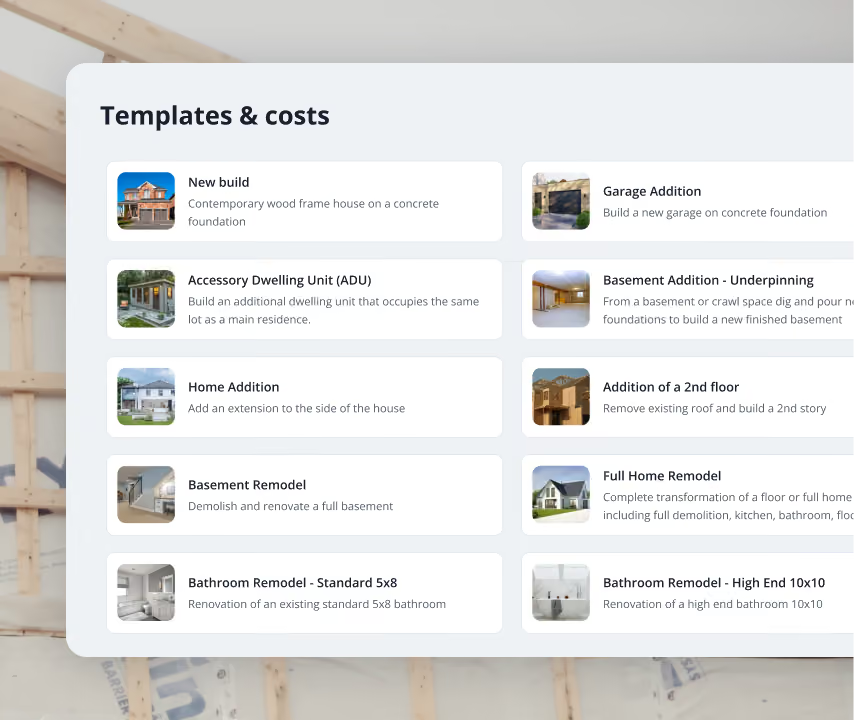
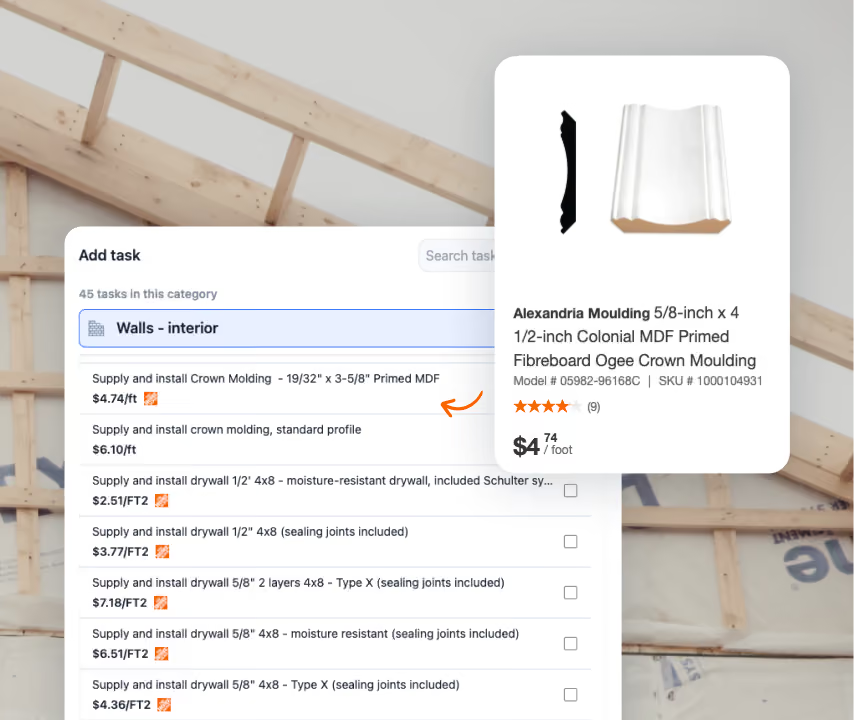
Keep material pricing up to date
Use current material pricing, including Home Depot pricing, to build more reliable budgets and quickly adjust estimates as costs change.
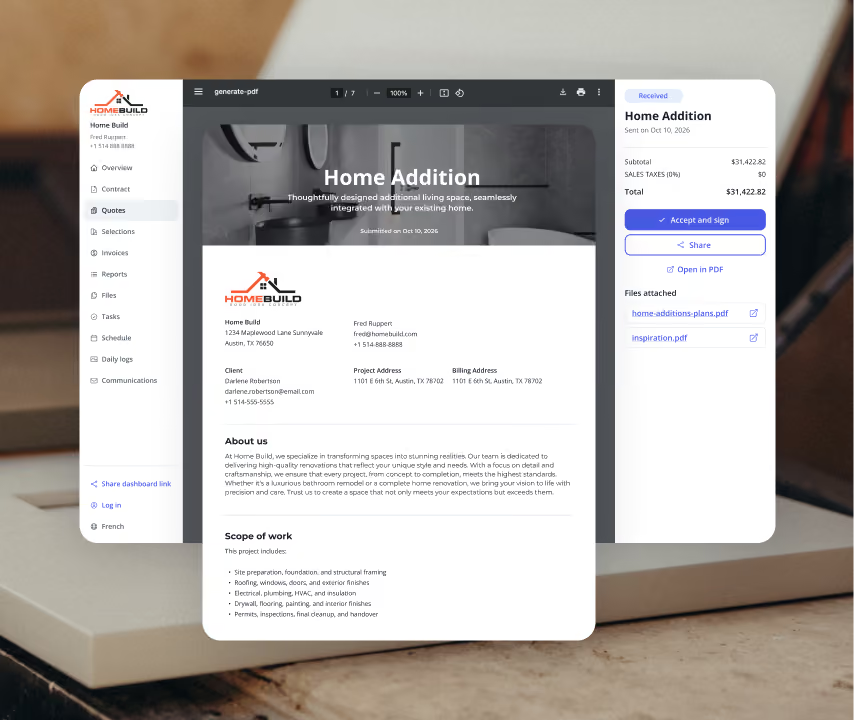
Homebuyer Experience
Give every homebuyer their own dashboard
Give buyers one professional place to follow their home: from documents and selections to invoices, payments, project updates, and important decisions.
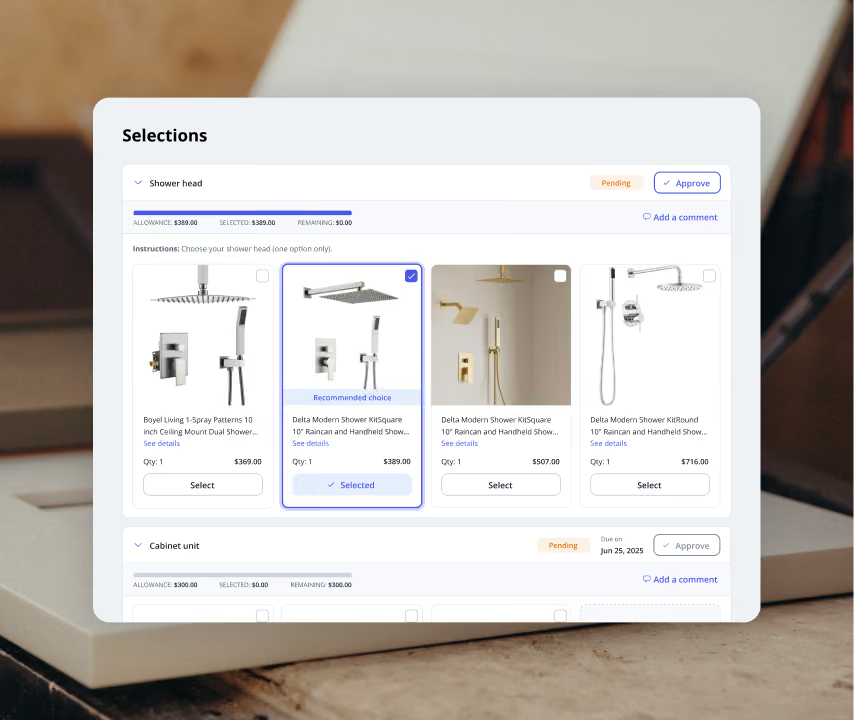
Keep selections and allowances under control
Manage finishes, fixtures, appliances, upgrades, allowances, deadlines, and buyer decisions in one place. Know what has been selected, what is still outstanding, and how every decision affects the budget.
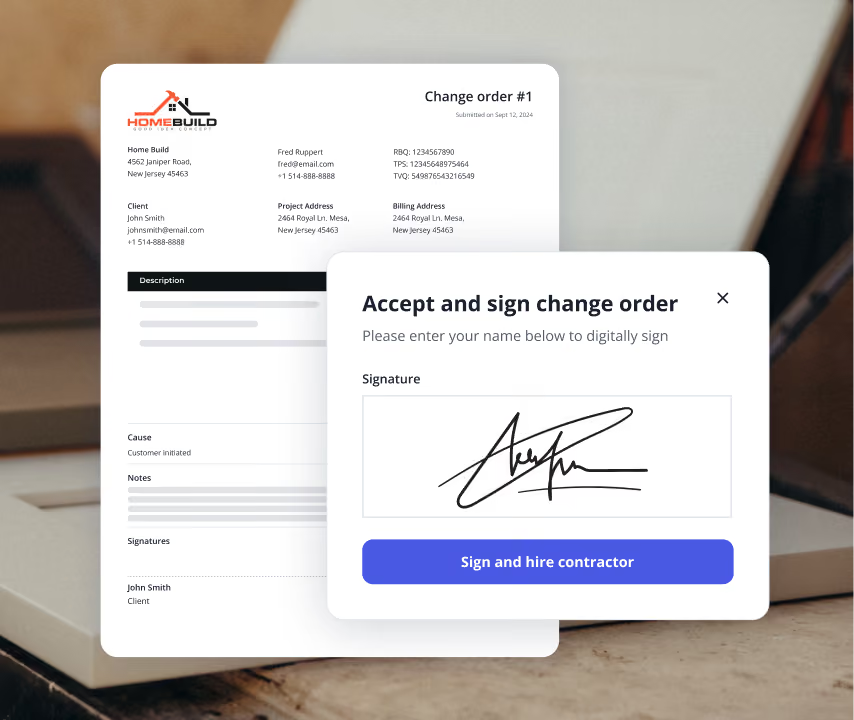
Manage upgrades and change orders
Turn buyer requests into documented change orders with pricing and approvals before work begins. Keep the contract value and project budget automatically aligned.
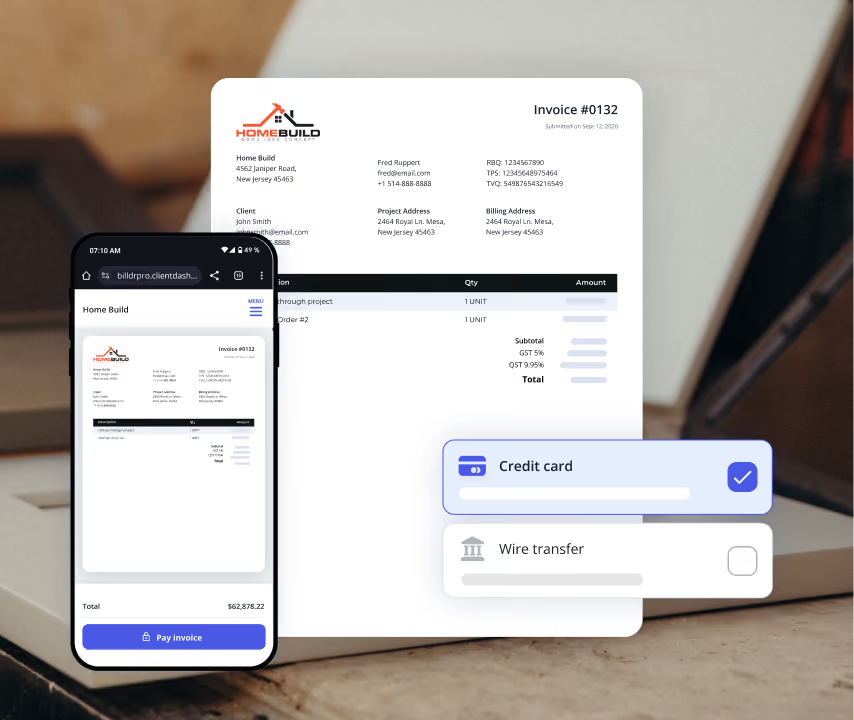
Collect deposits and progress payments online
Send invoices and let homeowners pay digitally from their dashboard. Track deposits, milestone payments, outstanding balances, and payment history.
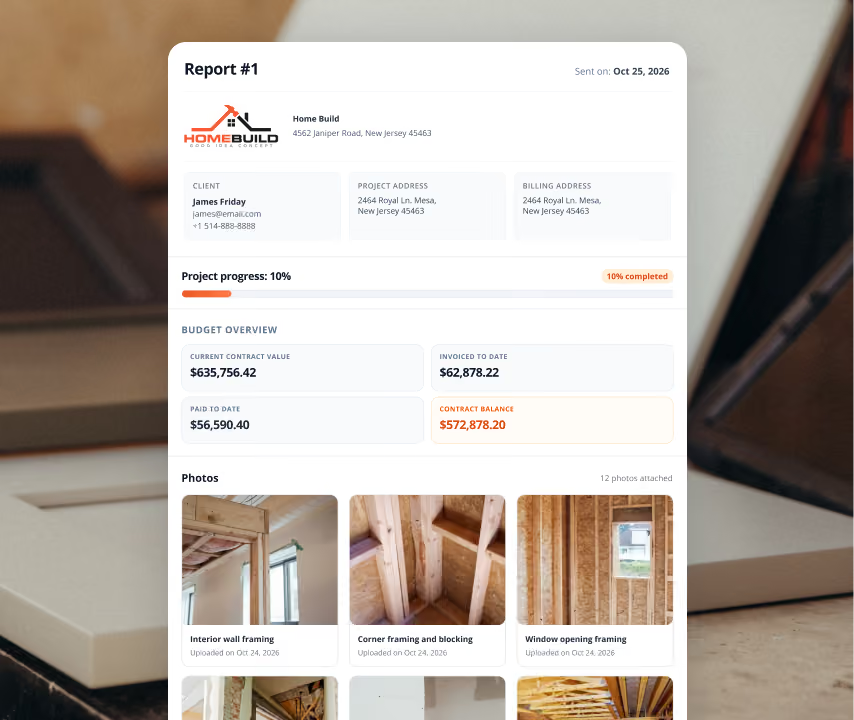
Keep buyers informed throughout the build
Share construction reports, photos, schedules, documents, and updates without relying on endless emails, texts, or phone calls.
Finances
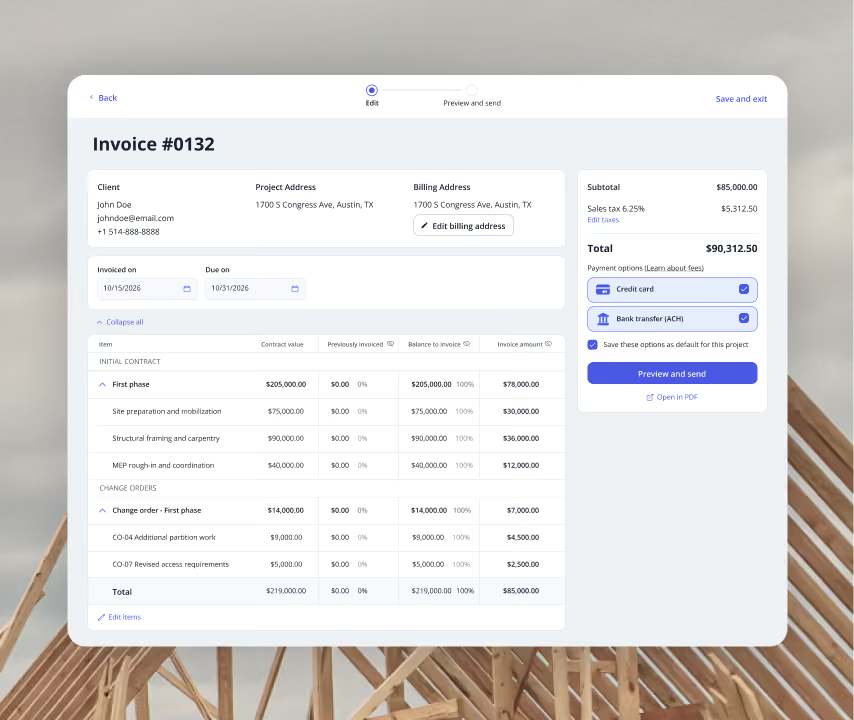
Invoice the way your contracts work
Create deposit, milestone, progress, cost-plus, or custom invoices. Handle retainage where applicable and keep every payment linked to the right home.
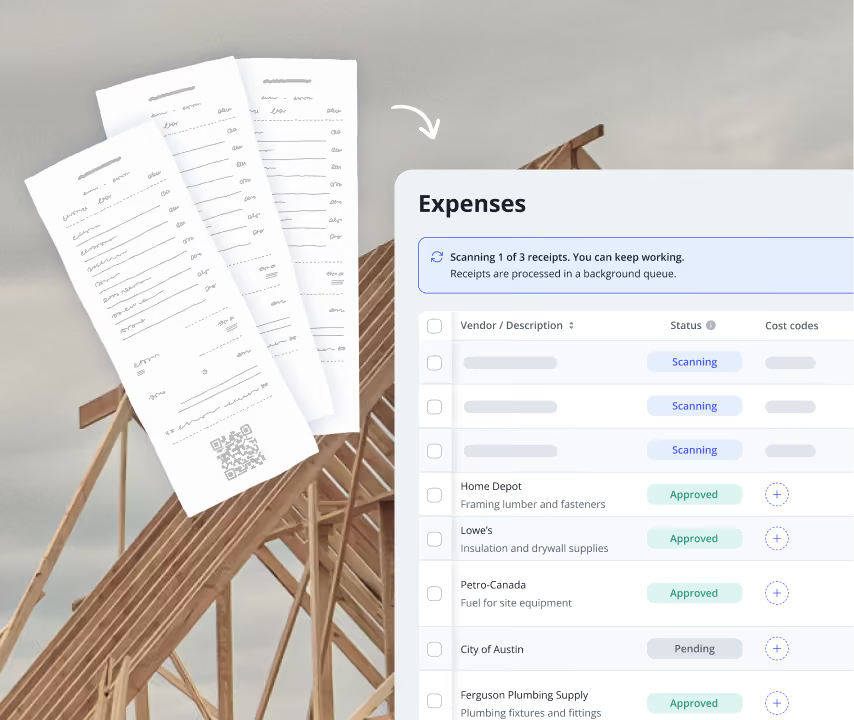
Control purchase orders, bills, and expenses
Issue POs to trades and suppliers, track committed costs, collect bills and receipts, and organize every expense against the correct project and cost code.
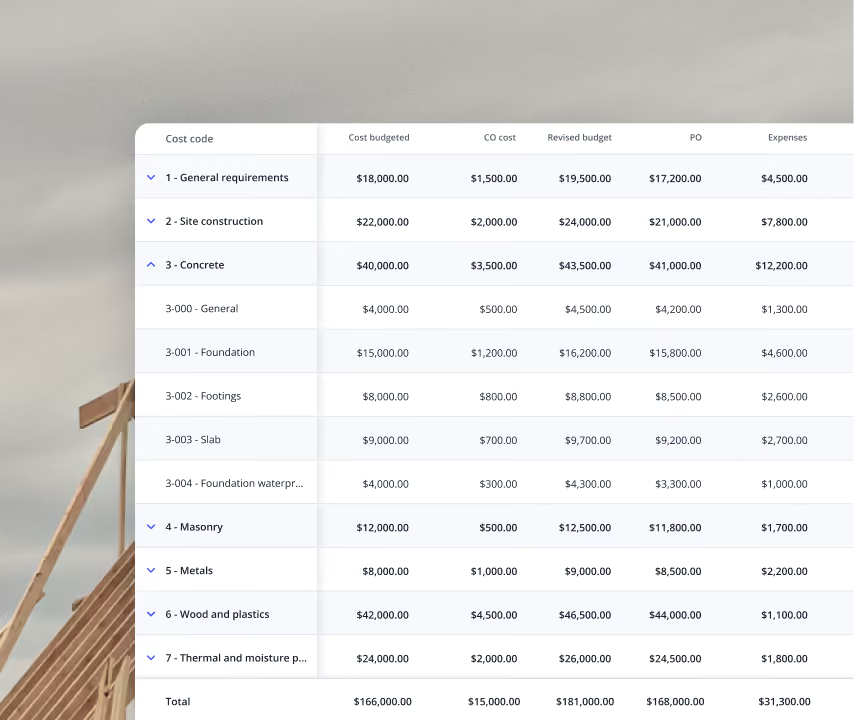
Know your profitability on every home
Compare estimated costs, committed costs, actual costs, invoiced revenue, and collected payments in real time. See margin erosion before the project is finished.
Keep QuickBooks in sync
Synchronize invoices, payments, expenses, vendors, and financial information between Billdr and QuickBooks without duplicate entry.
Field & Trades
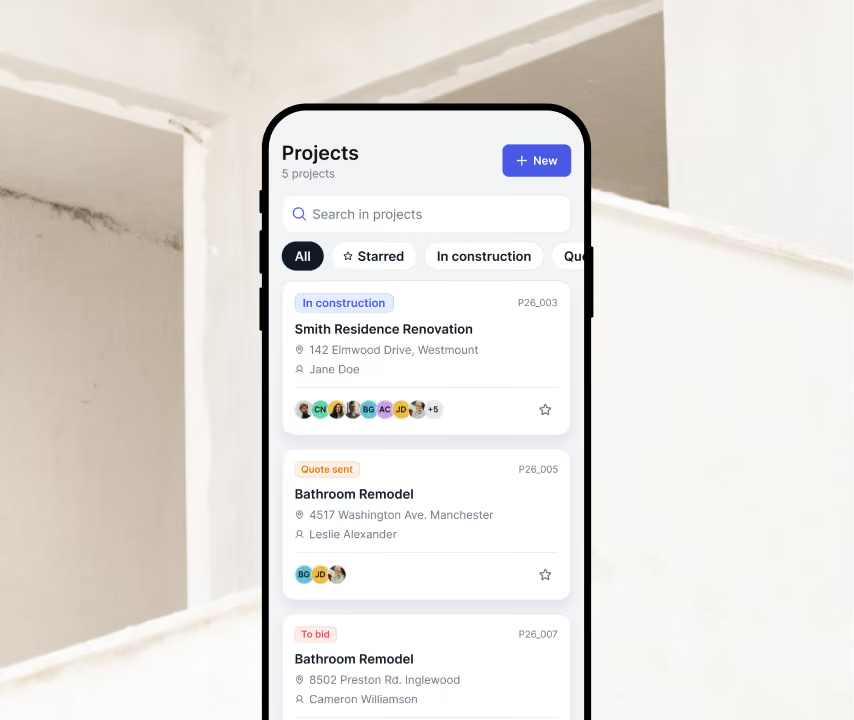
One mobile app for your entire team
Superintendents and employees can access projects, schedules, tasks, files, photos, daily logs, timesheets, and Bob AI directly from the field.
Keep every trade on schedule
Build construction schedules, coordinate dependencies, and know what should happen next on every home. Update schedules as conditions change and keep the office and field aligned.
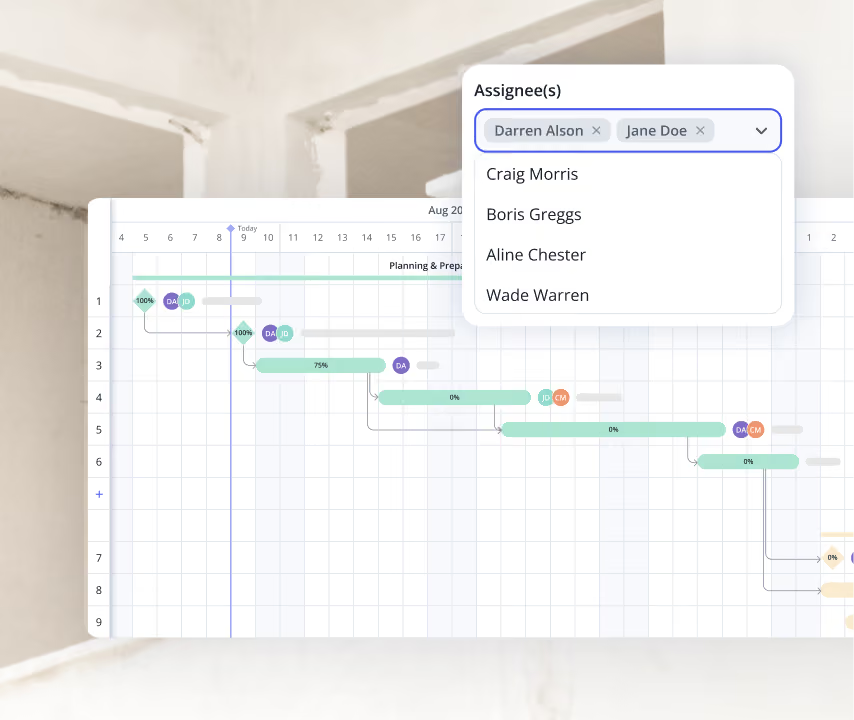
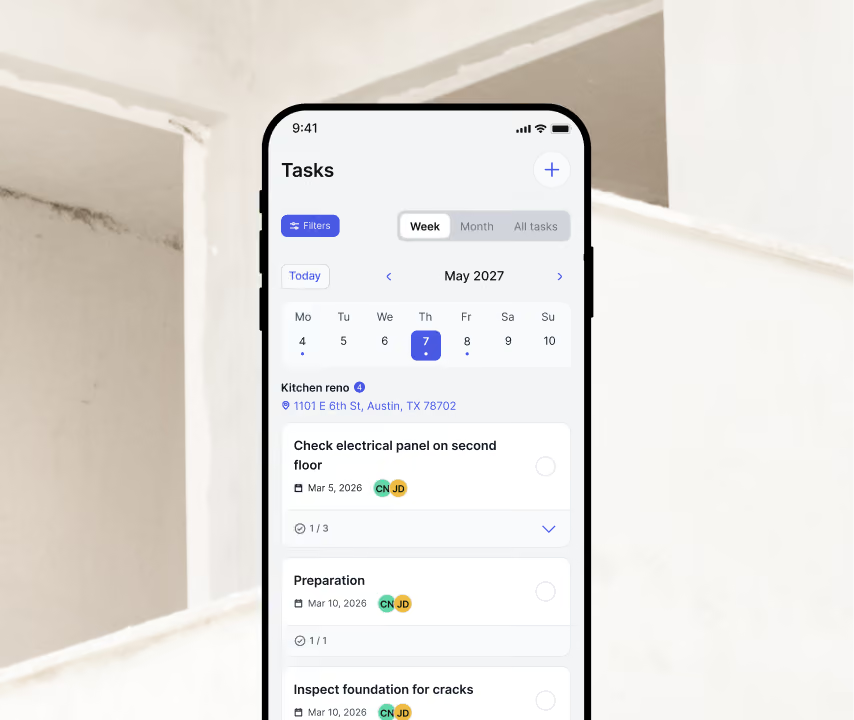
Assign work and close punch lists
Create tasks for employees, trades, or even homeowners. Add deadlines, photos, instructions, and priorities and track everything through completion.
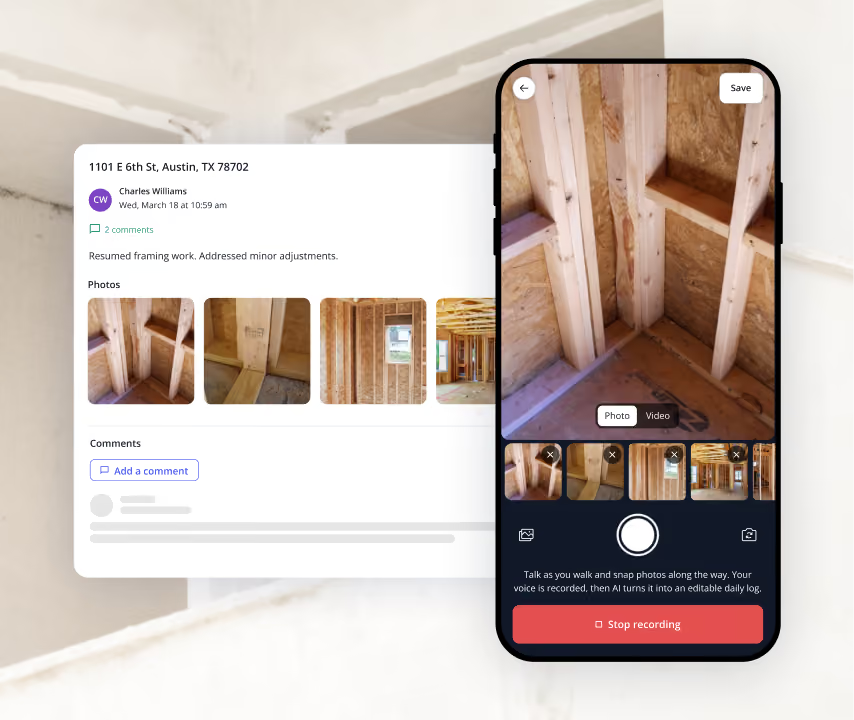
Document progress every day
Capture jobsite photos, notes, weather, completed work, issues, and subcontractor activity through daily logs.
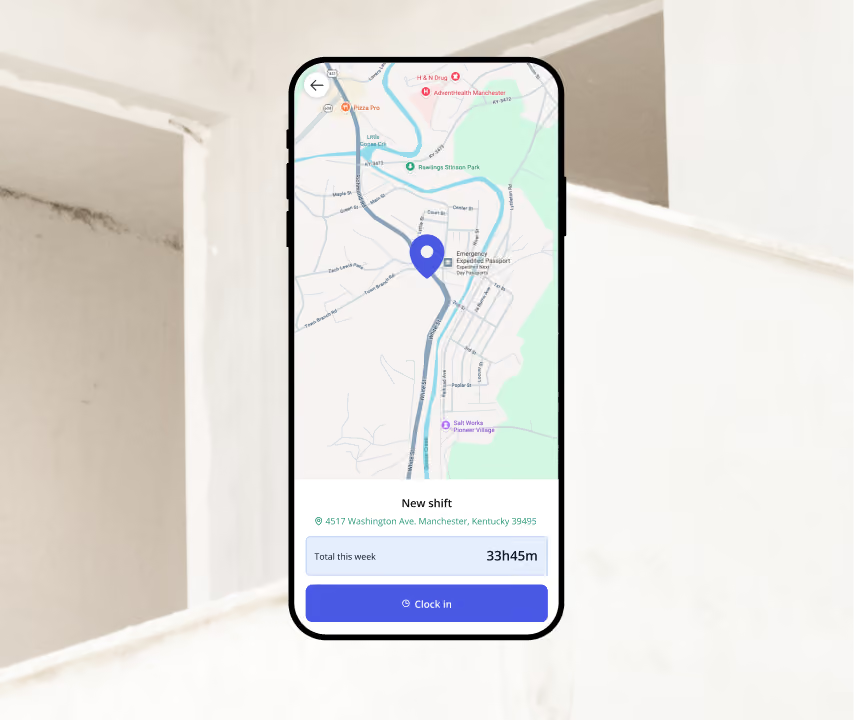
Track labor by project
Let employees clock in and out from their phones and automatically associate their hours with the right home for better job costing.
How we help GCs win


7x revenue growth with Billdr
“Billdr saved me so much time. In the evening, I have more time with my daughter. I also have more time to play my electric guitar...This is priceless.”


50 hours saved per week
“Billdr is helping us taking our business to the next level. We save so much time, it makes us so happy. I can spend more time with my wife and kids.”

2.5x revenue growth
“Before Billdr, doing a quote used to take me 3h or more. Now with Billdr, I can build one in 30 seconds.”
2-3h saved per evening
“We can see all our projects’ data in one place. We don’t need to use so many different tools anymore. Billdr is efficient and easy.”
10x more user friendly
“Billdr is way more user-friendly than our previous platform! Very complete program. It’s also pretty to look at!”
Our customer reviews
“Billdr has genuinely been a game changer for me”
I’ve used other software before, and it felt like stepping back to Windows 95: complicated and unintuitive. With Billdr, the onboarding was smooth, the interface was professional from the start, and I could present polished quotes and documents without spending hours. It’s intuitive, fast to learn, and easy to use immediately.
“So much more simple and user friendly software”
“Using the platform is simple and easy”

"Billdr is helping taking our business to the next level"

"Billdr changed my day-to-day. It does everything we need to do."




Your construction business, in your pocket. Get the Billdr app today.
Your office goes wherever you build!


Still have questions?

Yes. Billdr is built for residential and commercial general contractors, home builders, and specialty contractors across North America. Whether you're a small & medium team (1-30 FTEs) or a growing business (30-100 employees), Billdr scales with the way you build.
Note: Billdr is not adapted for general contractors building high-rises, airports, industrial projects.
Absolutely. Billdr is designed for owners, project managers, estimators, office staff, field crews, subcontractors, and even your clients through dedicated portals. Everyone stays connected in one system.
Yes. Billdr syncs with QuickBooks Online, so invoices, expenses, purchase orders, bills, payments, and customers move across automatically and nothing gets entered twice. Your operations team works in Billdr while your accountant keeps working in QuickBooks
Yes. You can book a personalized demo with our team or start your subscription and schedule a free onboarding session. We'll help you get set up quickly so you can experience Billdr with your own projects.
Yes. Billdr includes import tools to help you migrate customers, contacts, projects, price lists, templates, and more. Our Customer Success team is available to guide you through the transition and ensure a smooth setup.